AI Torn Paper Effect
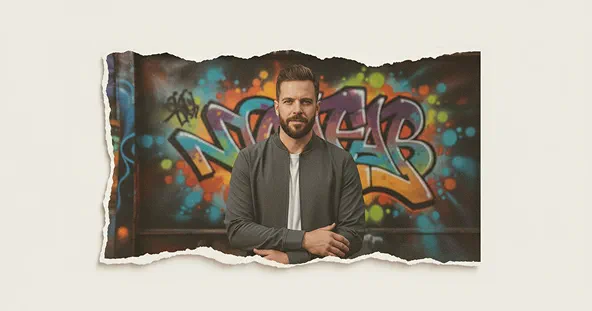
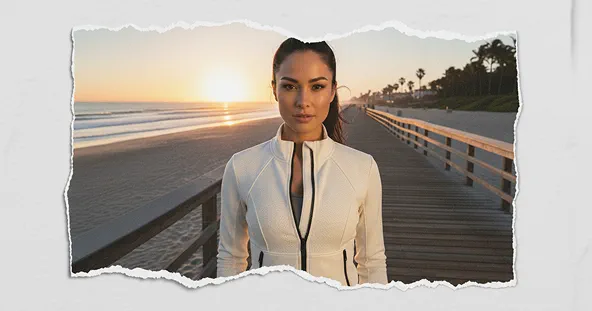
Create a realistic torn paper look with the free AI Torn Paper Effect. Add ripped edges, cut-out style frames, and a creative collage feel to your photos in seconds.
Sample Images of Torn Paper Effect
How the Torn Paper Effect Works
Upload Your Photo
Choose a high-quality, well-lit photo from your device and upload it to get started with the Torn Paper Effect.
Apply the Effect
Once your photo is uploaded, click the “Apply Image Effect” button. The AI will instantly add realistic torn edges and textures.
Download & Share
Save your final Torn Paper Effect image to your device and share it easily on social media or with friends and family.
Try More Popular Image Effects




What People Say about us

Olivia
Digital Artist
"This torn paper effect is exactly what I was looking for. It adds such a cool, authentic texture to my projects."

Liam
Video Creator
"I love how easy this is to use! Max Studio's tools are always top-notch and this effect gives my videos a professional, artistic touch in seconds."

Sophia
iOS user from USA
"Super fun effect to play with. My social media posts have never looked better."