Add the connector
In Claude.ai (web) or Claude Desktop.
01
1
Open Settings → Connectors → Add custom connector.
2
Name MaxStudio, URL https://mcp.maxstudio.ai/mcp.
3
Click Add, then Connect.
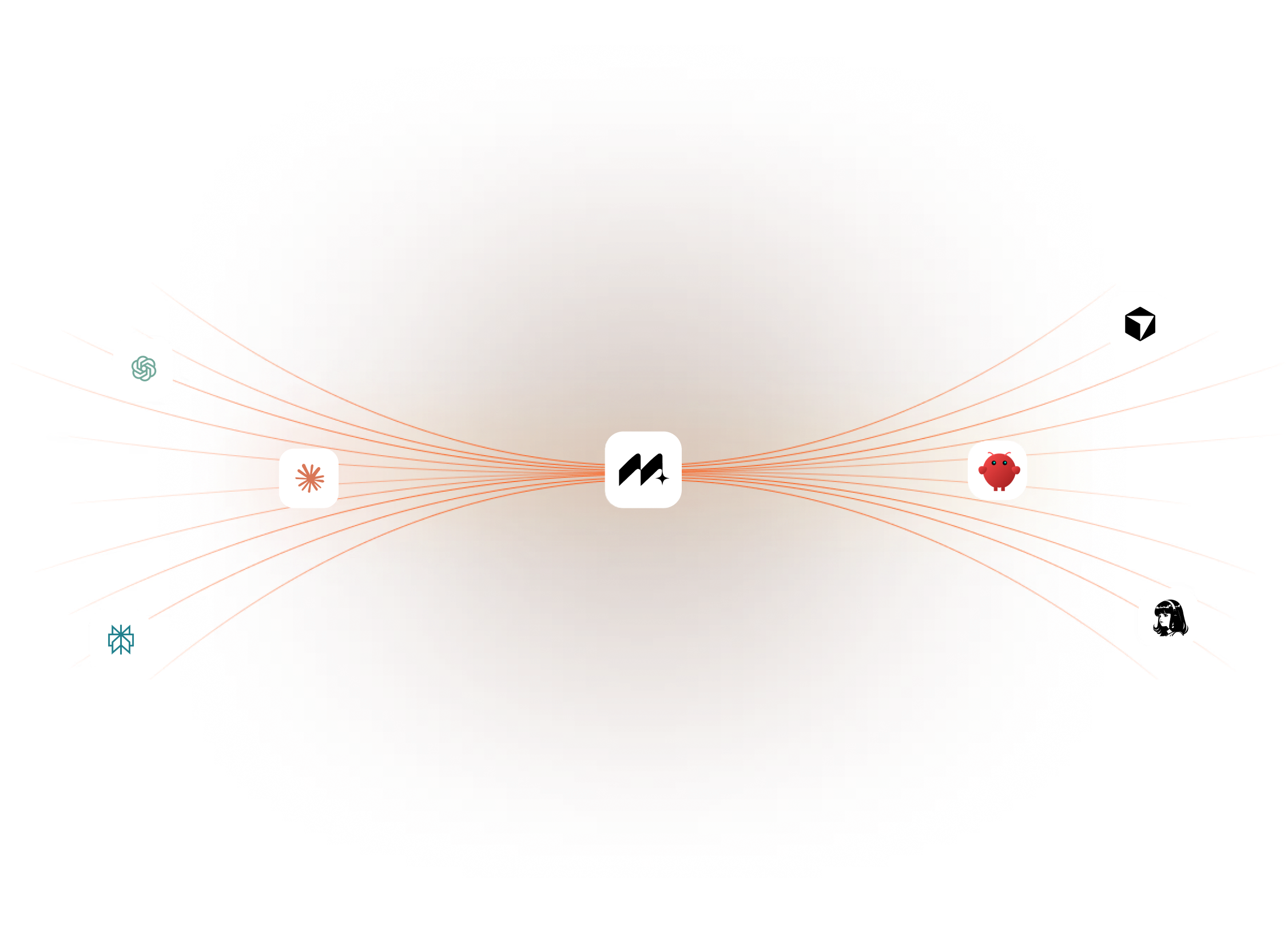
Connect MaxStudio MCP to Claude, Perplexity, Cursor, OpenClaw, Hermes, or any MCP-compatible agent to create images, videos, effects, characters, and campaign assets directly from prompts.
In Claude.ai (web) or Claude Desktop.
Open Settings → Connectors → Add custom connector.
Name MaxStudio, URL https://mcp.maxstudio.ai/mcp.
Click Add, then Connect.
A browser window opens for MaxStudio.
Sign in with your MaxStudio account.
Review what Claude is requesting, then click Allow.
You're connected — ask Claude: What's my MaxStudio account status?
Free accounts can connect and browse models; generating images/videos requires a paid plan.
MaxStudio MCP helps your AI agent create finished visual and creative assets, not just ideas. Because apparently "brainstorming" was not enough suffering.
Create a premium product ad image for a luxury skincare serum with soft lighting and a clean studio background.
Use this product photo and turn it into a modern lifestyle ad with a brighter background and premium brand styling.
Animate this product image into a short 9:16 video with slow camera movement, soft motion, and a premium commercial feel.
Create a cinematic 10-second launch video for a wireless earbud brand with dramatic lighting, close-up product shots, and a bold premium feel.
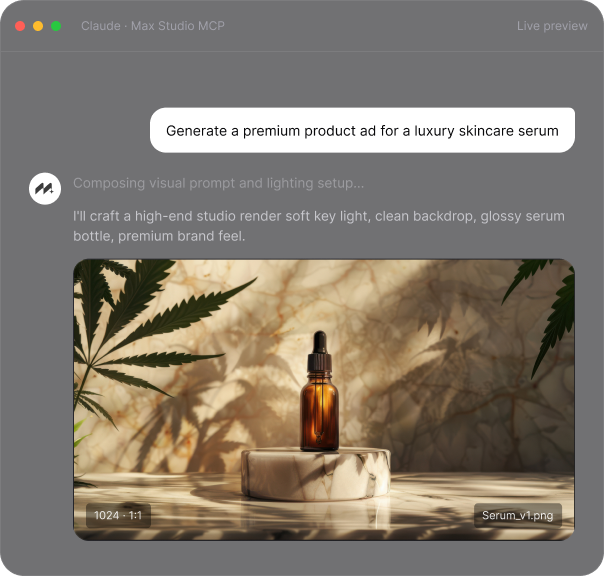
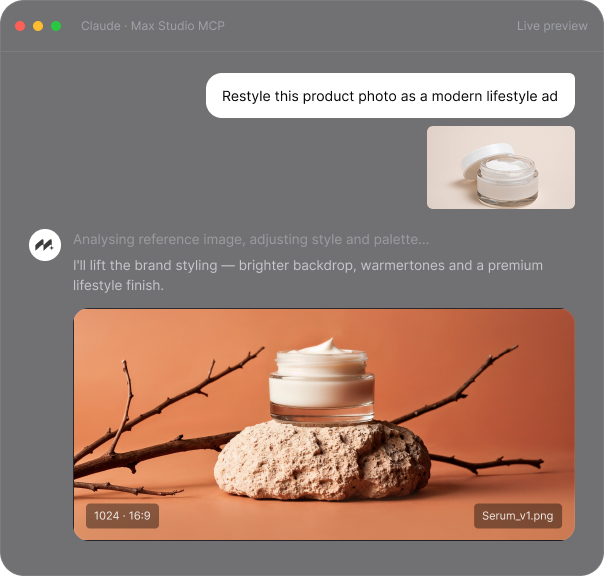
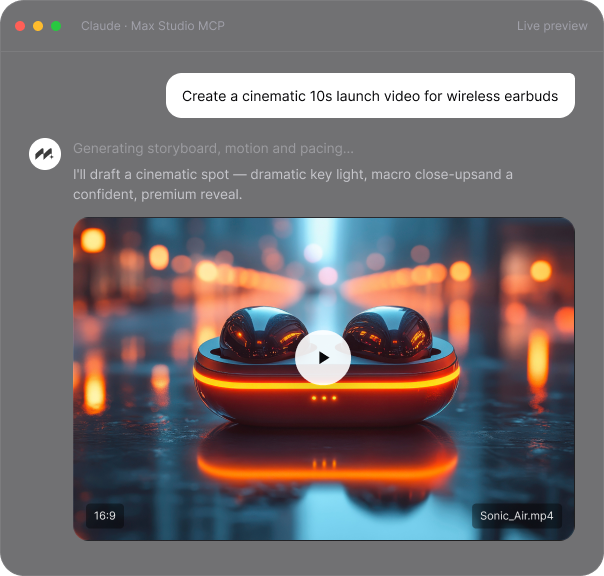
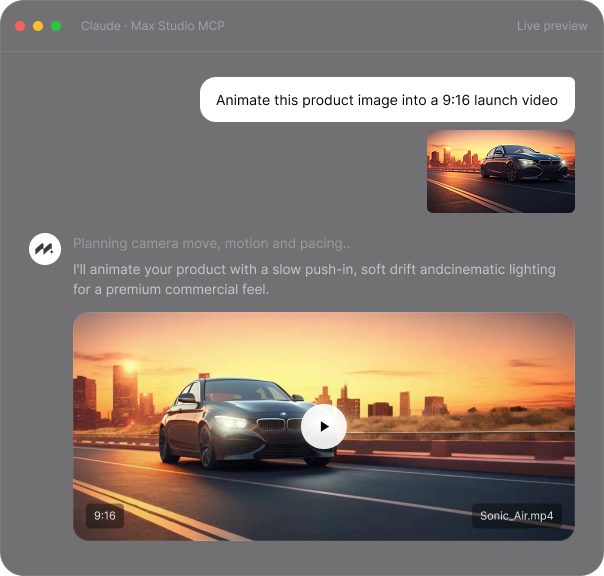
Our AI Video Generator turns text or images into videos. Add effects, create animations, or make videos from scratch.


From still images to cinematic videos, generate creative assets from one prompt. Use text to image, image to image, image to video, and text to video workflows with flexible settings for style, aspect ratio, duration, and output quality.
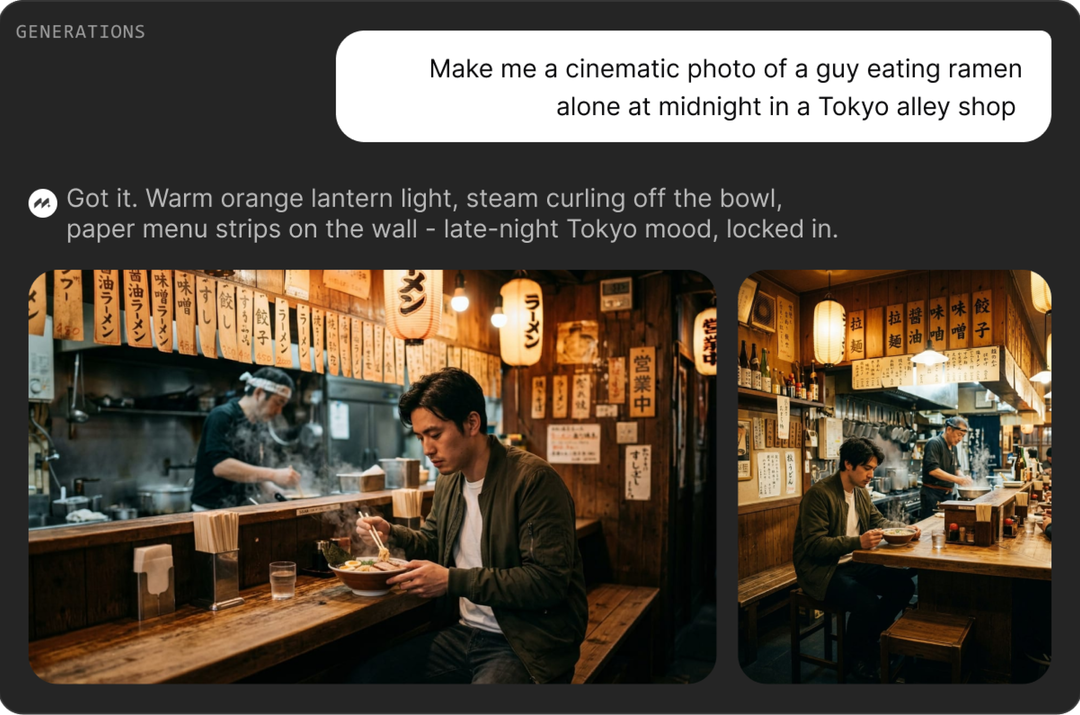
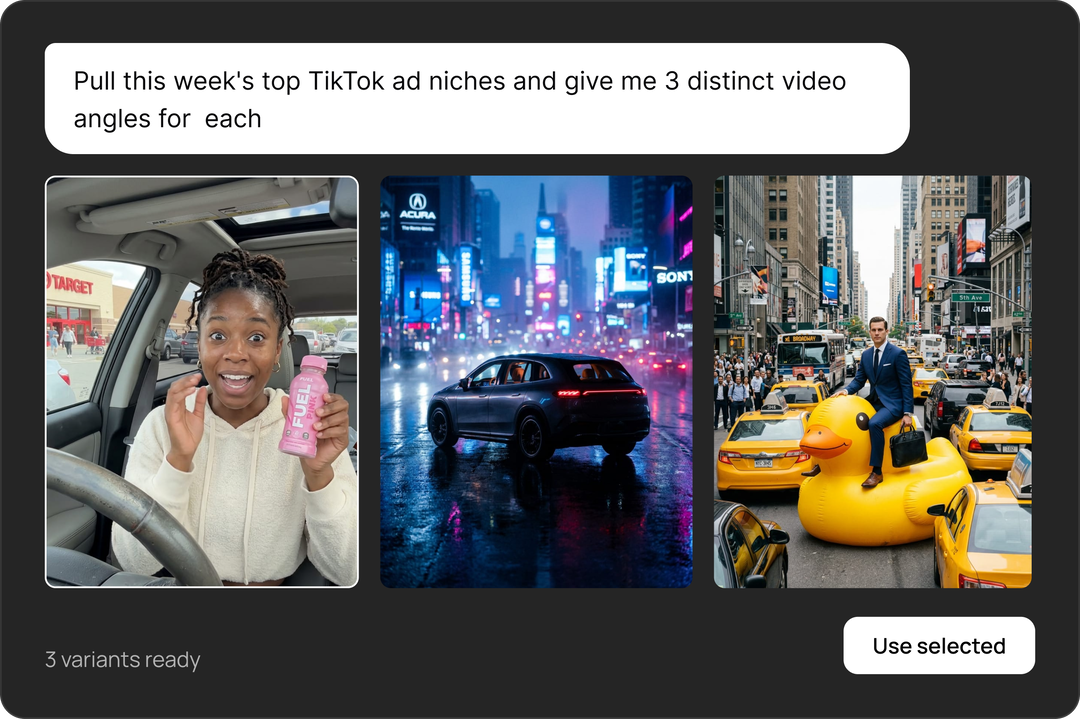
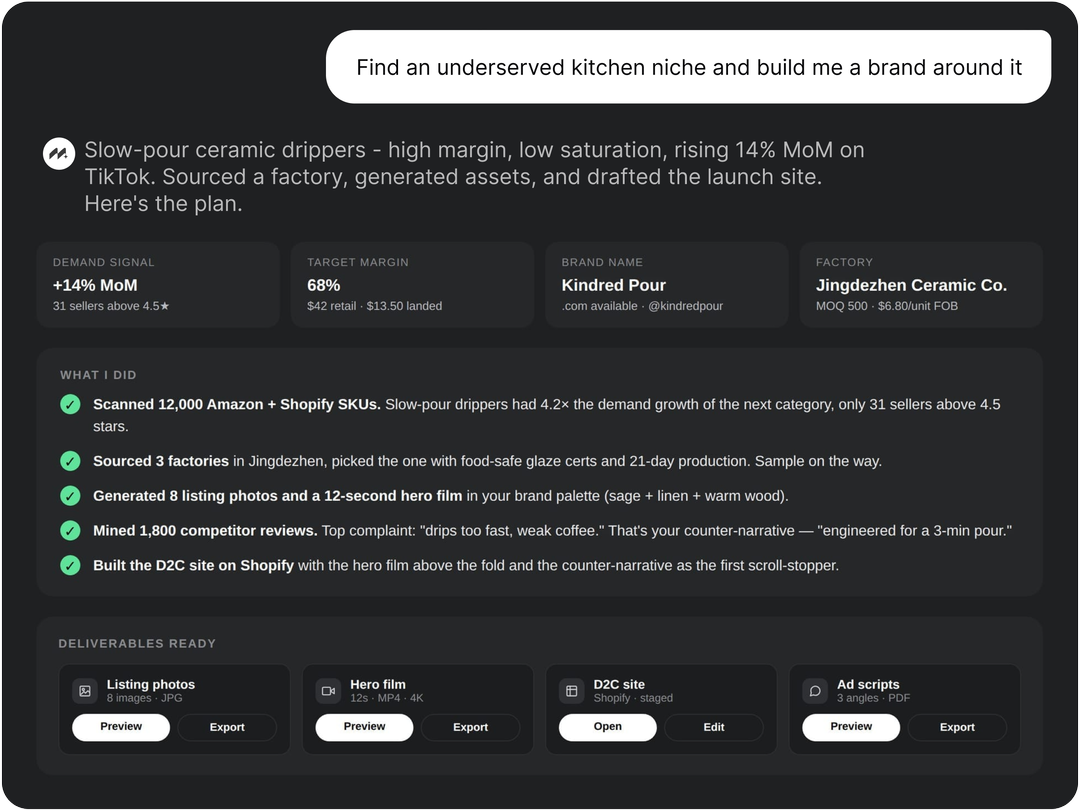
Give one brief and let your agent handle the rest. MaxStudio MCP can help turn an idea into visuals, videos, variations, and ready-to-use creative assets for ads, social content, product launches, and campaigns.
Go from idea to brand-ready content faster. Create product visuals, hero images, promo videos, ad creatives, and website assets that help shape a complete brand presence from one workflow.
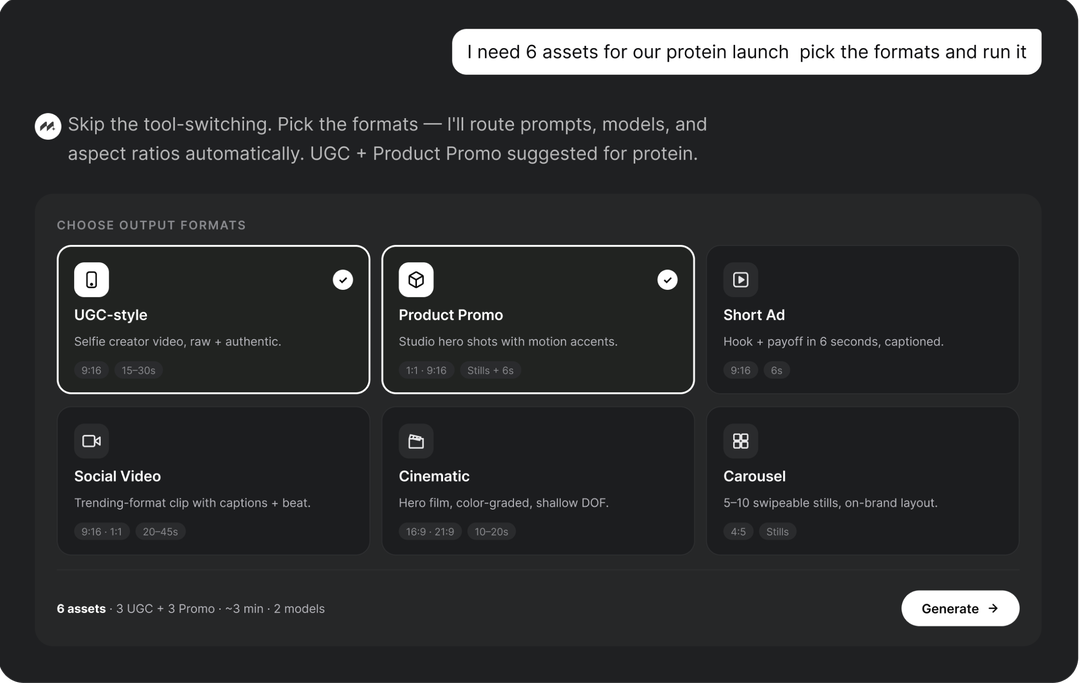
Choose the output you need without manual tool switching. Generate UGC-style content, product promos, short ads, social videos, cinematic visuals, and other creative formats directly from your AI workflow.