Gemini 2.5 Flash Image
Gemini 2.5 Flash Image is a fast and reliable AI image generation model designed for creating high-quality images from text. It allows users to turn simple text prompts into detailed images.
How to Use Gemini 2.5 Flash Image?
Enter Your Text Prompt
Start by typing a clear description of the image you want to create. You can mention the subject, style, colors, or mood. For example, write “a cute cartoon cat playing in a garden” or “a realistic mountain landscape at sunrise.”
Generate the Image
Click the generate button. Gemini 2.5 Flash Image quickly processes your request and creates a high-quality image in a few seconds, so you don’t have to wait long to see the result.
Download & Share
Once the image is generated, you can view it instantly. If you like the result, download the image and share or use it anywhere you want.
Key Features of Gemini 2.5 Flash Image
Fast AI Image Generation
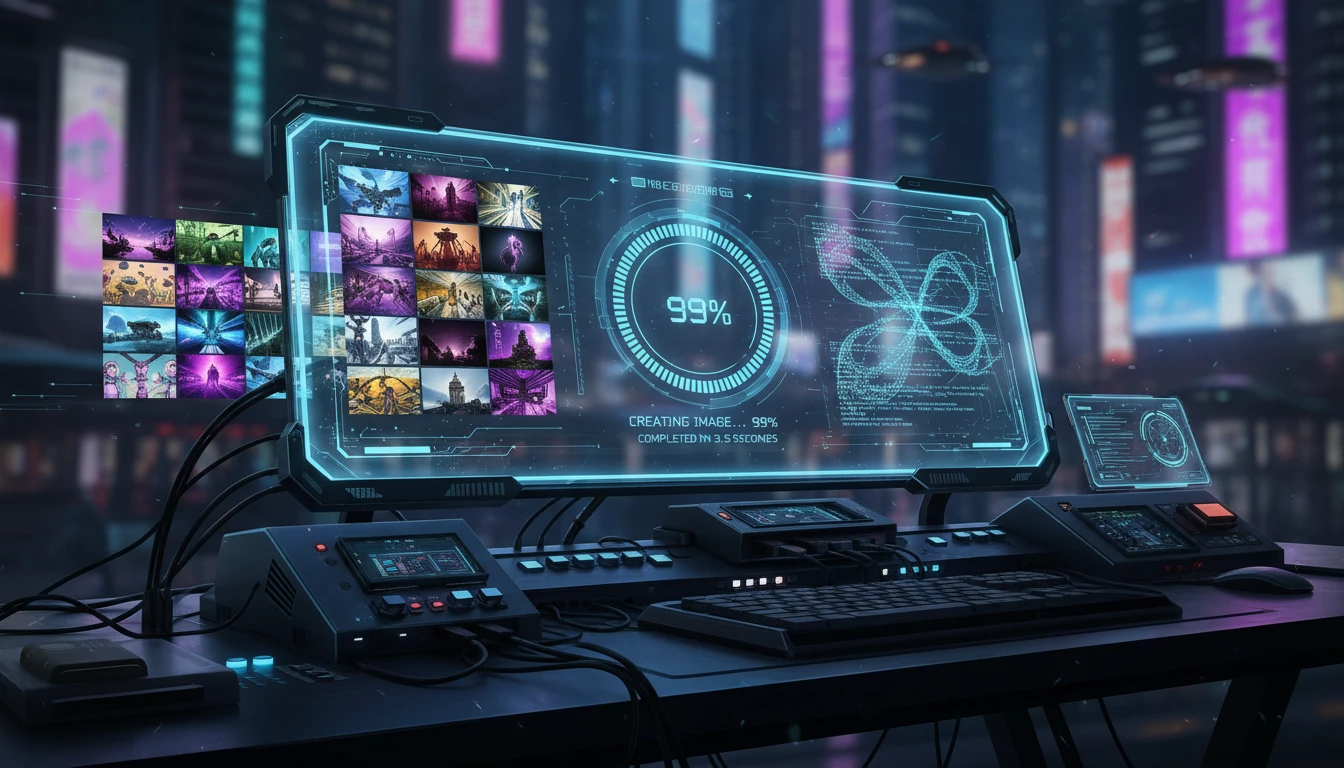
Gemini 2.5 Flash Image is built for speed. It creates images within seconds after you enter a text prompt, helping users save time and generate images quickly without waiting.
Character & Style Consistency
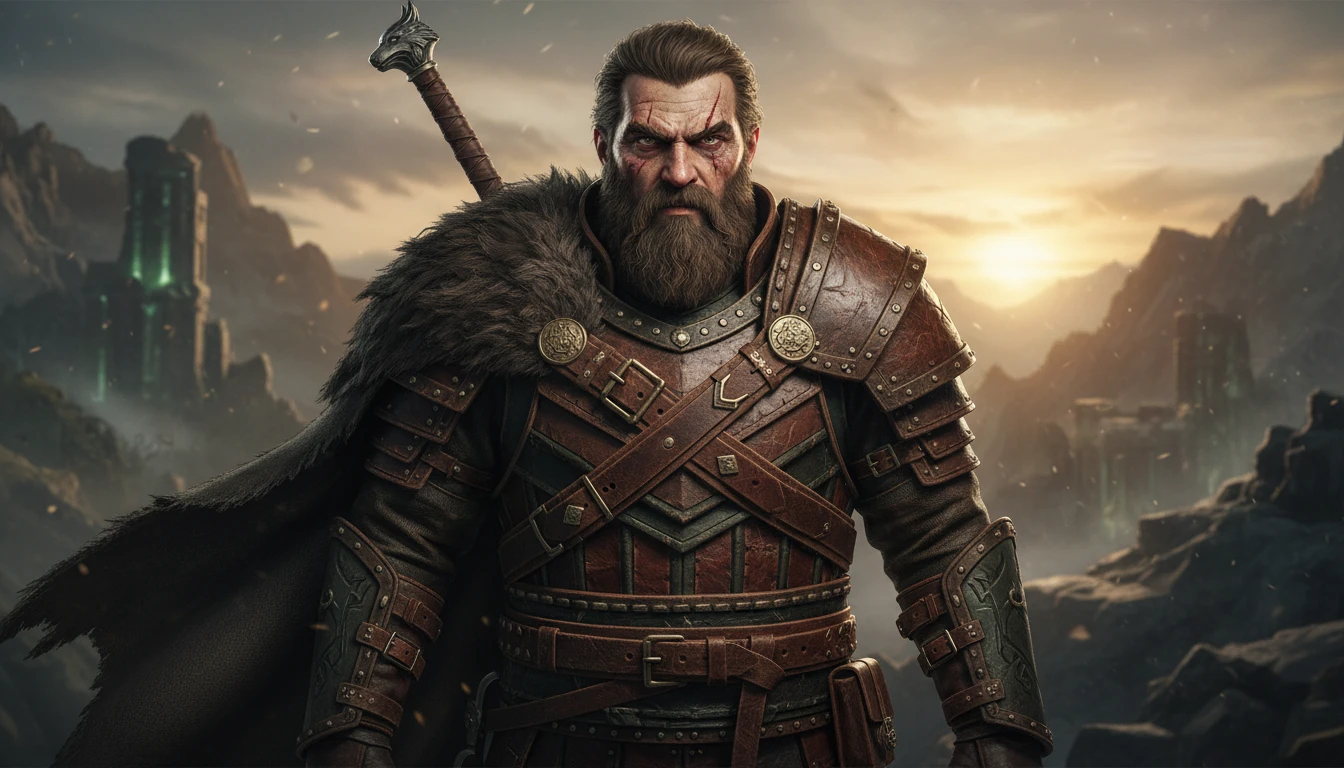
The model helps maintain the same character, face, or visual style across multiple images. This is useful for storytelling, branding, and series content where consistent visuals are important.
Text-to-Image Creation
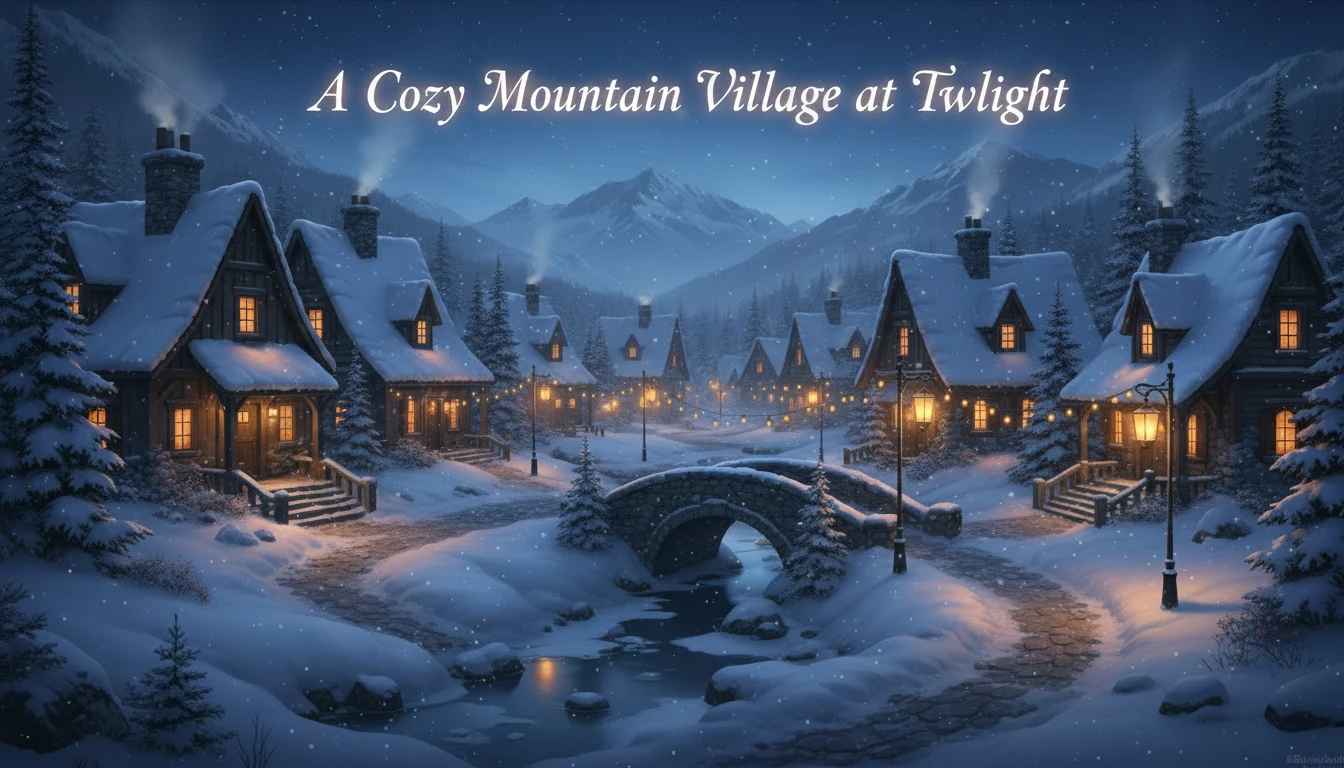
With Gemini 2.5 Flash Image, you can create images using only text. Simply type what you want to see, and the AI generates the image for you. No design tools, editing software, or technical skills are required.
Strong Prompt Understanding
Gemini 2.5 Flash Image understands text prompts clearly and accurately. It follows your instructions closely and generates images that match your ideas, even when the prompts are simple and short.