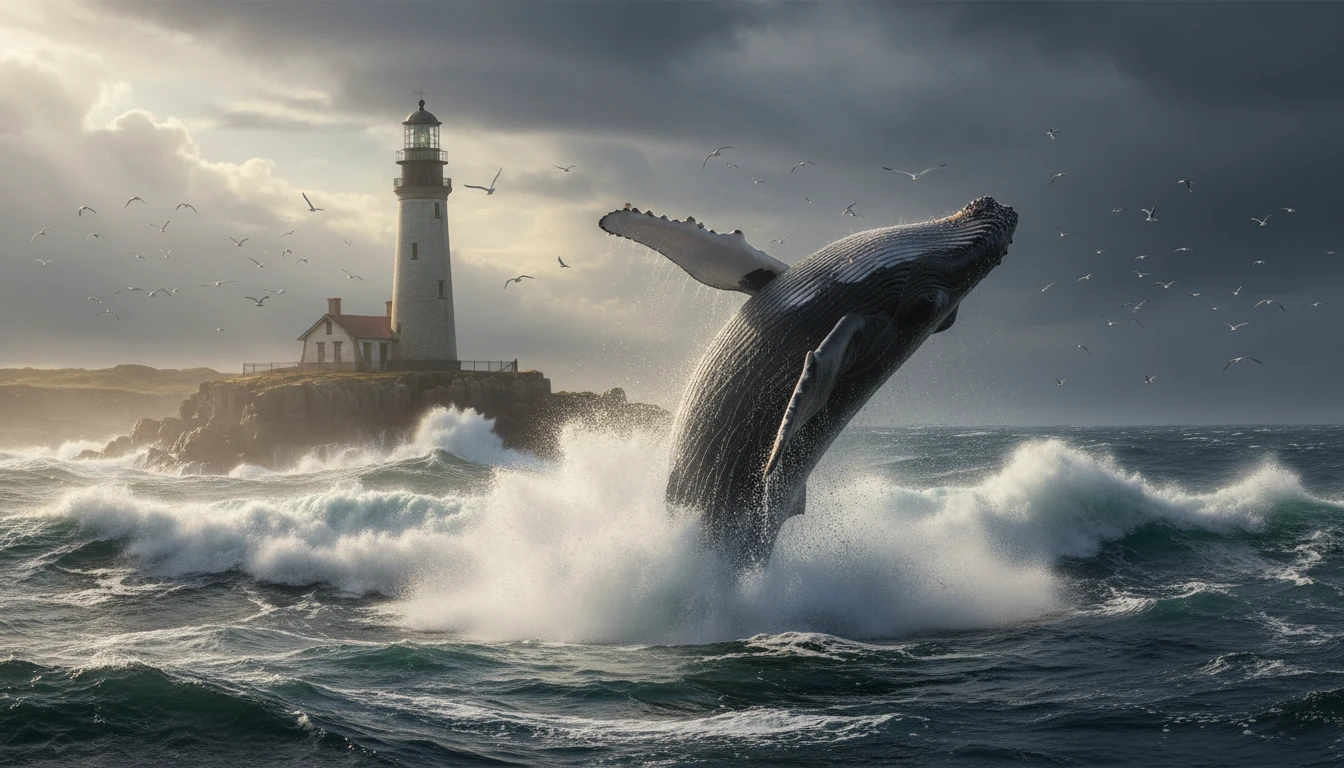
GPT Image 1.5
GPT Image 1.5 is an AI image model that helps you create and edit images from text prompts. Generate high-quality visuals, realistic scenes, and creative designs easily.
Upload an image
Required - PNG, JPG, WEBP
Please upload an image to continue
Explore More GPT Image Models
How to Use GPT Image 1.5?
Enter Text or Upload an Image
Start by typing a text prompt that describes the image you want to create. You can also upload an image if you want to edit or transform an existing photo.
Generate the Image
Click the generate button and GPT Image 1.5 will create the image based on your prompt or reference image. The AI processes the details and produces a high-quality visual in seconds.
Download & Share
Preview the generated image, then download it in high quality. You can use it for design projects, social media, marketing, or share it directly with others.
Key Features of GPT Image 1.5
Precise Image Editing
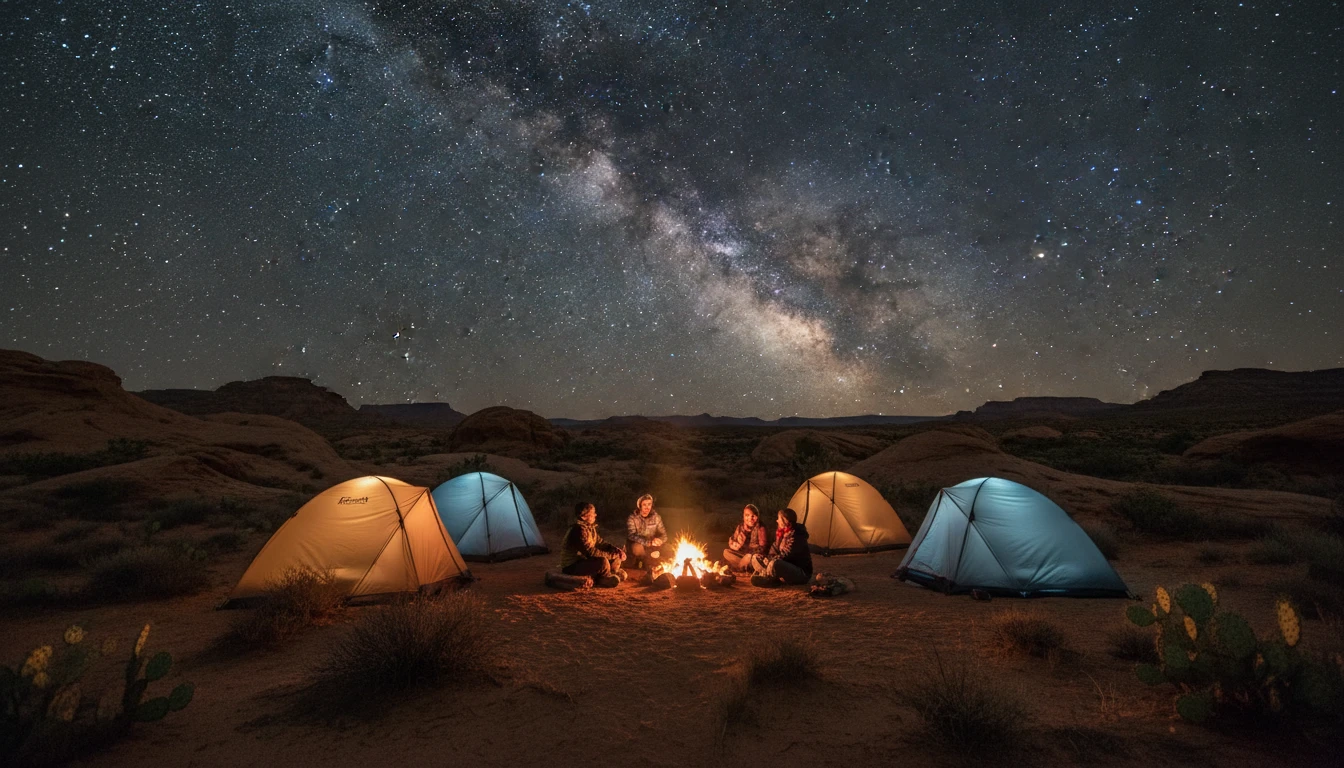
GPT Image 1.5 allows you to edit specific parts of an image using simple text instructions. You can change colors, objects, or backgrounds while keeping the rest of the image unchanged. This precise editing helps maintain the original composition, lighting, and facial details.
Flexible Style Control
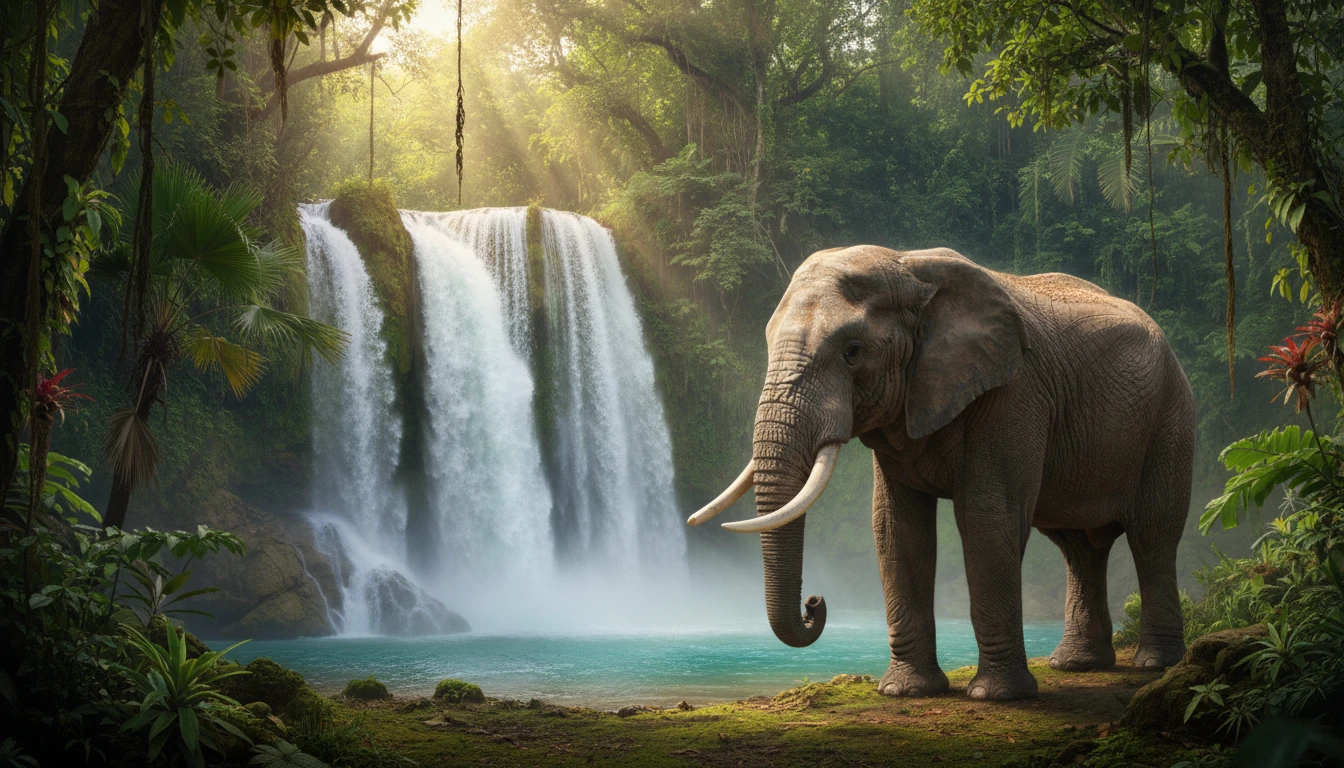
The model gives users the ability to control the visual style of generated images. You can create images in different styles such as realistic photography, illustrations, cinematic scenes, or artistic designs by describing the style in your prompt.
Accurate Text Inside Images
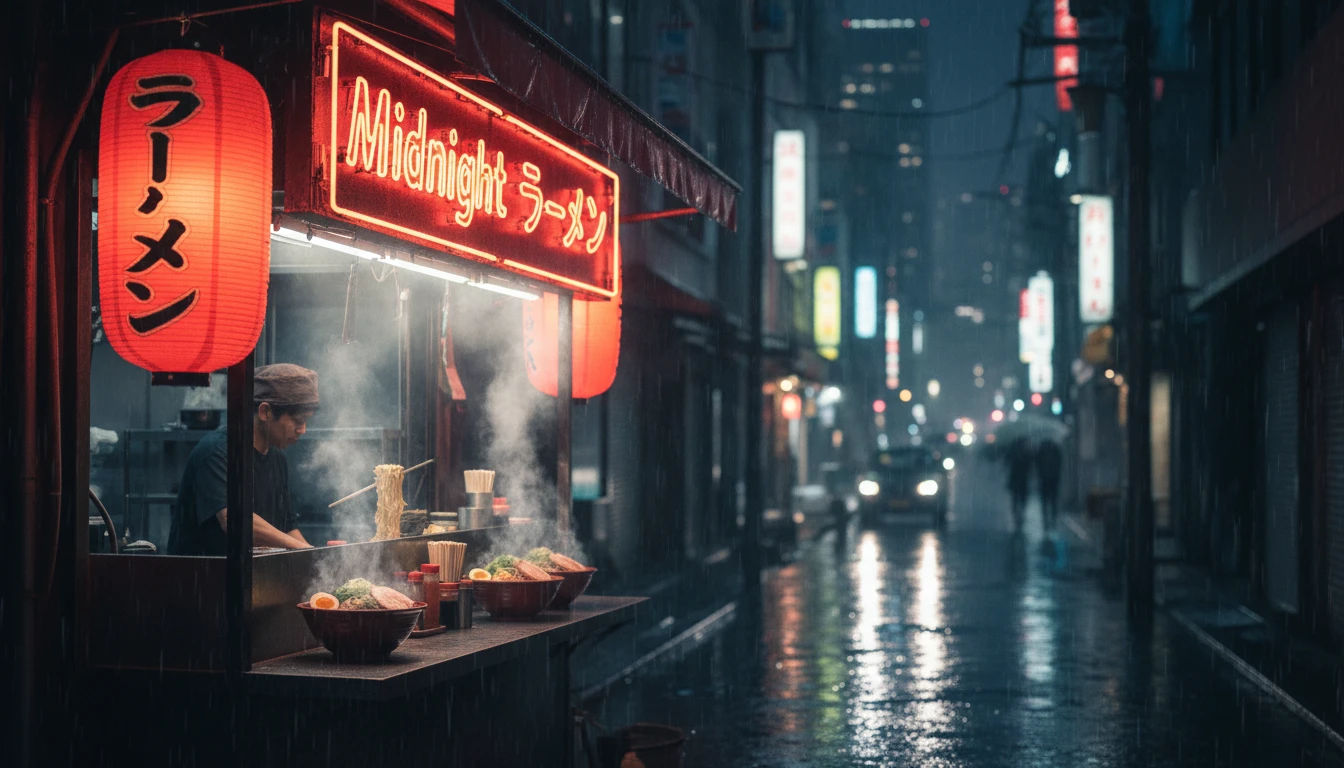
GPT Image 1.5 can generate clear and readable text inside images. This makes it useful for creating posters, infographics, advertisements, UI mockups, and marketing visuals where accurate text placement is important.
Real-World Context Understanding
GPT Image 1.5 has built-in world knowledge that helps it understand context and scene details. The model can interpret locations, historical , events, and environments more accurately, allowing it to generate images that better match the intent of your prompt.