Flux AI Image Generator
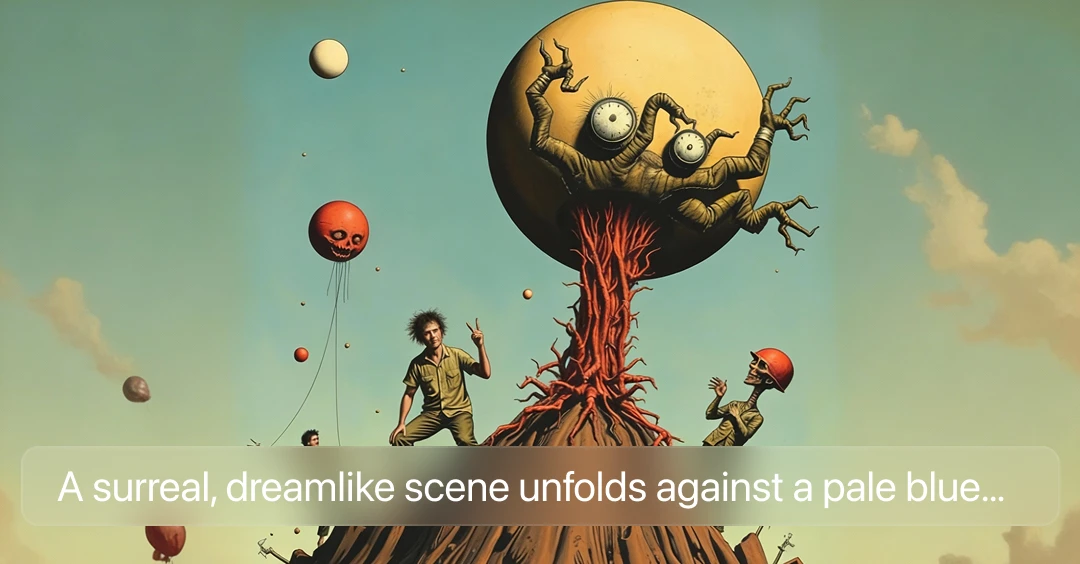
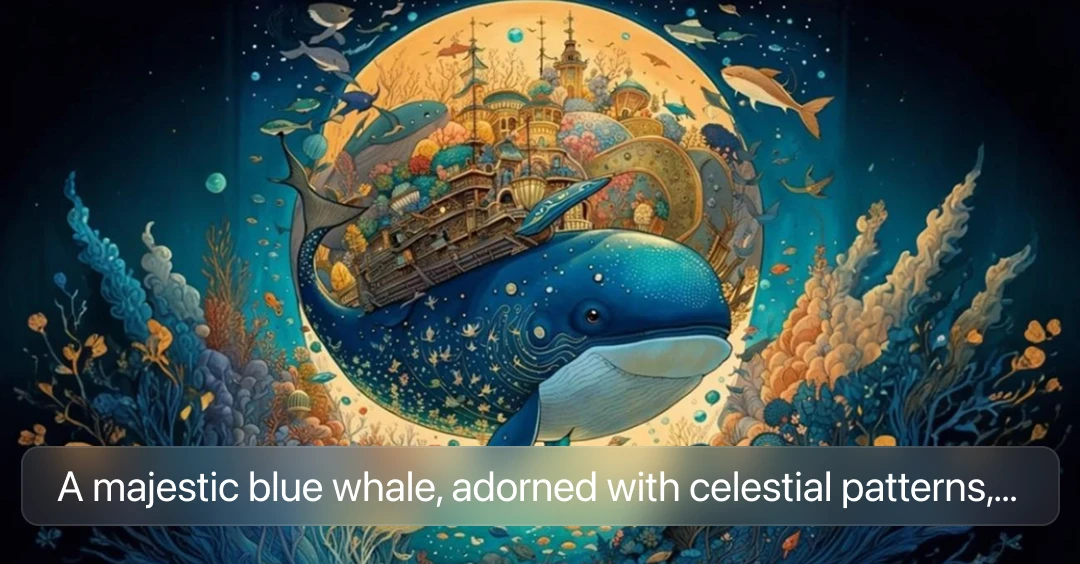
Flux AI is an image generator that creates images using AI. You can make new images from text or turn your existing photos into new designs. Flux AI helps you create professional and high-quality images instantly.
Explore Other Flux AI Models
How to Use Flux AI
Write a Prompt or Upload an Image
Explain your idea in simple words so the AI can understand it. If you already have a photo, you can upload it instead and use it as a reference for editing or transforming.
Generate Your Image
Click the generate button. Flux AI will process your input and create a new image based on your instructions. The AI works quickly and delivers high-quality results in a few moments.
Download and Share
When your image is ready, you can easily download it to your device. Use it for social media posts, design projects, websites, or any other purpose.
Key Features of Flux AI
Text-to-Image
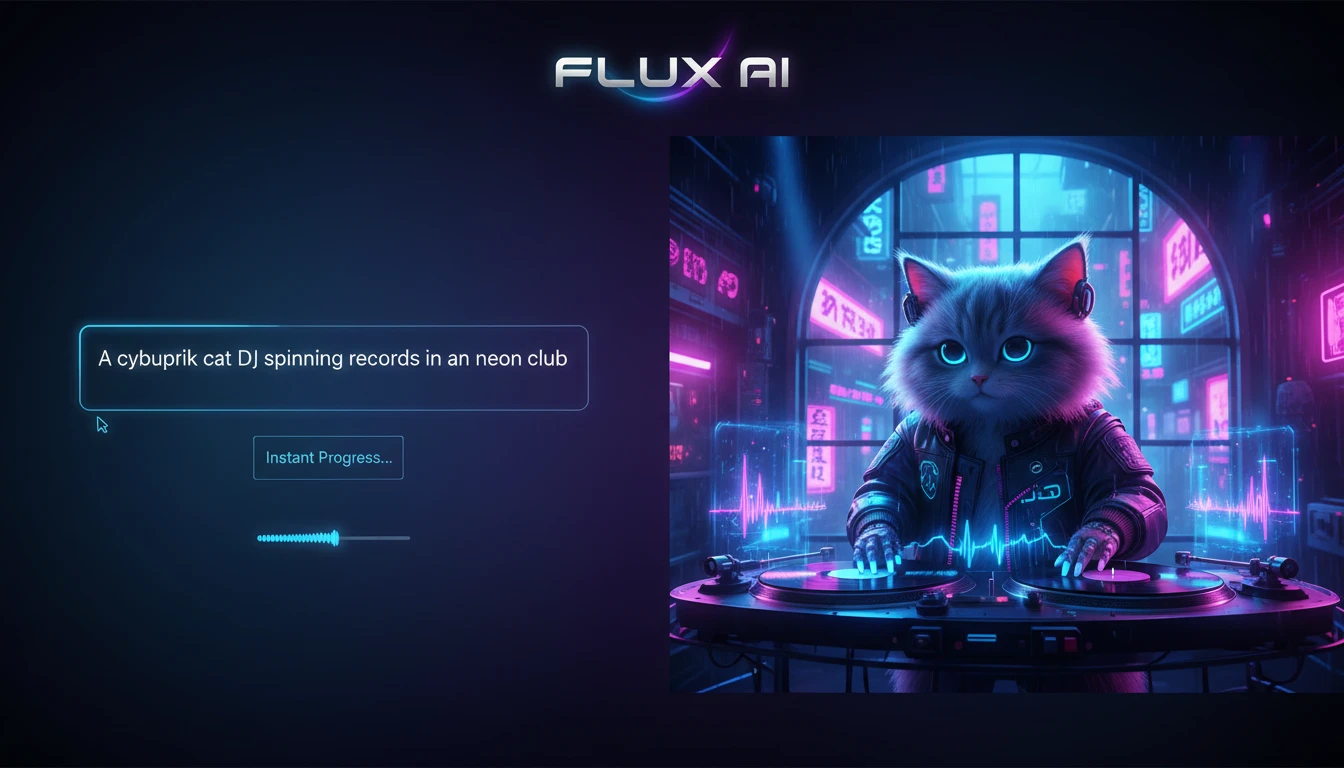
Flux AI helps you create images by simply typing a description. You just explain your idea in words, and the AI generates a matching image instantly. It is fast, easy to use, and does not require any design experience. This feature makes it simple to turn your imagination into real visuals.
Multi-Reference Consistency
You can upload multiple reference images to guide the AI. Flux AI understands the styles, colors, and details from those images and keeps them consistent in the final result. This is useful when you need images that look similar or follow a specific style.

Advanced Typography
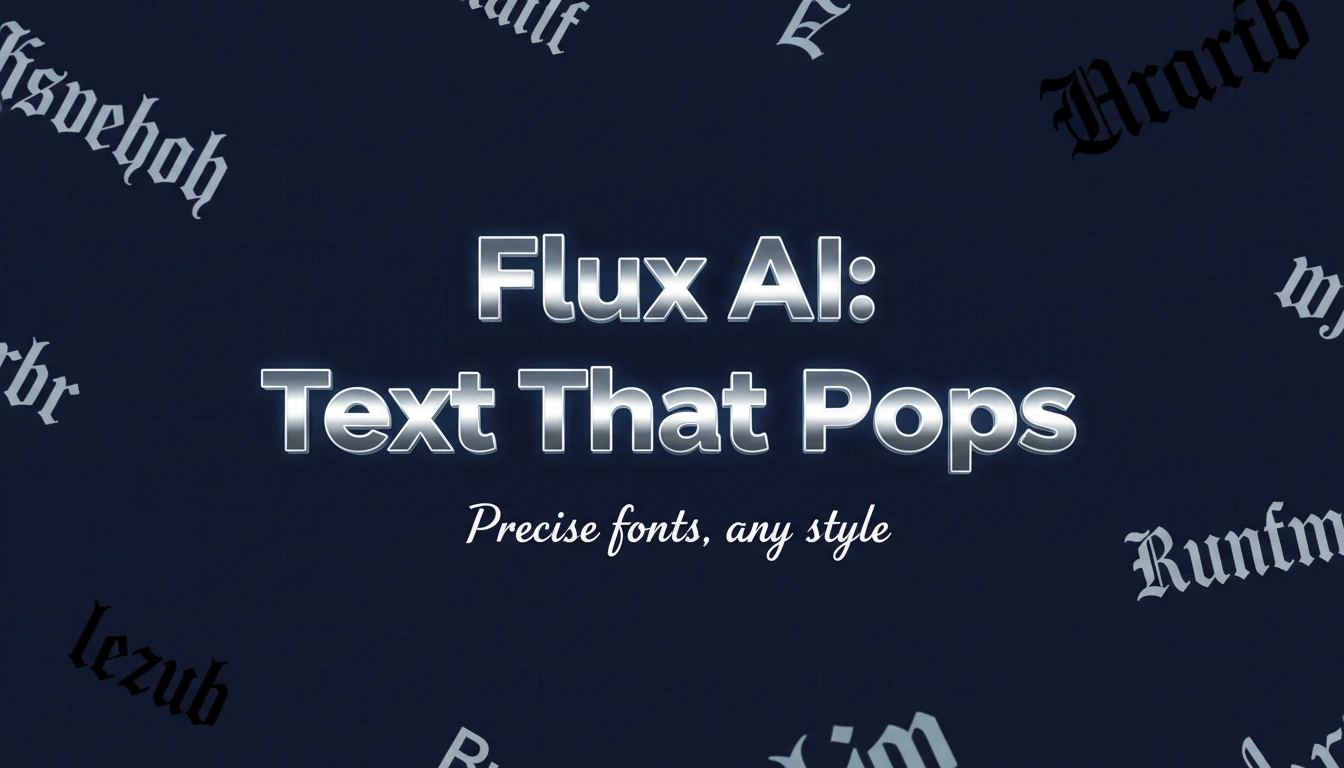
Flux AI can create images with clear and accurate text inside them. It handles fonts, lettering, and text placement very well. This makes it a great tool for creating posters, banners, social media graphics, and any images that include written content.
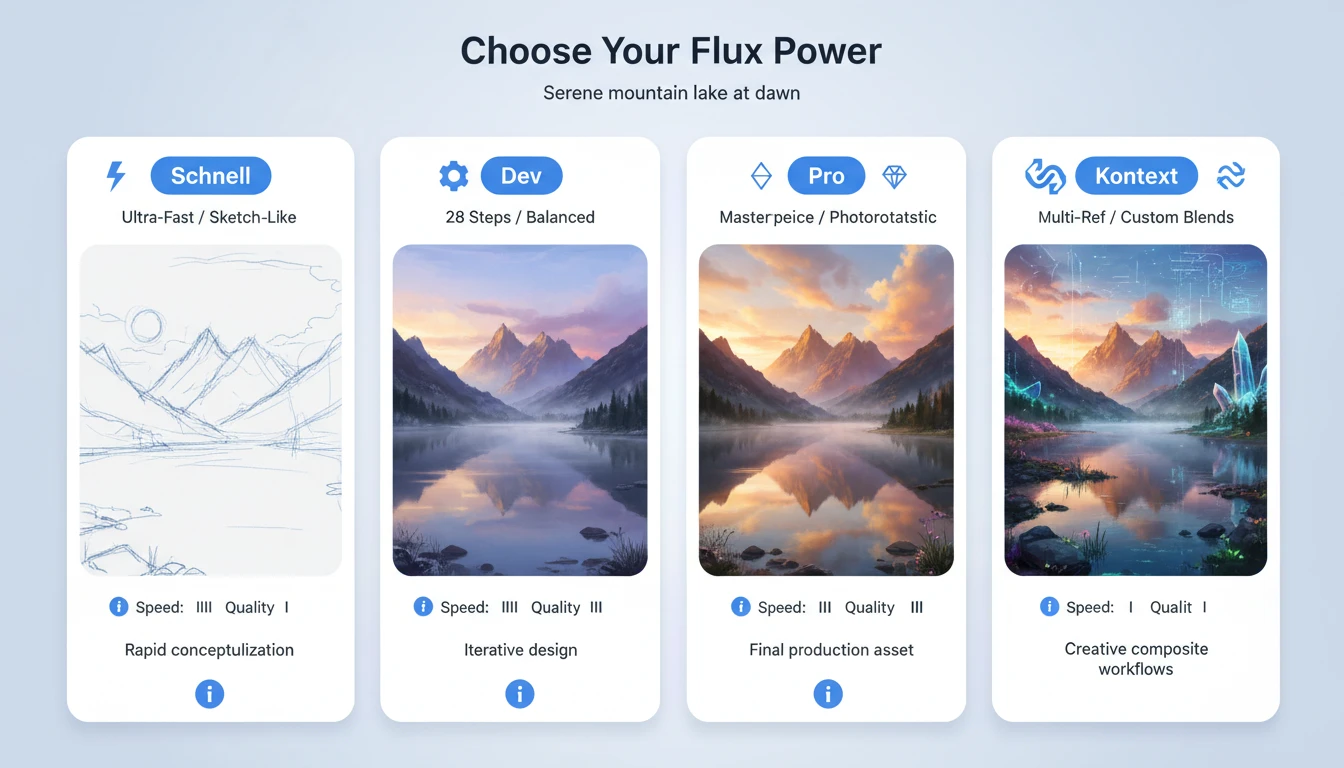
Multiple Model Variants
Flux AI offers different models such as Pro, Dev, Kontext, Schnell, and Klein. Each model is designed for different purposes, like faster image creation or higher quality output. You can choose the model that best fits your needs and project.
Flux AI Generated Image Examples