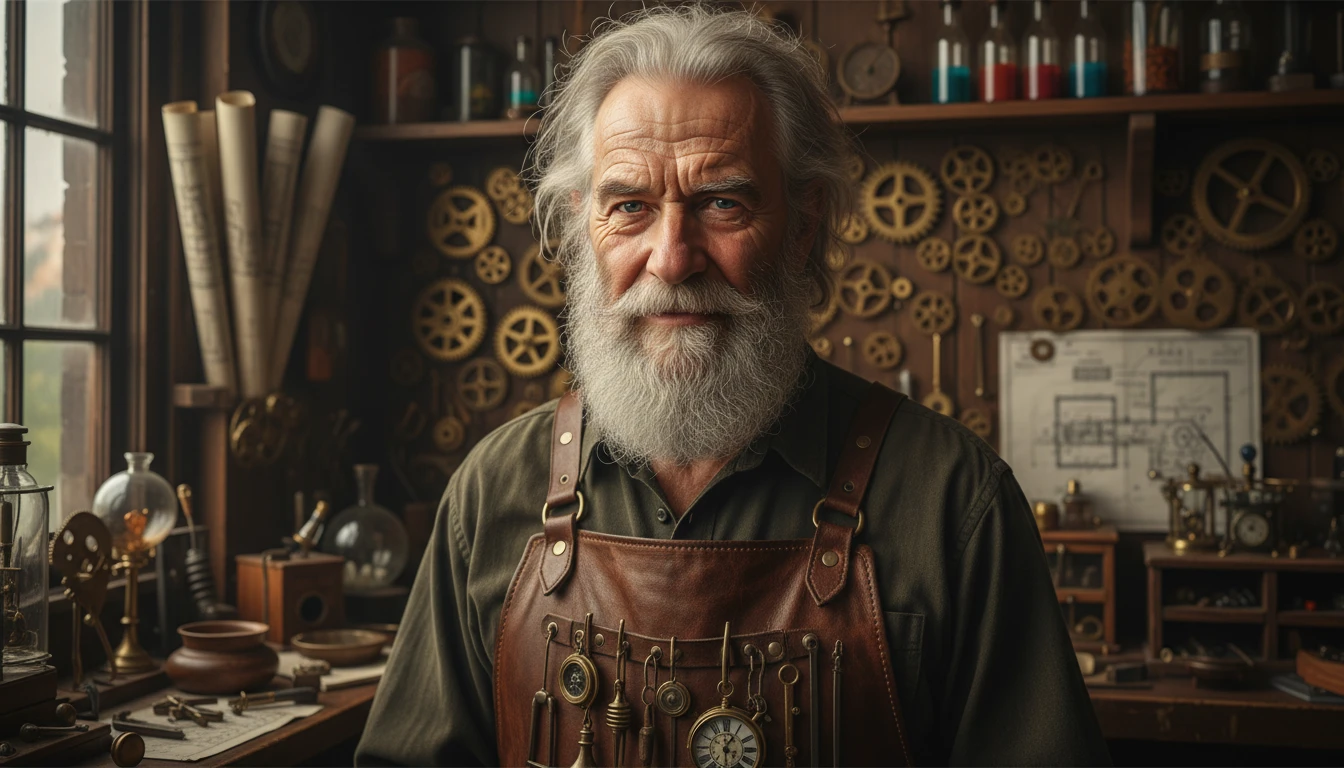
GPT Image 1
GPT Image 1 is an AI image generator that creates high-quality images from text prompts or reference images. Describe what you want, and the AI generates the image.
Upload an image
Required - PNG, JPG, WEBP
Please upload an image to continue
Explore More GPT Image Models
How to Use GPT Image 1
Add Your Prompt or Image
Start by writing a clear text description of the image you want to create. You can also upload a reference image to guide the AI. The more clearly you explain your idea, the better the result will be.
Generate the Image
Click the generate button to AI processes your input and creates a high-quality image in a short time. You can adjust your prompt and try again if needed.
Download & Share
Preview the generated image. Once you’re satisfied, download the image and use it for social media, designs, presentations, or any creative project.
Key Features of GPT Image 1
Multi Input Support
GPT Image 1 works with both text and images. You can write a description, upload a reference image, or use both together. This helps the AI understand your idea better and create more accurate images.
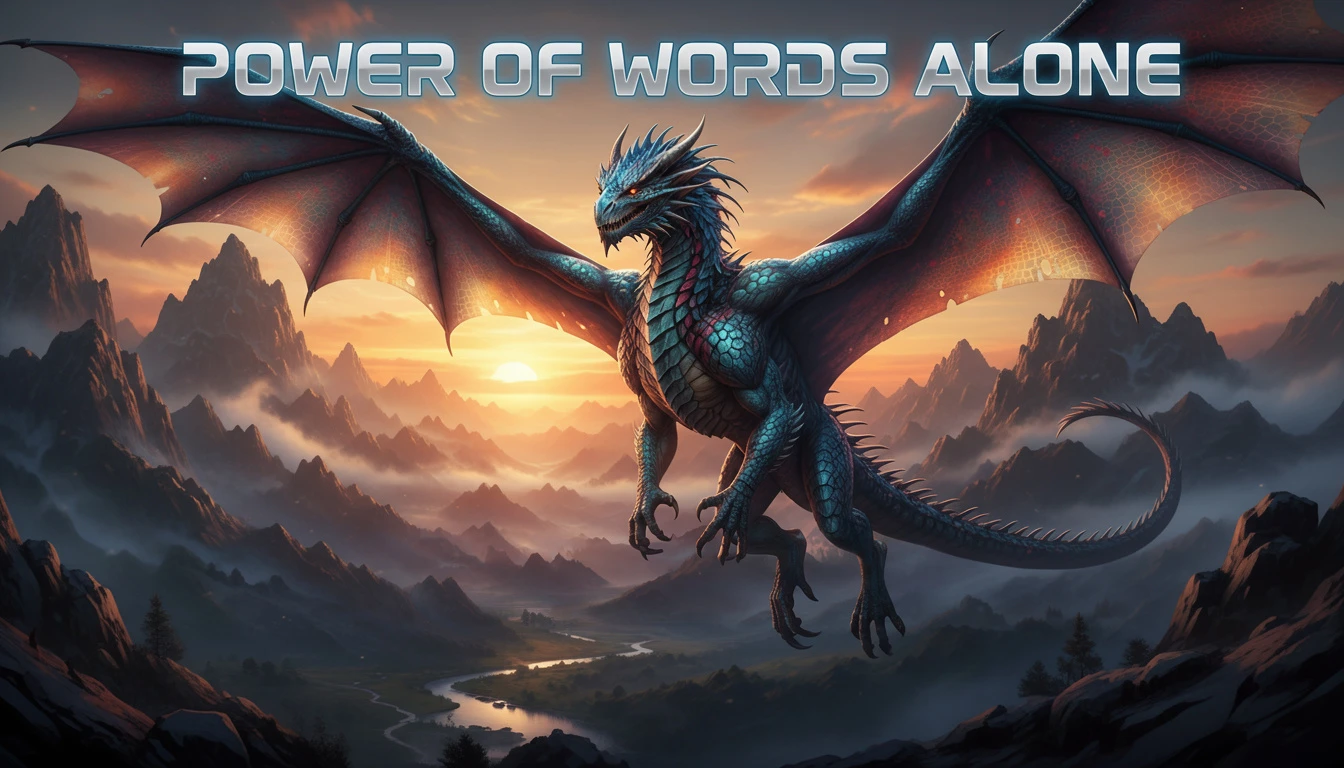
High Resolution Image Output
GPT Image 1 creates clear and sharp images with high quality. The details look clean and professional, making the images suitable for social media, presentations, and creative projects.
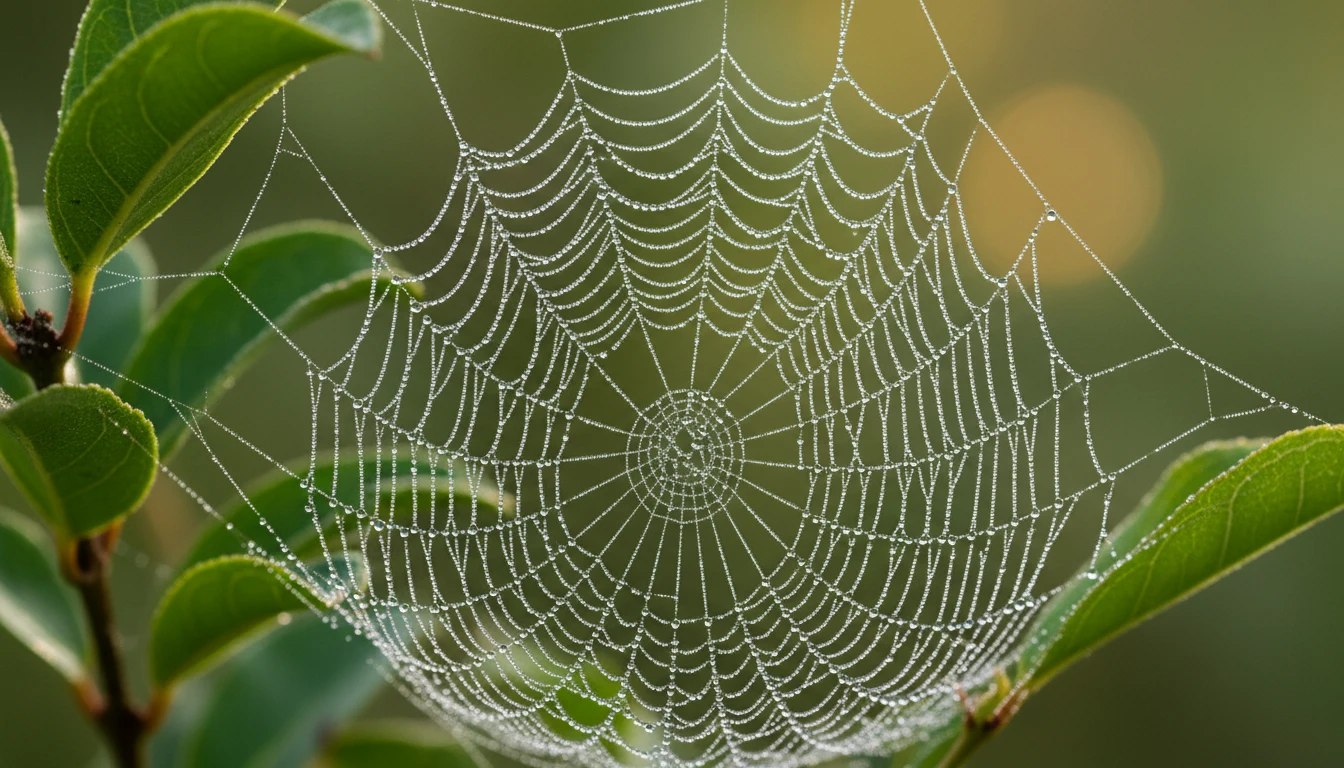
Multiple Creative Styles
You can create images in many different styles, such as realistic, artistic, cartoon, illustration, or cinematic. This gives you flexibility to match your creative needs or brand style.
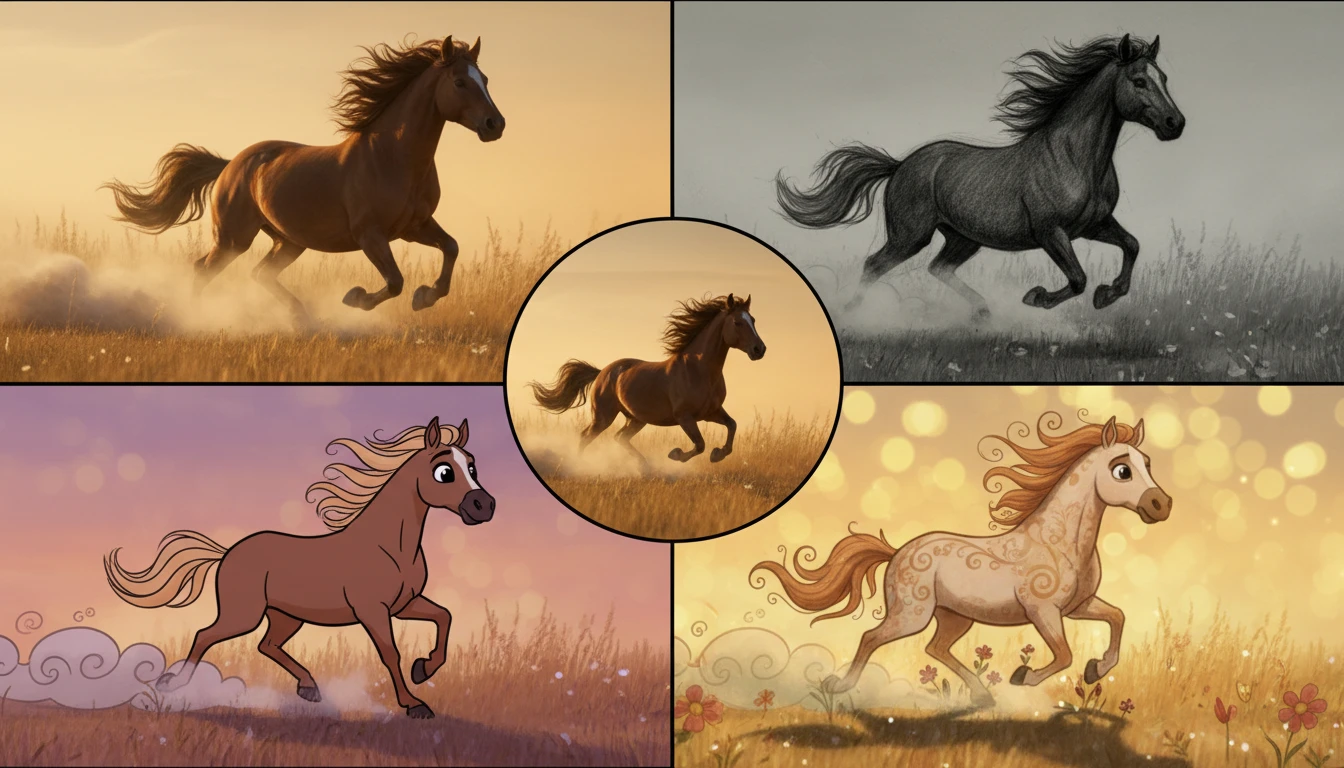
Advanced Prompt Understanding
GPT Image 1 understands your prompts clearly, even when they are detailed. It follows your instructions closely, so the final image looks closer to what you imagined.