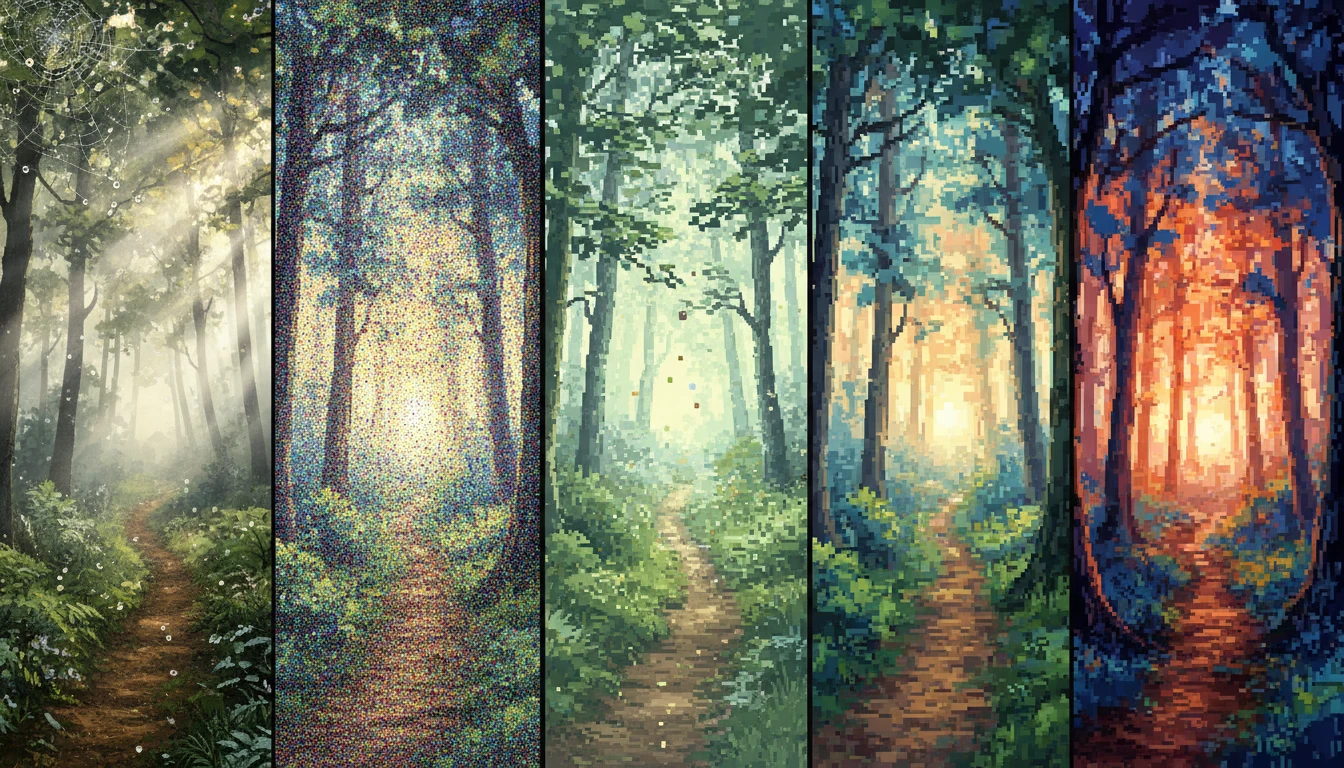
Qwen Image
Qwen Image is an AI image generation model that turns text prompts into high-quality images. It is especially strong at rendering clear and complex text inside images, making it useful for posters, banners, designs, and multilingual content.
Explore More Qwen Image Models
How to Use Qwen Image
Write Your Text Prompt
Start by typing a description of the image you want to create. You can explain what the image should look like, the style, colors, or any text you want to appear in the image.
Generate the Image
Click on the generate button to Qwen Image will create an image based on your description. It understands your ideas and turns them into a clear, high-quality visual, even when the text is complex.
Review and Use
Review the generated image, then download and use it for posters, banners, designs, or other creative work.
Key Features of Qwen Image
Strong Text Rendering
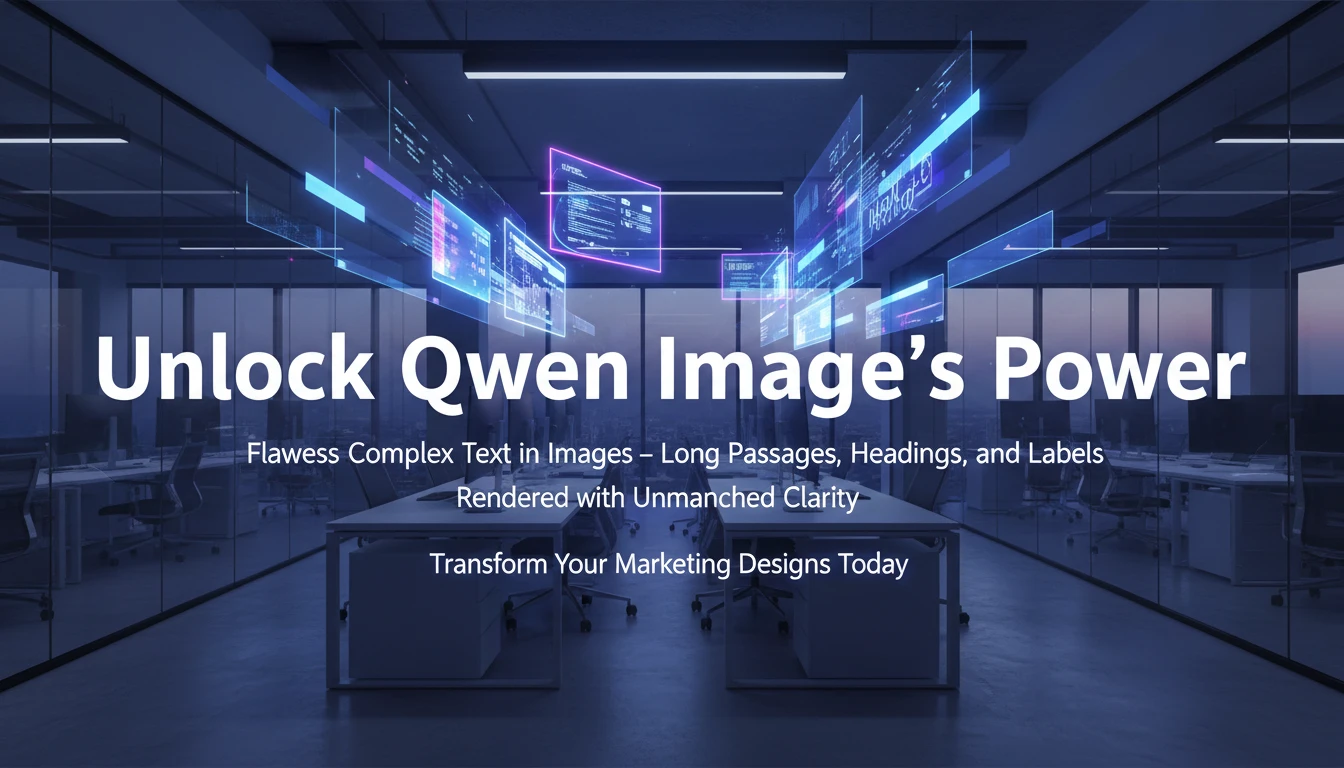
Qwen Image can clearly show complex and long text inside images. This makes it ideal for designs that include headings, labels, or detailed written content without losing clarity.
Multilingual Support
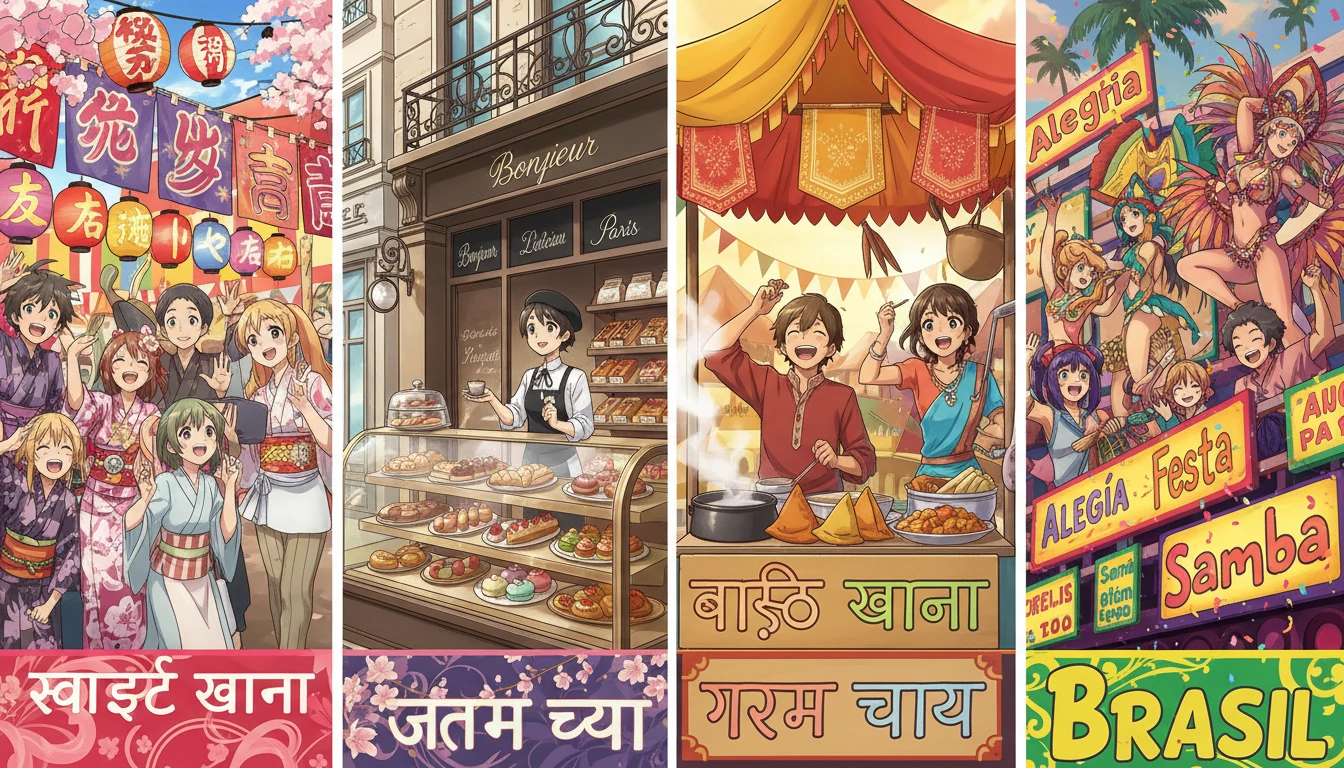
Qwen Image works well with text in multiple languages. It can understand and display different scripts accurately, making it useful for global and multilingual designs.
Text to Image Transformation
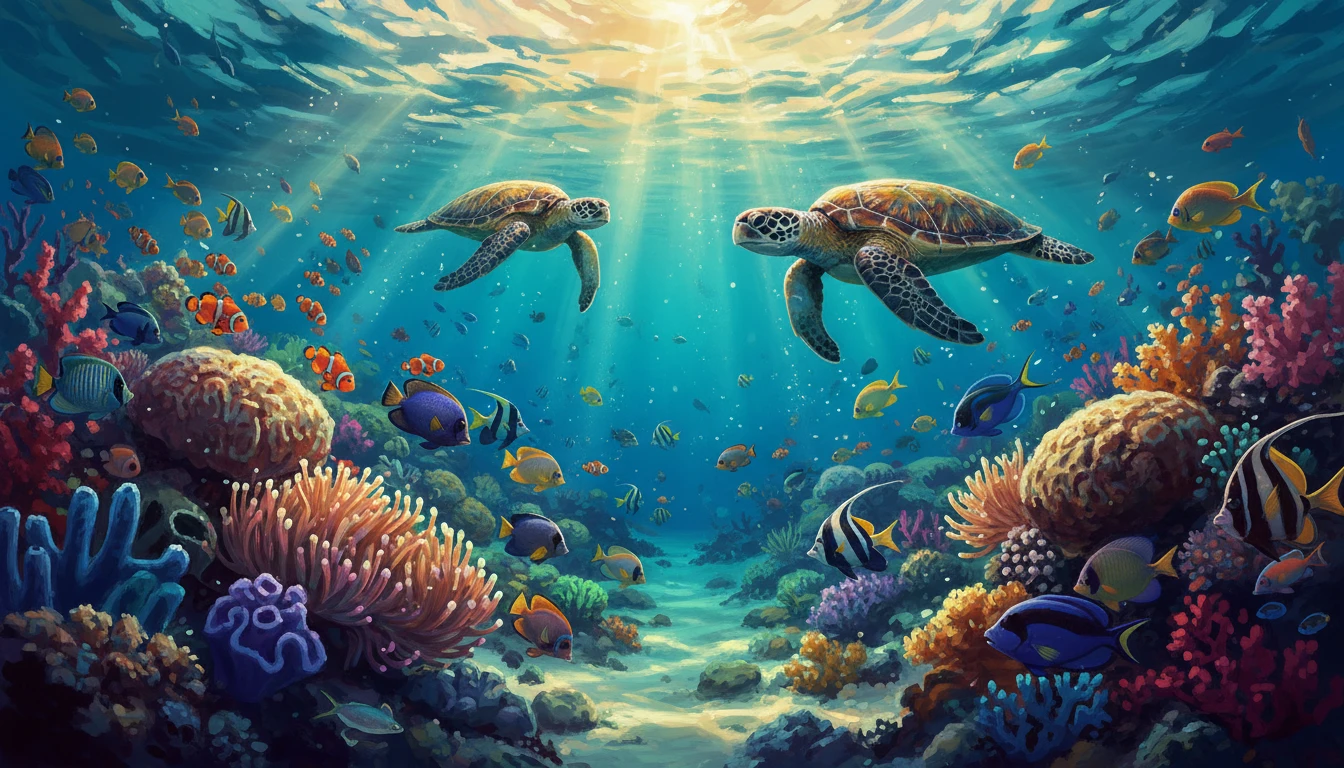
You can turn your written ideas into images just by describing them. Qwen Image understands your text prompts and creates visuals that match your description.
Multiple Artistic Styles
Qwen Image can create images in many different artistic styles. From realistic and modern looks to creative and artistic designs, it helps you explore a wide range of visual styles using simple text prompts.