Qwen Image 2.0
Qwen Image 2.0 is an AI image generation model that creates and edits images in one unified system. It supports detailed prompts, clean typography, structured layouts, precise text rendering, and high-resolution photorealistic visuals.
Upload an image
Required - PNG, JPG, WEBP
Please upload an image to continue
Explore Qwen Image Models
How to Use Qwen Image 2.0?
Enter Text or Upload an Image
Start by writing a text prompt describing what you want to create, or upload an image if you want to edit or modify an existing one. You can include details about style, layout, text, or objects.
Generate or Edit the Image
Click the generate button. Qwen Image 2.0 will process your input and create a new image or apply edits based on your instructions, keeping text, layout, and visuals accurate.
Review and Download
Check the result and make changes if needed. Once you’re happy, download the final image and use it for design, presentations, or creative projects.
Key Features of Qwen Image 2.0
Unified Image Generation & Editing
Qwen Image 2.0 uses a single system to create new images and edit existing ones. You don’t need separate tools; everything works smoothly within one simple workflow.
Professional Typography & Layouts
The model can create clean, well-structured designs with proper alignment. It handles titles, sections, grids, and layouts well, making it suitable for posters, infographics, and presentation-style visuals.
Accurate Text Rendering
Text inside images appears clear, readable, and correctly placed. Qwen Image 2.0 is especially good at keeping text sharp and organized instead of distorted or messy.
Efficient & Lightweight Architecture
The model is optimized to generate high-quality images without being slow or heavy. This helps deliver faster results while still maintaining good image detail.
Strong Prompt Understanding
Qwen Image 2.0 follows detailed instructions closely. It understands complex prompts about layout, style, objects, and text, producing images that match what you describe more accurately.
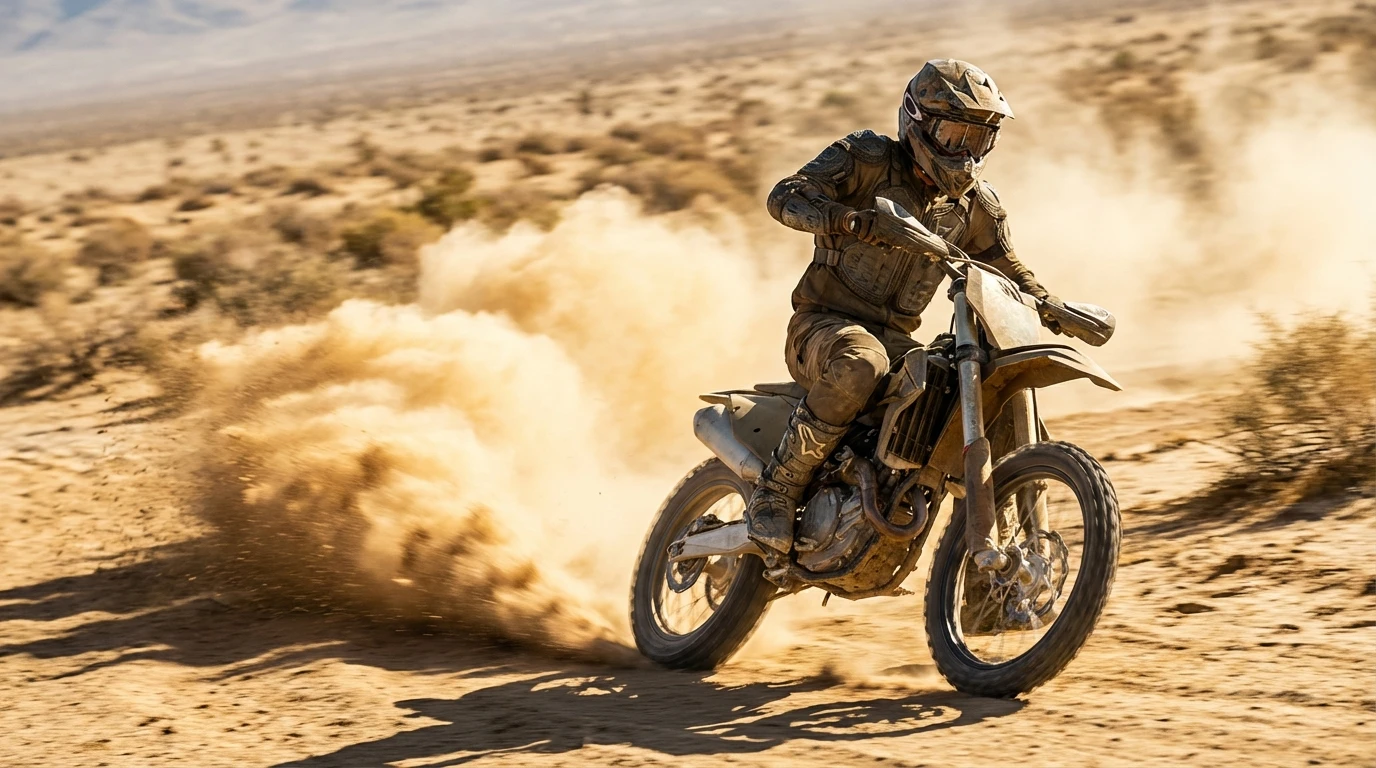
Sample Images Created with Qwen Image 2512