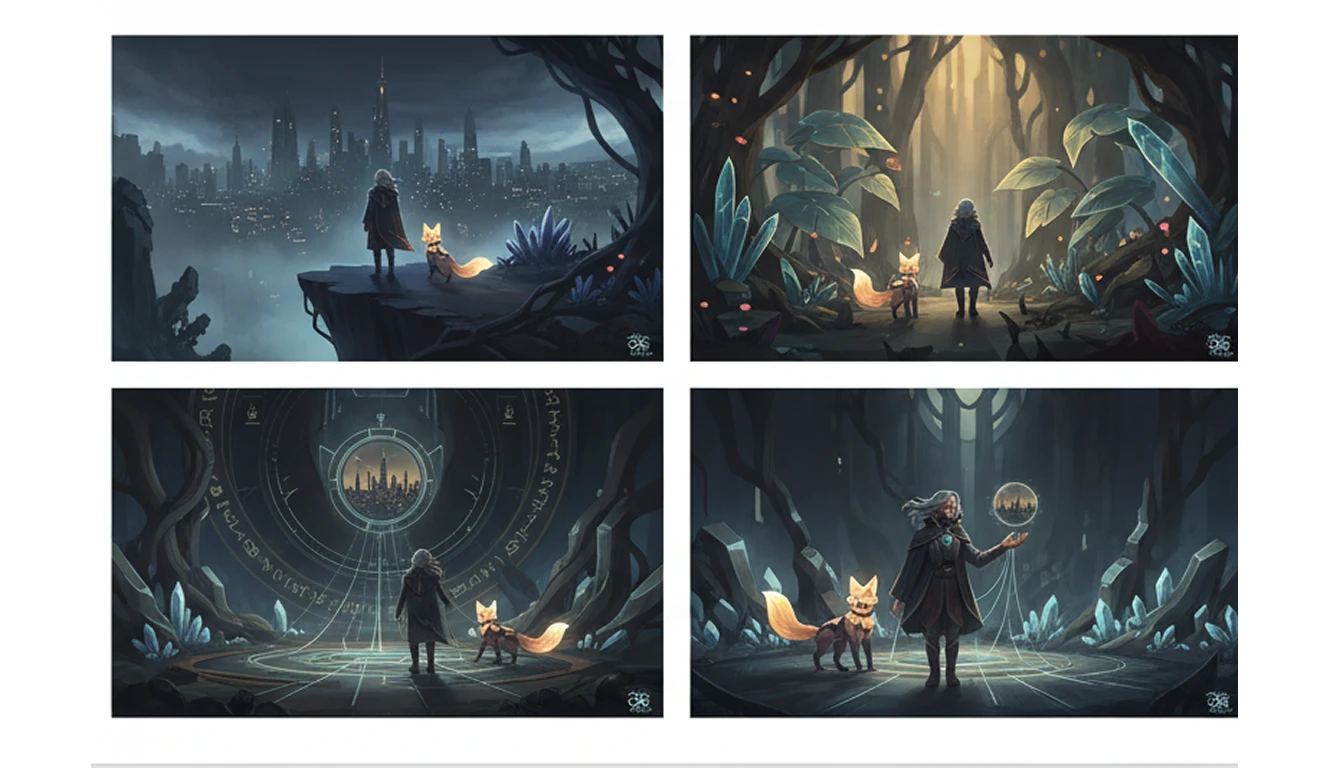
Midjourney AI Image Generator
Midjourney is an AI image generator that turns text into detailed images. Easily create realistic pictures, creative artwork, and illustrations in a few moments.
How to Use Midjourney AI?
Write a Text Prompt
Start by typing a description of what you want to see. You can mention the subject, style, colors, mood, or lighting. Midjourney understands natural language, so clear and simple words work best.
Generate Image
Click the Generate button to process your description. It understands your prompt and creates multiple images based on the provided information.
Download & Share
Once your image is ready, download the final image and use it for your project or social media platforms.
Key Features of Midjourney
Easy Prompt Understanding
Midjourney understands simple text very well. You don’t need to write long or complex instructions. Explain your idea clearly, and the AI understands the style, mood, colors, and details you want.
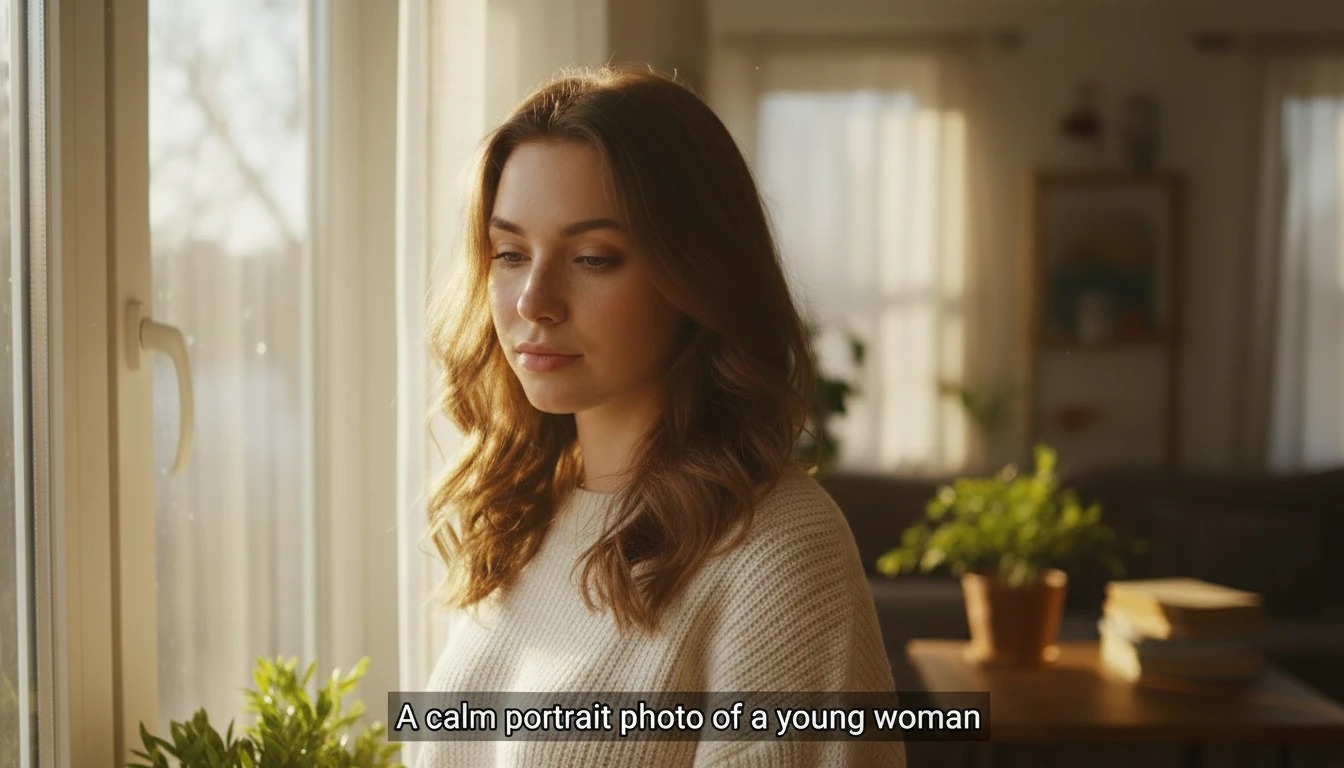
Artistic & Creative Image Styles
Midjourney can create images in many styles. You can generate artistic illustrations, creative designs, cinematic scenes, or imaginative artwork based on your idea. It’s great for exploring new visual styles.
High-Quality and Detailed Output
The images created by Midjourney are sharp and detailed. It produces high-quality visuals with clear textures, lighting, and depth, making them look professional and visually appealing.
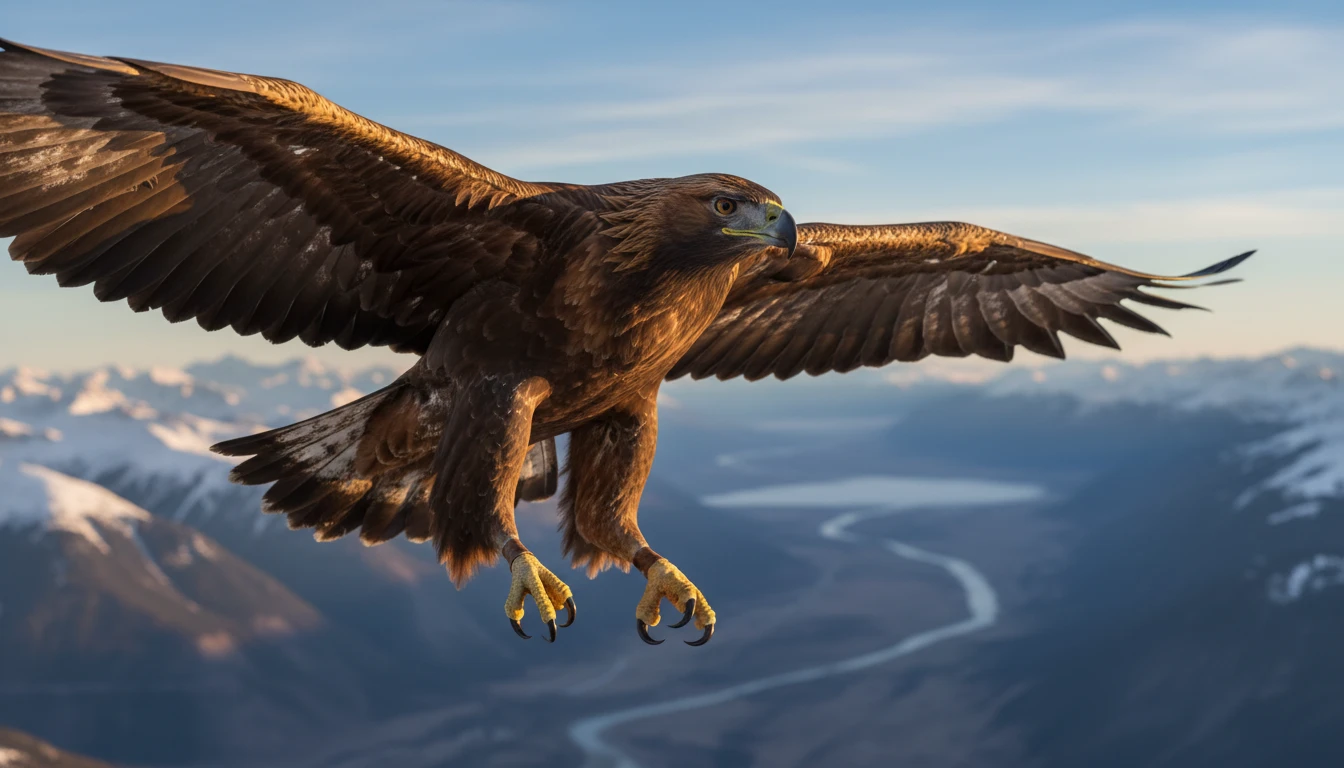
Consistent Visual Results
Midjourney helps maintain a similar look across images. This means you can create multiple images with the same style or theme, which is useful for branding, stories, and design projects.