AI T-Shirt Design Generator
Create unique and personalized t-shirt designs with the AI T-Shirt Design Generator. Customize every detail using simple text prompts.
Sample Images
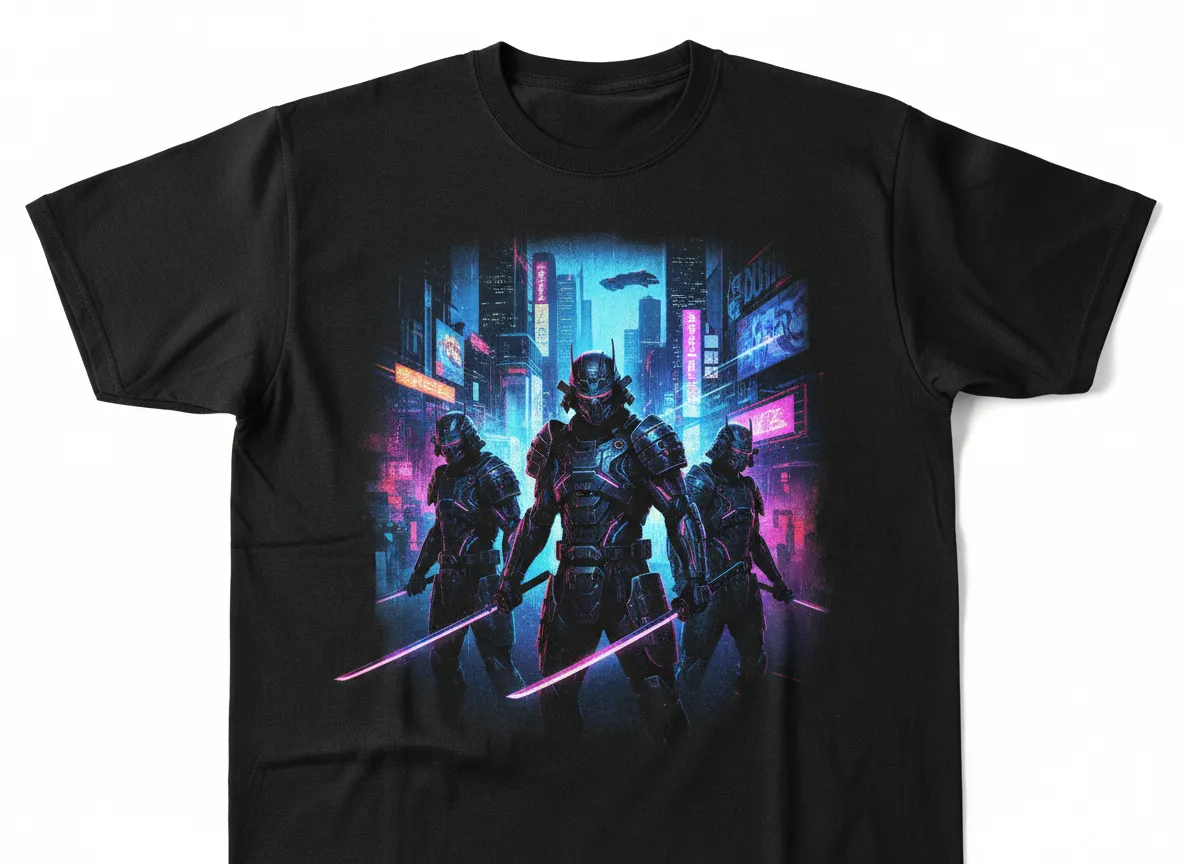
Create professional product photography of a black cotton t-shirt featuring a Cyber Samurai design. Show futuristic armored samurais with neon-lit swords against a digital cyberpunk city theme, printed only on the front. Use a clean white background, perfect studio lighting, sharp focus, and realistic fabric texture. No model, no mannequin, just an isolated product shot.
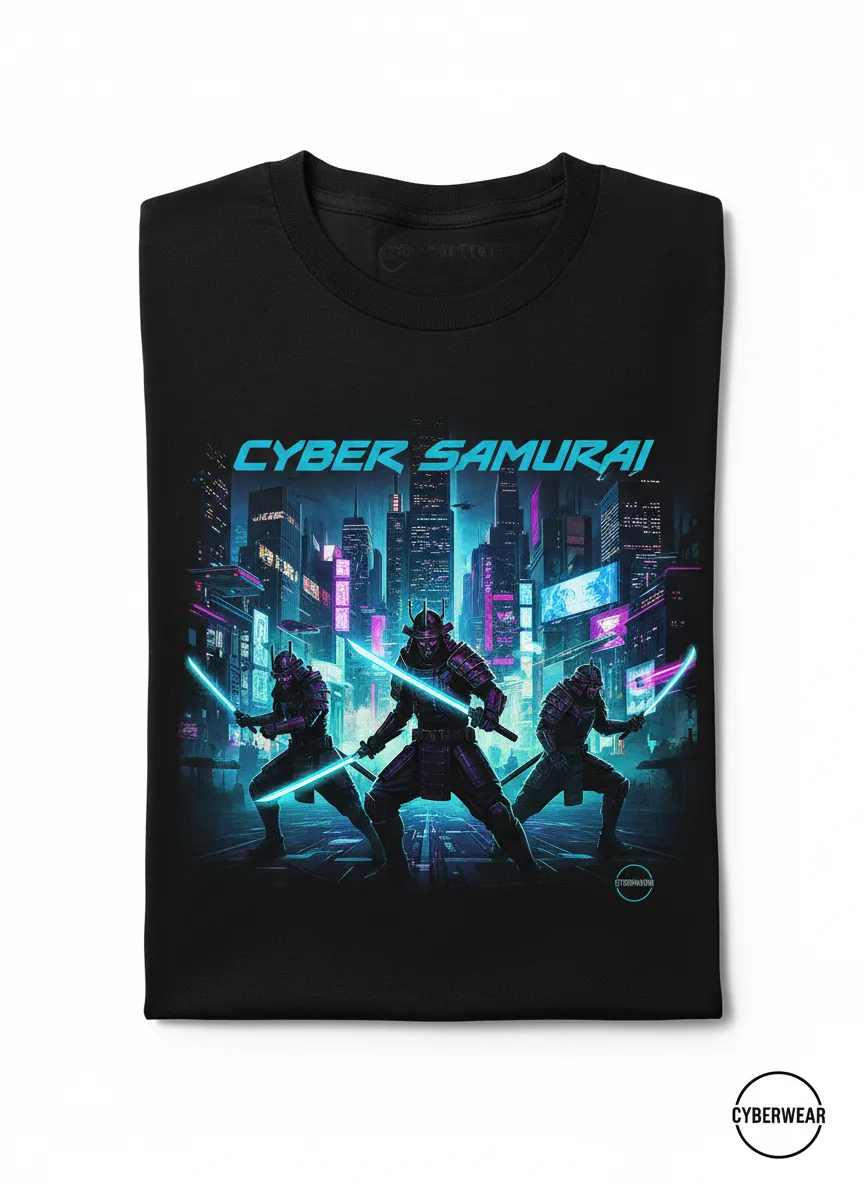
Produce a high-quality studio product image of a single black cotton t-shirt displaying a Cyber Samurai artwork. Include glowing neon blades, armored samurai figures, and a cyberpunk city motif within the design. Keep the background pure white with crisp lighting and detailed fabric texture. Ensure no person or mannequin is present.
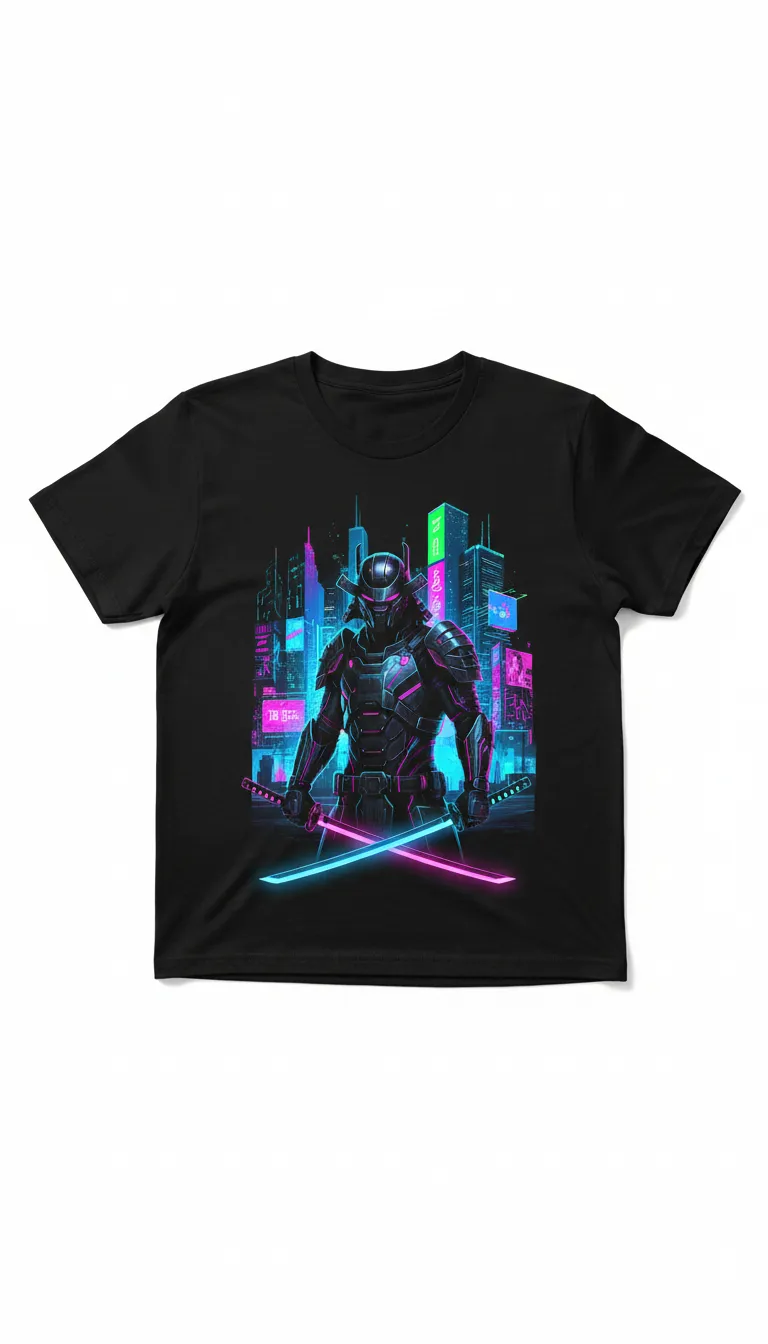
Generate a commercial-style product photo of a black cotton tee showcasing a futuristic Cyber Samurai graphic. The design should include neon swords and a digital cityscape. Use a seamless white background, controlled studio lighting, and tack-sharp focus. Present the shirt alone with realistic fabric detailing.
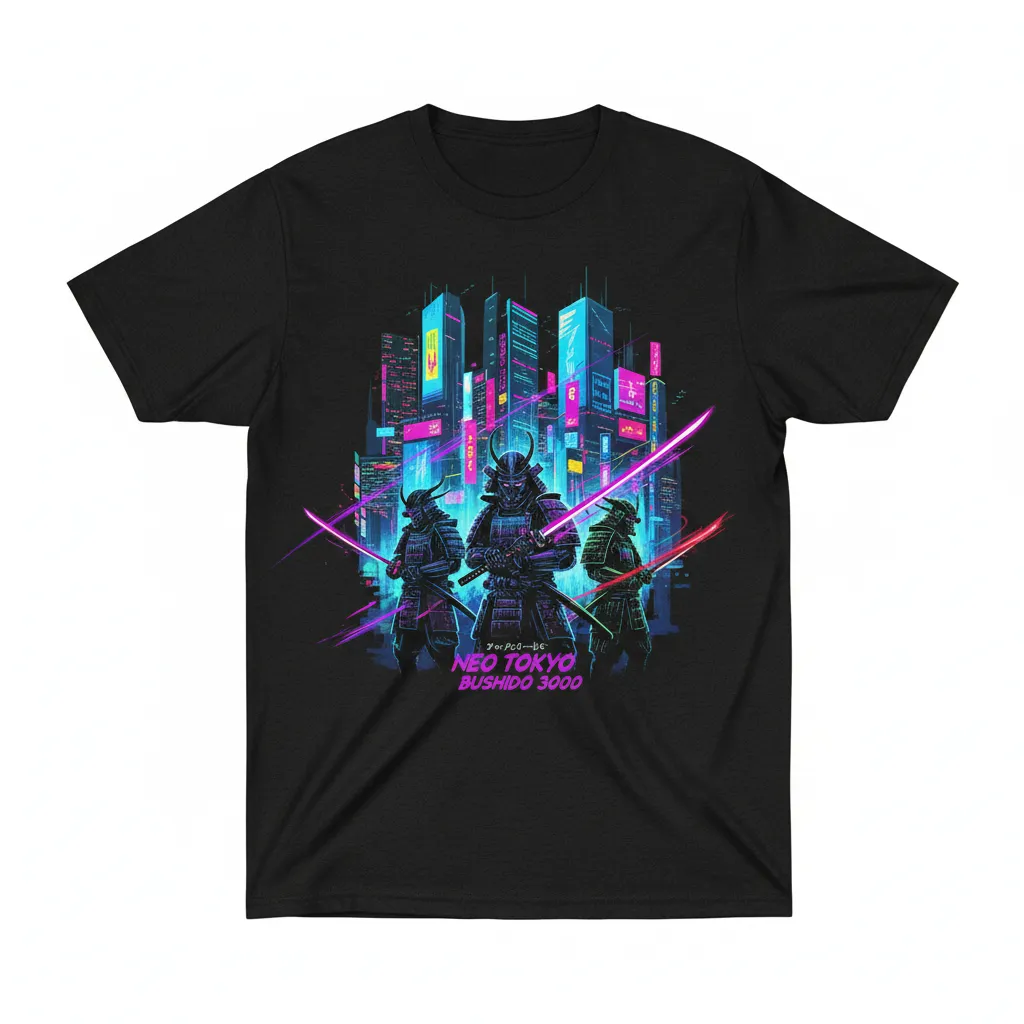
Create a clean, isolated product shot of a black cotton t-shirt featuring a neon cyberpunk Samurai illustration. Show armored samurais with glowing sword effects and a digital city background on the front chest area. Use a pure white backdrop, high-end lighting, and realistic fabric texture without any models or mannequins.
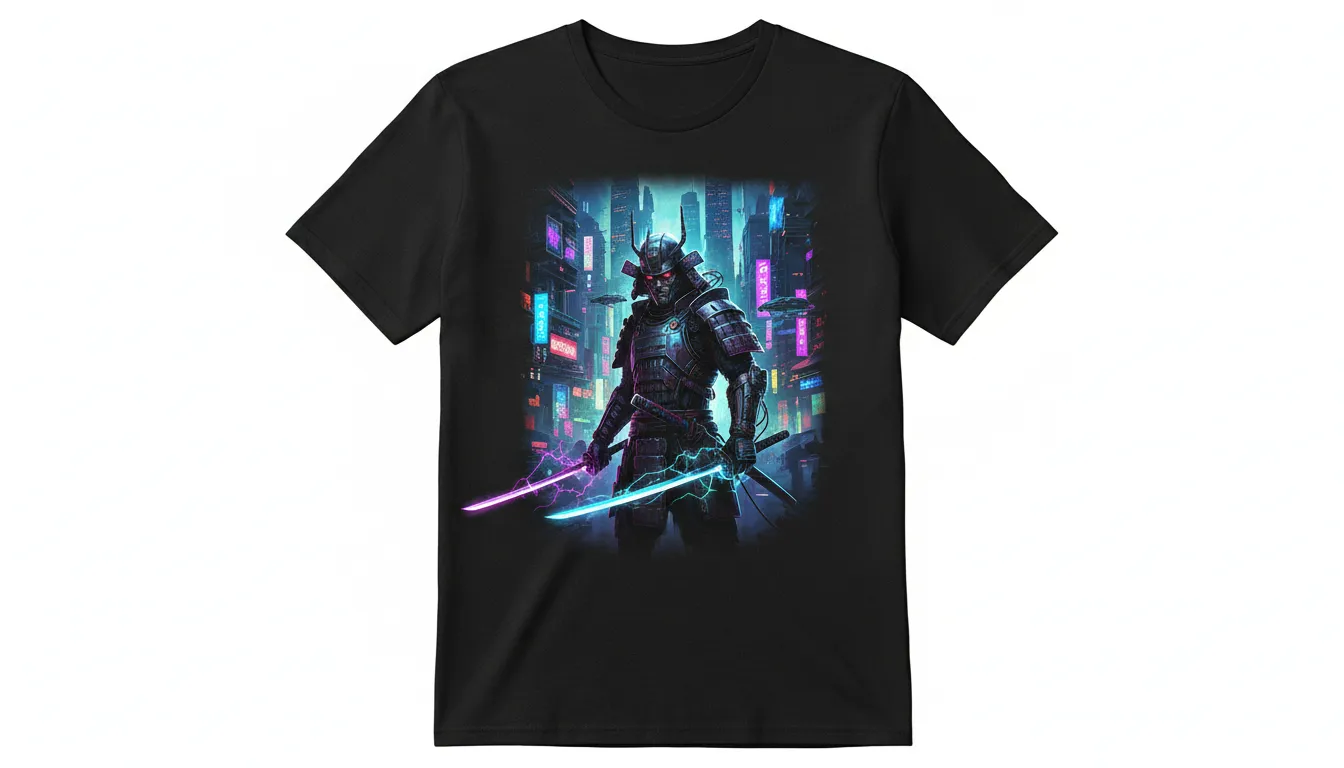
Render a polished studio photograph of a black t-shirt with Cyber Samurai design art—futuristic armor, neon swords, and cyberpunk city elements. Keep the shirt isolated on a bright white background with perfect lighting, clear fabric detail, and commercial-grade sharpness. No people or props included.
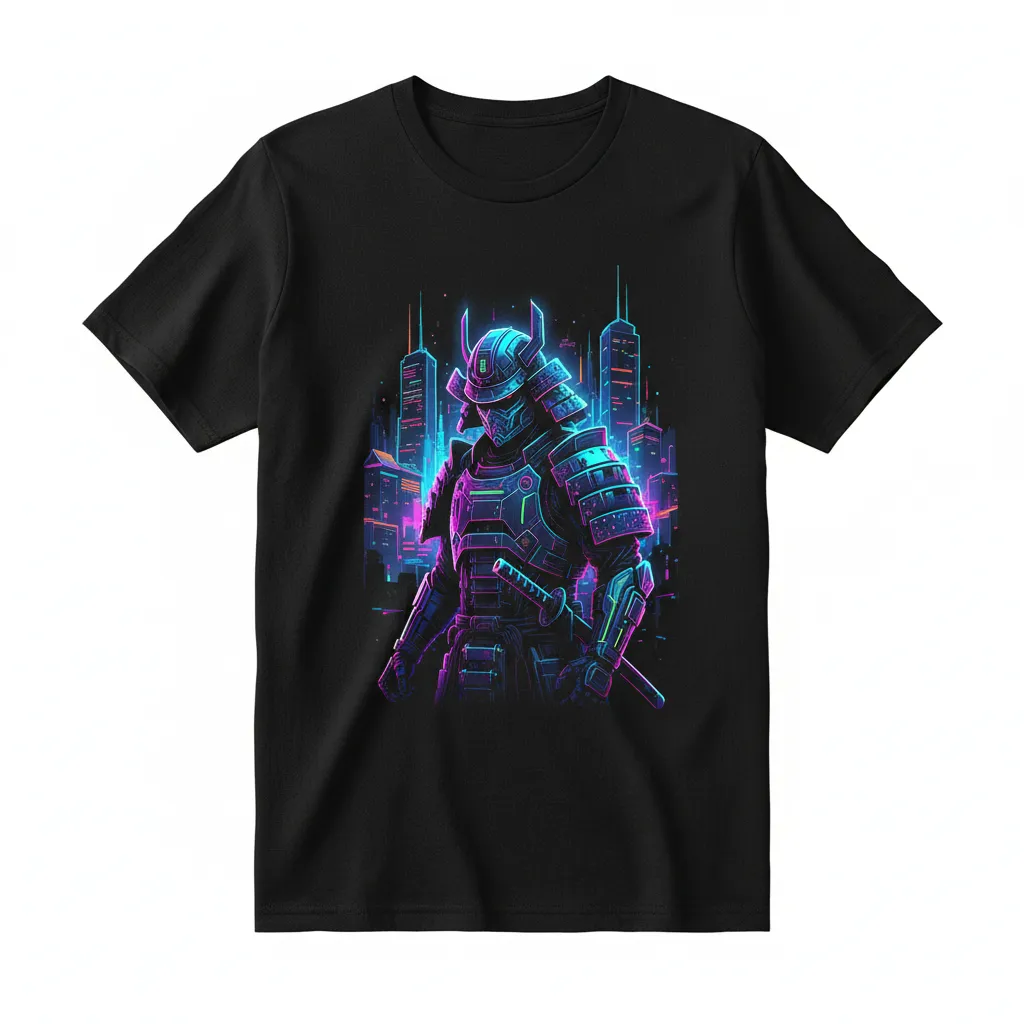
Produce an ultra-clean commercial product photo of a black cotton tee showcasing a Cyber Samurai print with glowing neon accents and a digital city backdrop. Use a seamless white background, balanced studio lighting, and a realistic textile appearance. Ensure it's an isolated shirt with no model or mannequin.
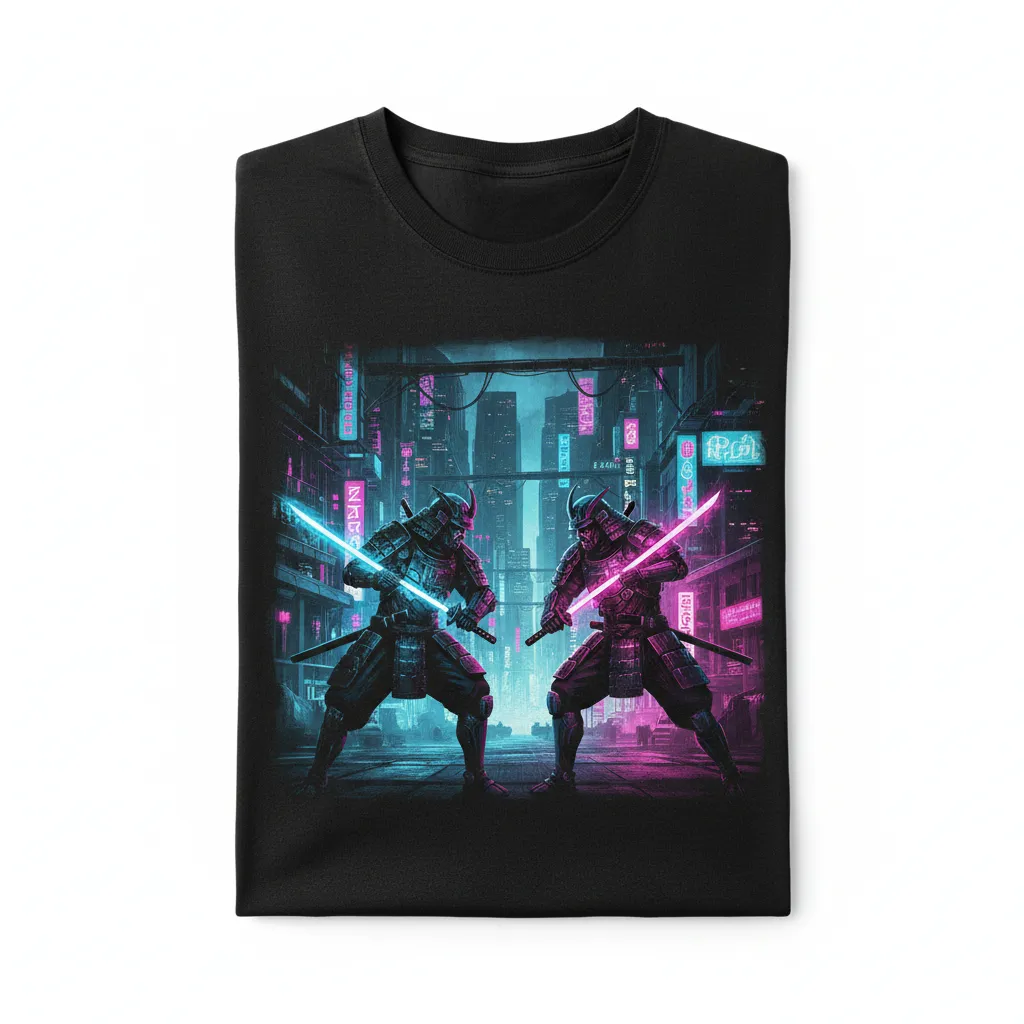
Create a high-resolution product image of a standalone black cotton t-shirt featuring Cyber Samurai artwork—armored samurais, neon blades, cyberpunk city ambience. Display on a white studio backdrop with flawless lighting and a realistic fabric look. No human figure or mannequin visible.
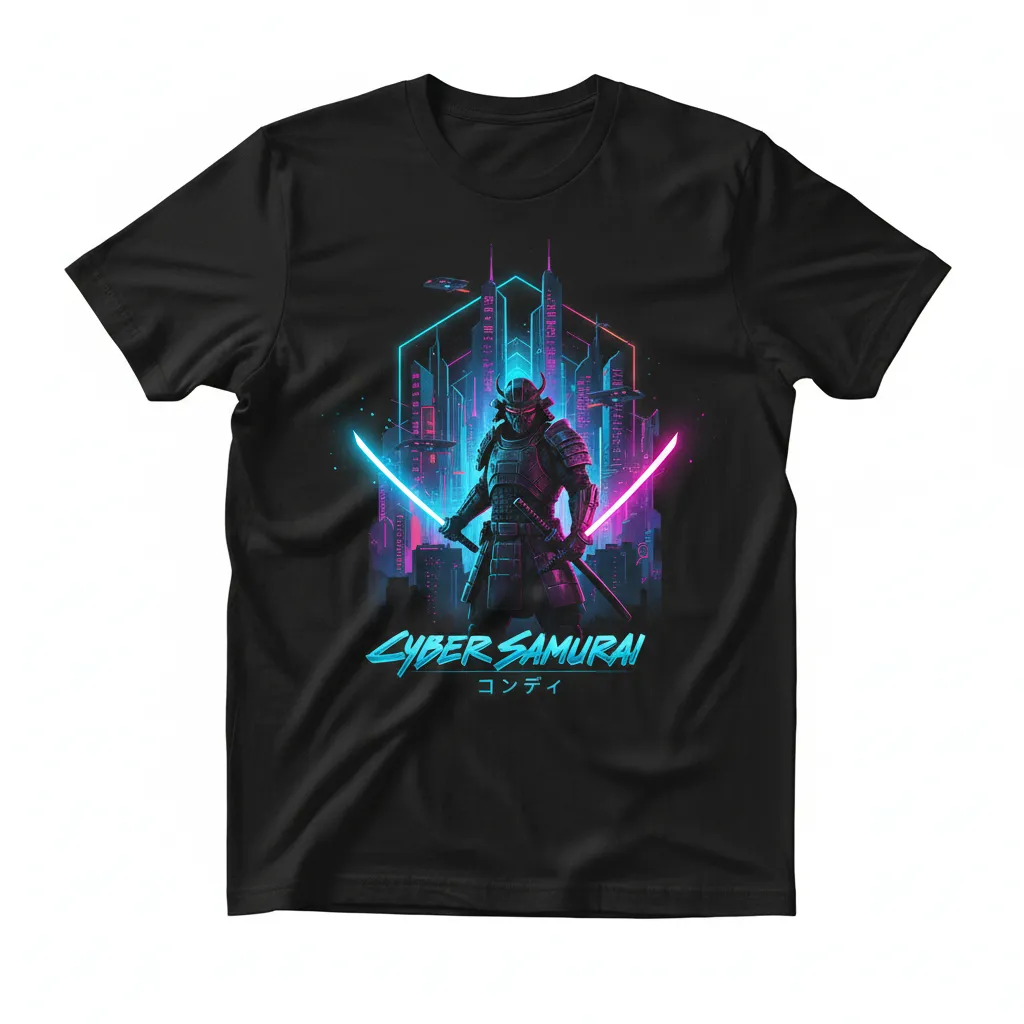
Generate a sharp, studio-quality product photo of a black t-shirt printed with a Cyber Samurai design that includes neon swords and a futuristic cityscape. Use a clean white background, precise lighting, and natural fabric texture. The shirt should appear isolated with no model or form.
How to Use AI T-Shirt Design Generator?
Describe Your Design
Tell the AI exactly what you want on your t-shirt, including style, colors, graphics, text, and theme.
Generate
The AI creates a detailed t-shirt design based on your description, producing a realistic preview of your custom tee.
Download & Use
Save your design and use it for printing, online stores, or personal projects.