AI Airport Generator
Create airport scenes and concept artwork using Maxstudio’s AI Airport Generator.
Check Out Amazing Results
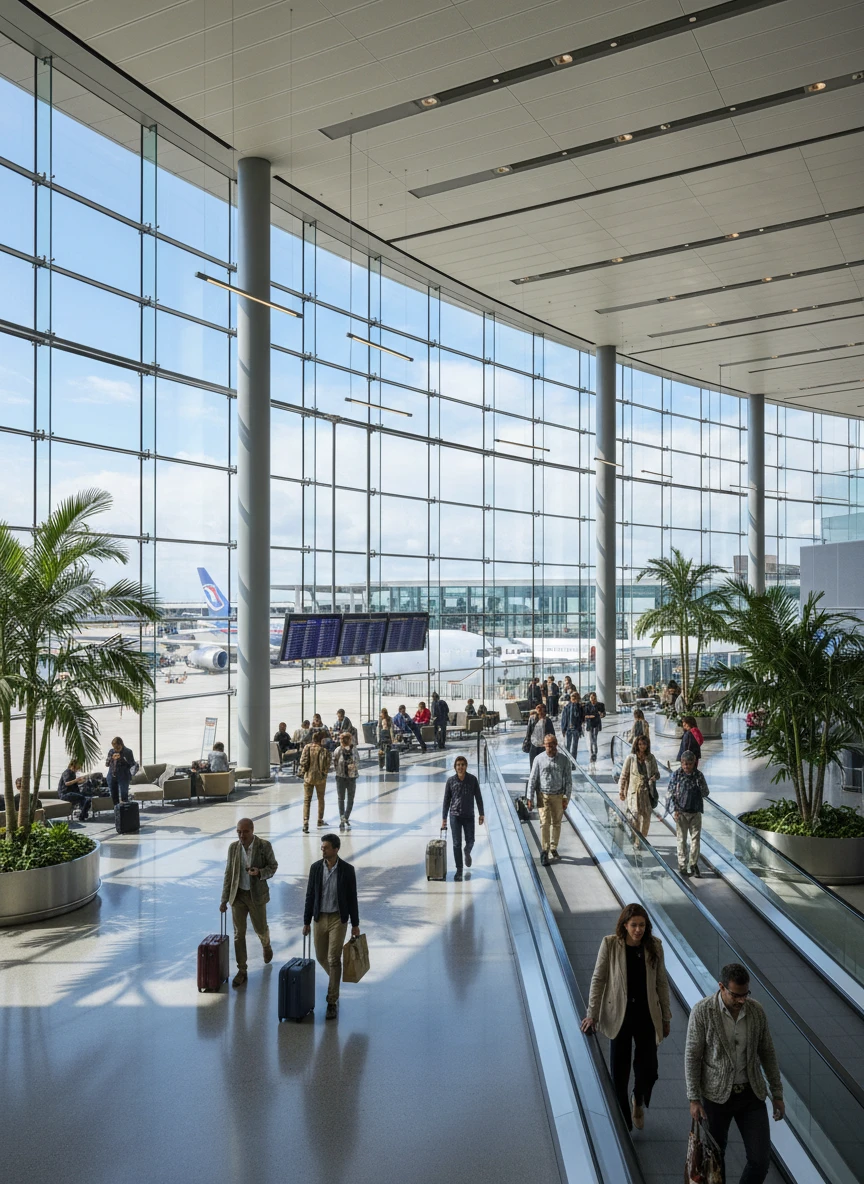
A modern international airport terminal with glass walls, wide angle view, natural sunlight, travelers walking, cinematic composition, ultrarealistic details
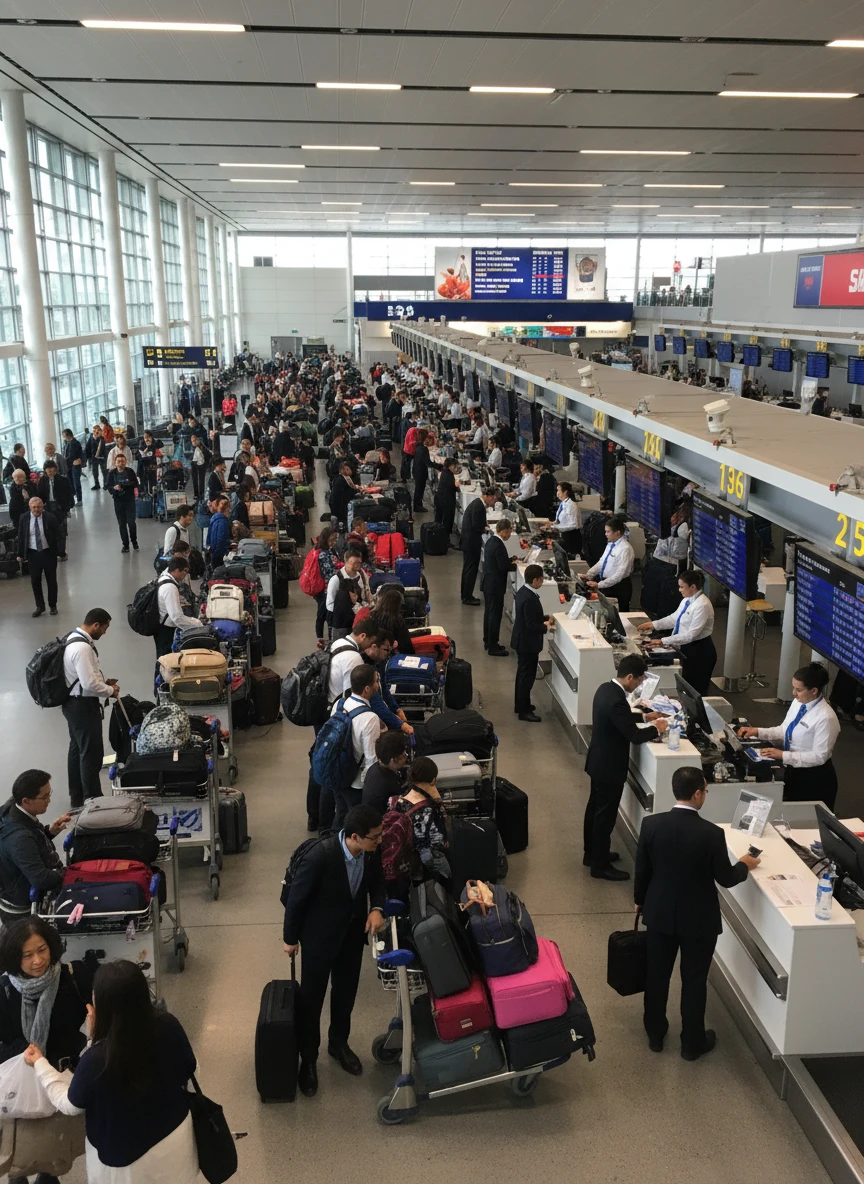
A busy airport check in section with counters, airline staff assisting passengers, luggage trolleys, digital flight boards, photorealistic lighting
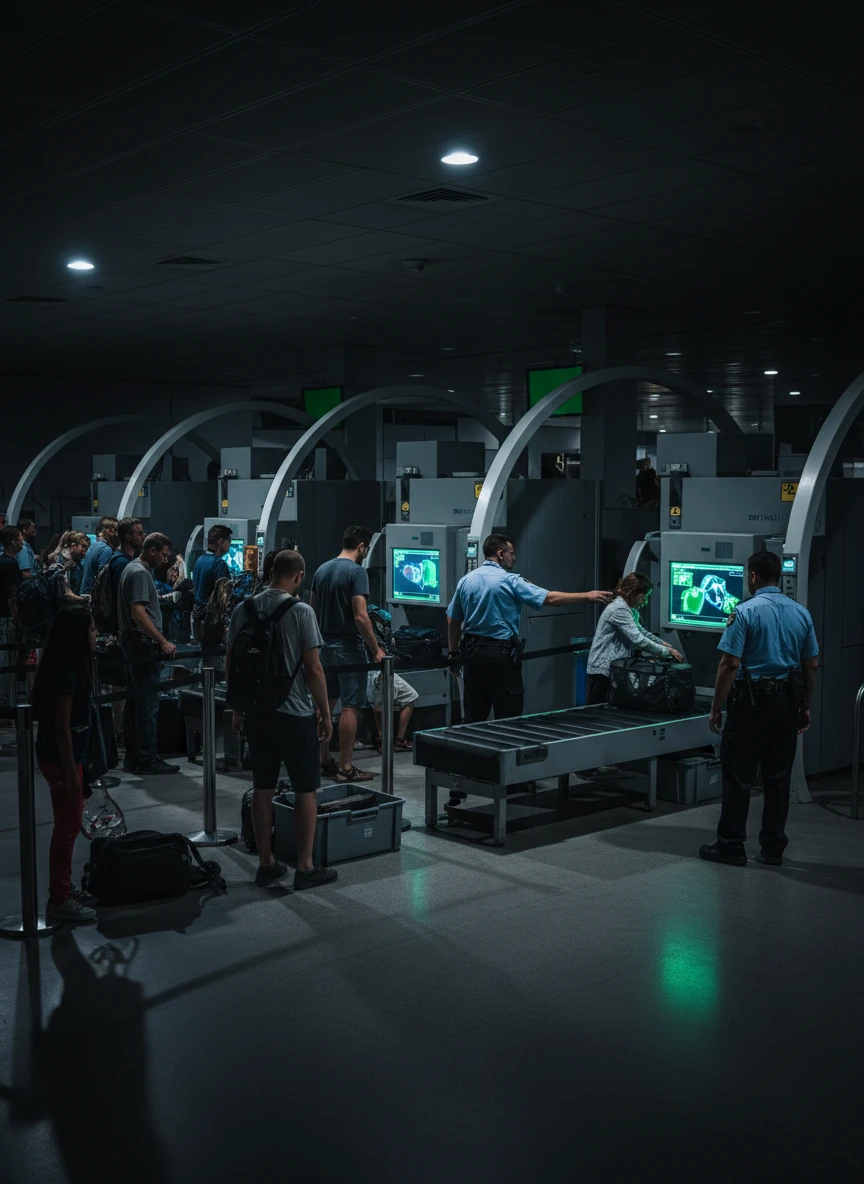
A secure airport checkpoint with x ray scanners, metal detectors, passengers in line, uniformed security staff, controlled lighting, realistic atmosphere
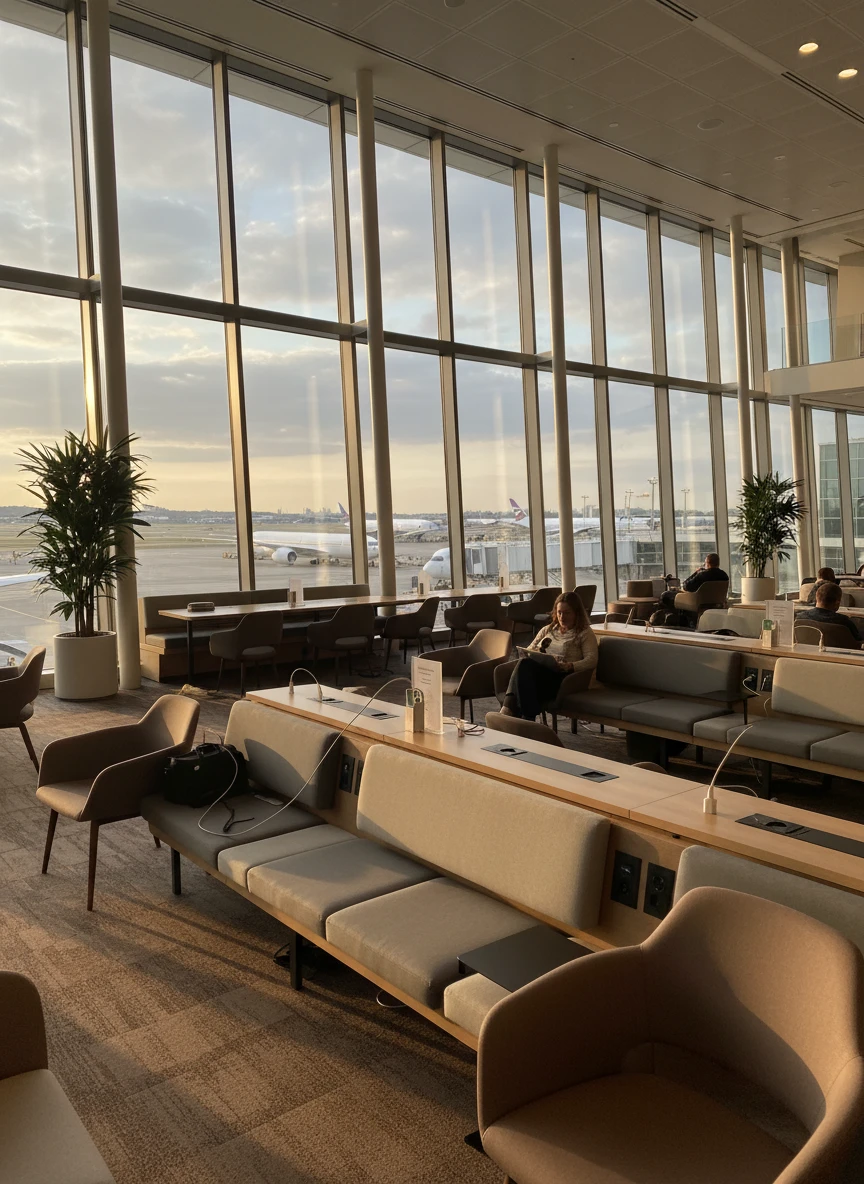
A comfortable airport departure lounge with modern seating, charging stations, large windows, airplanes visible outside, calm ambience, high resolution
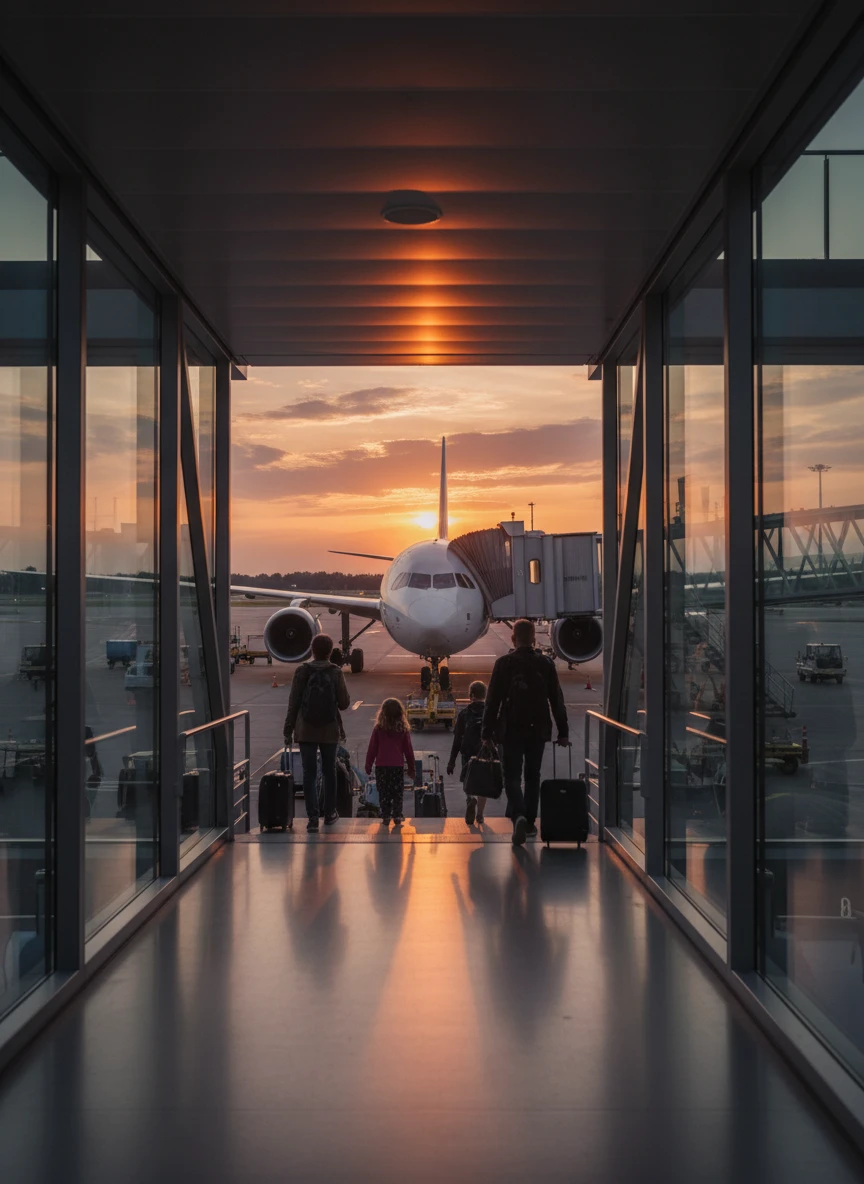
A boarding gate area with jet bridge connected, passengers boarding aircraft, parked airplane, evening lighting, cinematic perspective, high detail
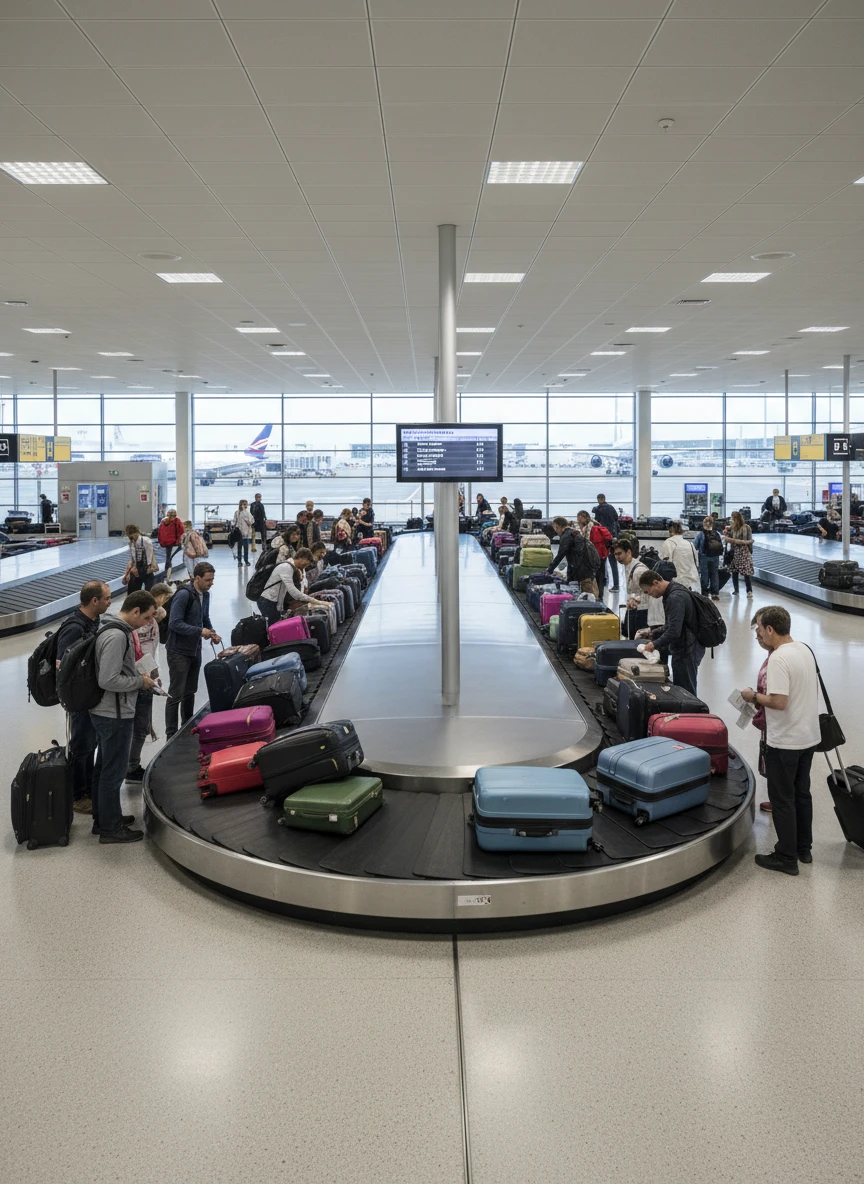
A baggage claim zone with rotating conveyor belt, suitcases arriving, travelers waiting around, bright indoor lighting, real world look
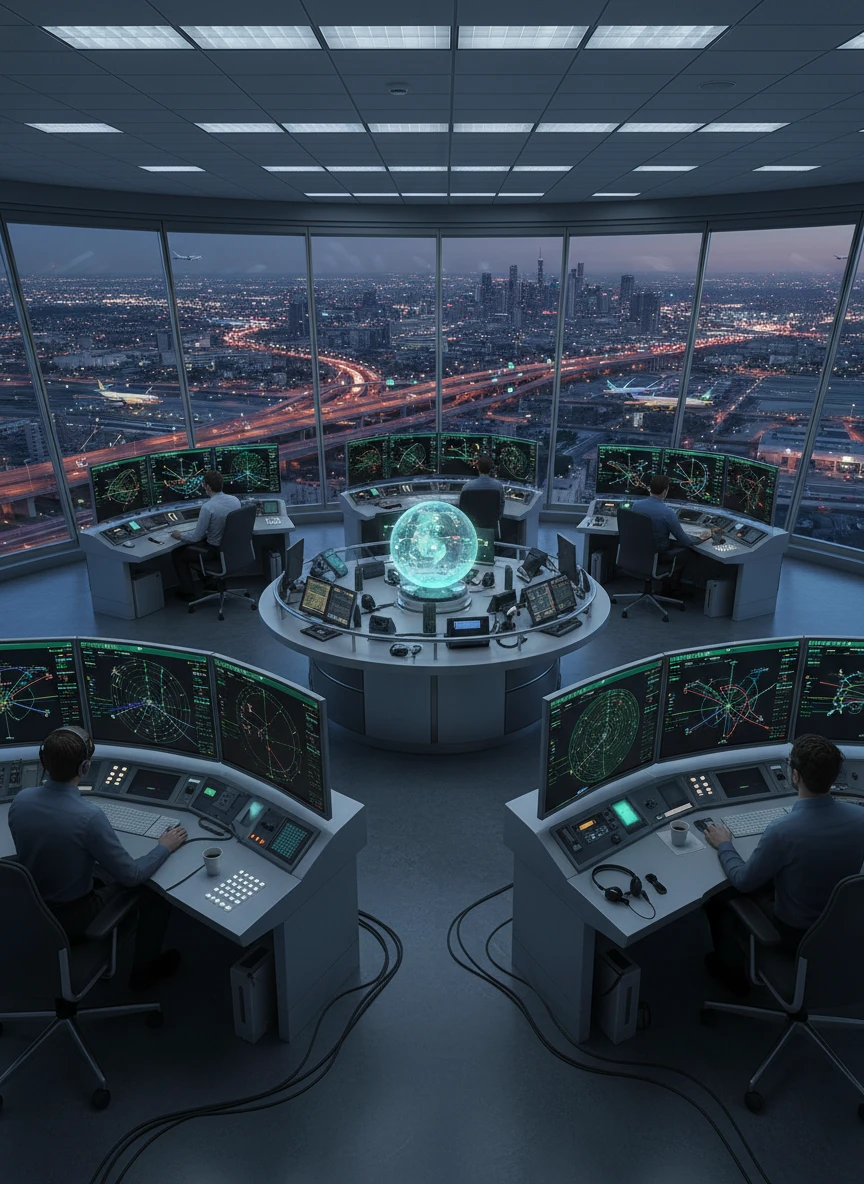
An airport control tower interior with air traffic controllers working, radar screens glowing, panoramic runway view, high tech environment, professional atmosphere
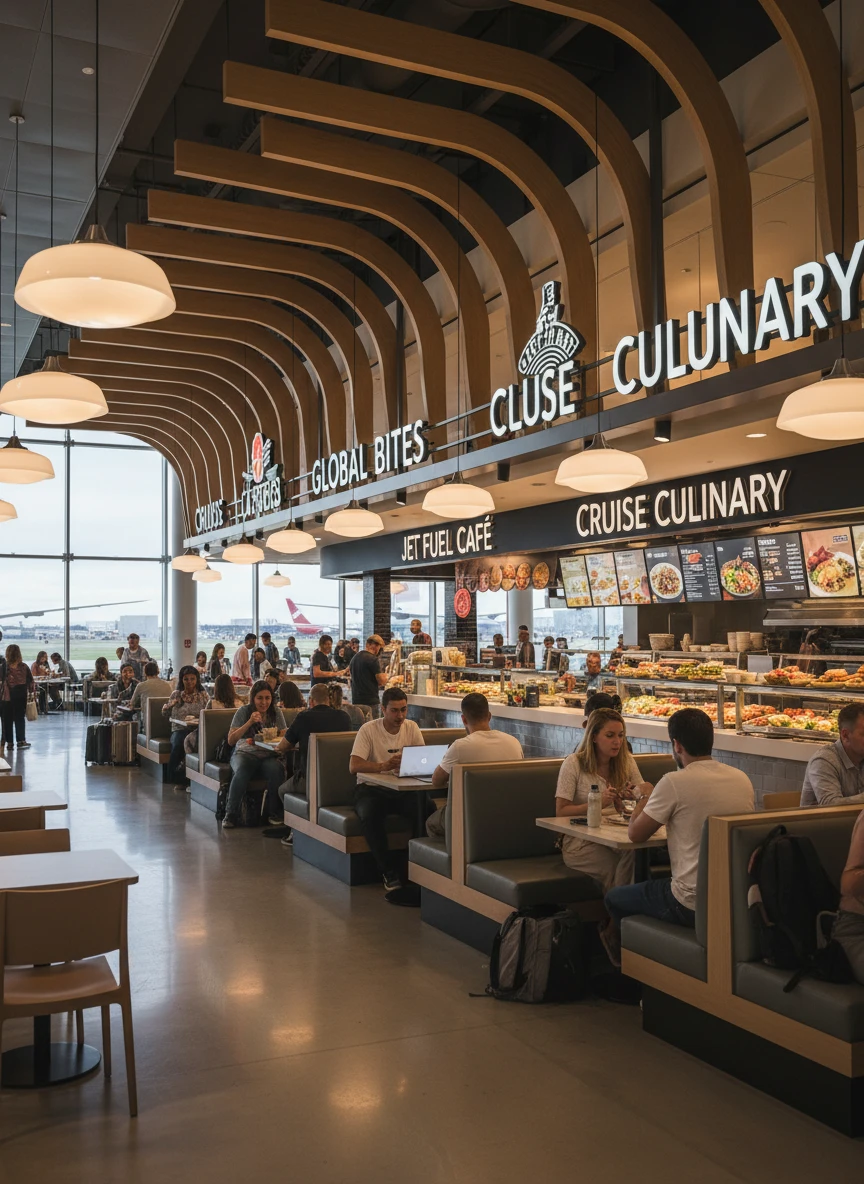
A food court section in modern airport, restaurant signs, travelers dining, tables and chairs, contemporary design, warm indoor lighting, ultra high detail
How Does It Work?
Describe Your Airport
Write a short description of the airport you want to create. You can include details like the type of airport, airplanes, terminals, runway view, lighting, weather, and overall scene style.
Create the Scene
Click the Generate button, and the AI starts the process of creating your airport image based on your description.
Download or Share
When the image is complete, download it and use it for design work, presentations, content creation, or sharing online.