AI Food Generator
Create tasty-looking food images easily with the AI Food Generator. Make realistic pictures of delicious meals in just seconds.
Sample Images
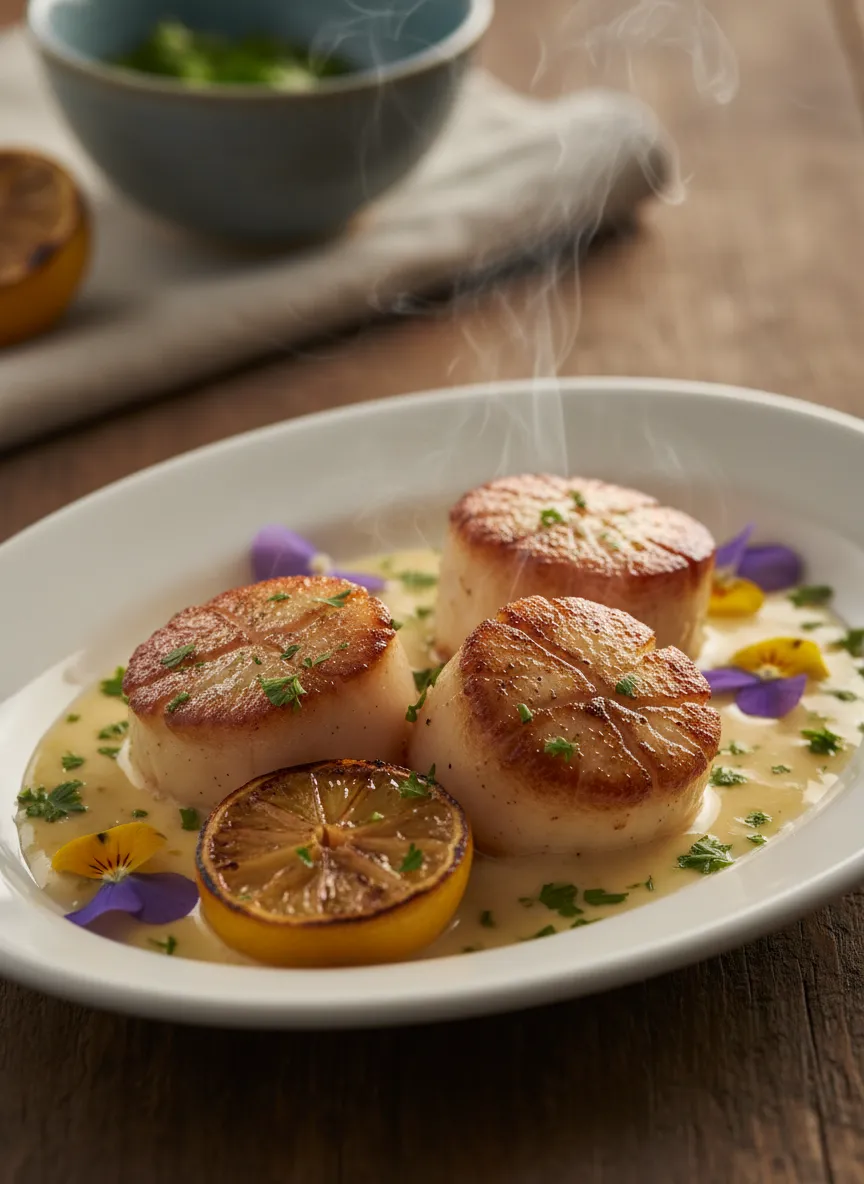
Create a hyper-detailed, ultra-realistic food photograph showcasing a perfectly plated dish. Capture authentic textures like glossy sauces, crisp edges, rising steam, and fresh herbs. Use lighting that enhances depth—side or back-lighting preferred—with a softly blurred background that matches the cuisine style. Keep colors natural and the overall mood elegant and magazine-worthy.
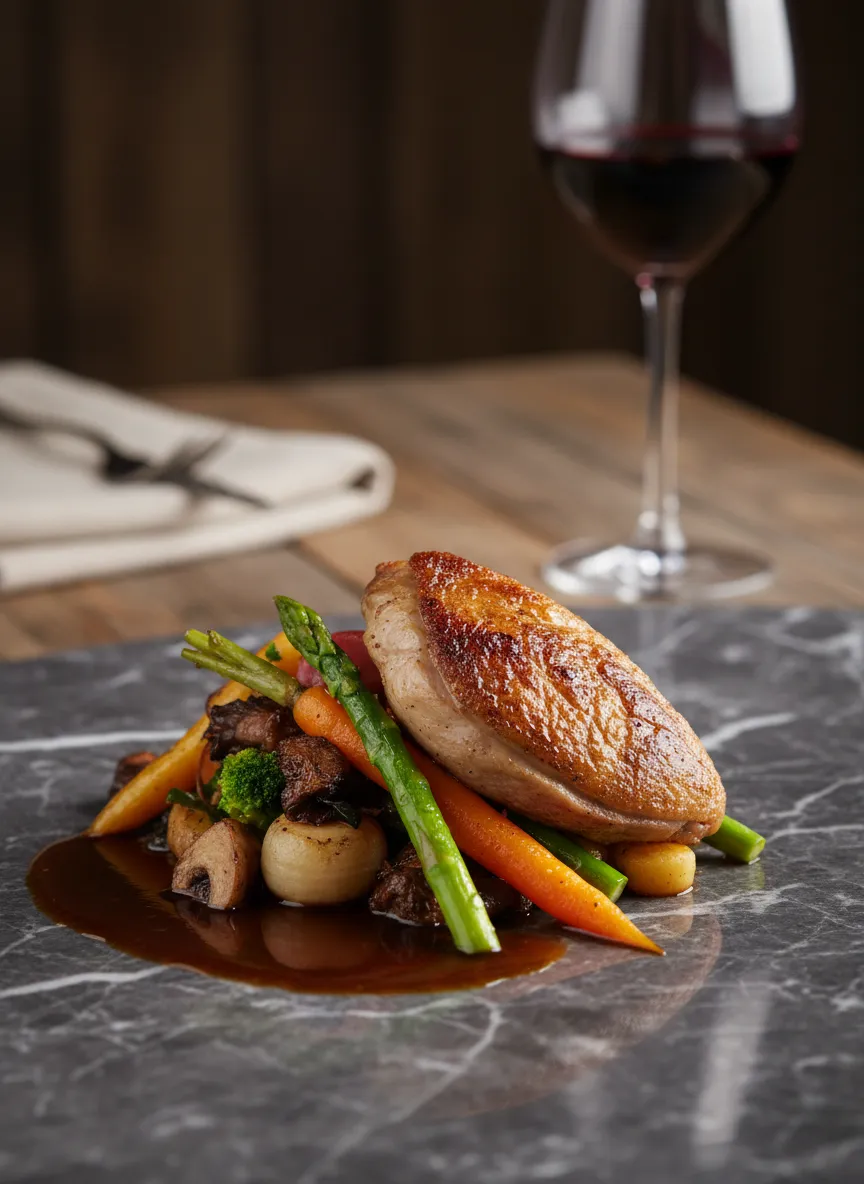
Produce a lifelike, high-resolution image of a beautifully prepared meal. Highlight fine details: moisture on vegetables, natural shine on sauces, and subtle shadows that add realism. Choose a background that complements the dish, such as rustic wood or modern marble. Use shallow depth of field and realistic color tones for a premium food-photo look.
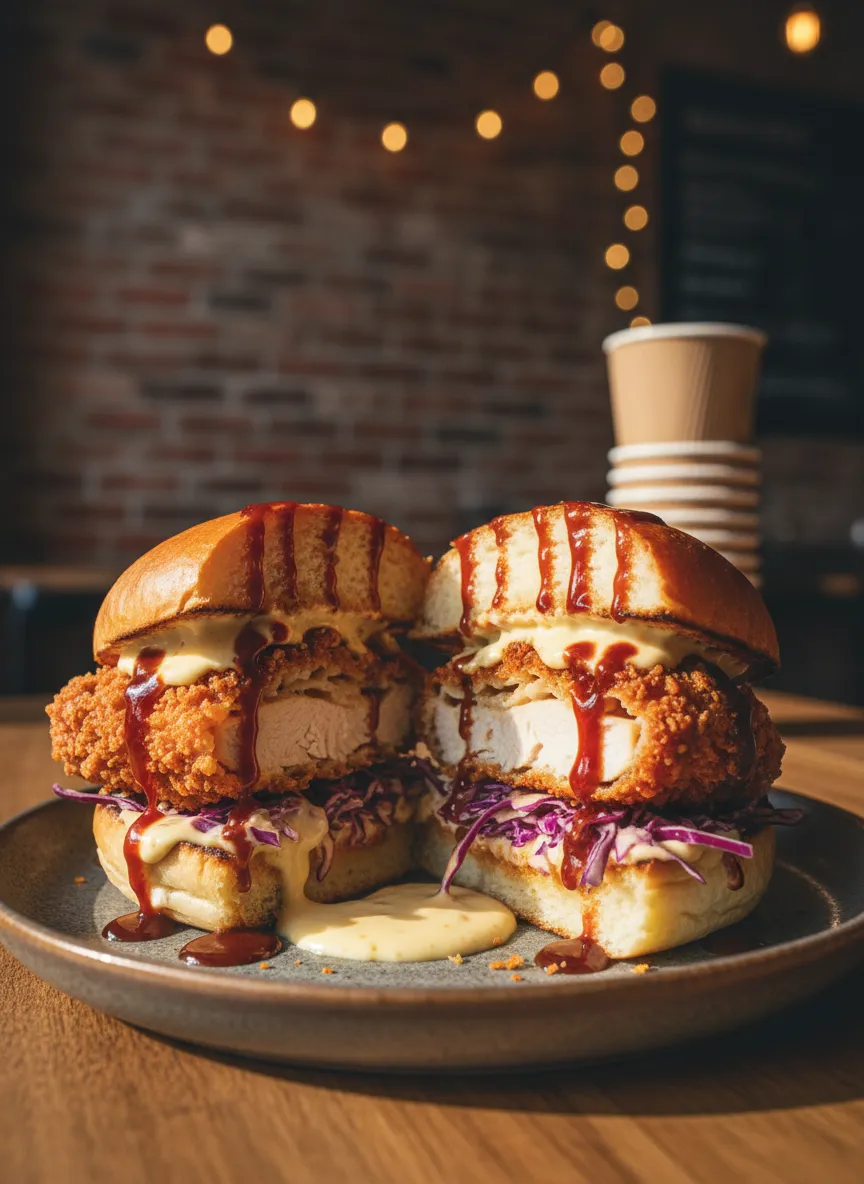
Generate a photorealistic food shot featuring a visually striking dish. Emphasize texture—crispy, creamy, or saucy—using directional lighting to enhance depth. Include appropriate ambiance like a cozy café setup or a minimal fine-dining backdrop. Maintain accurate colors and a gently blurred environment for a professional finish.
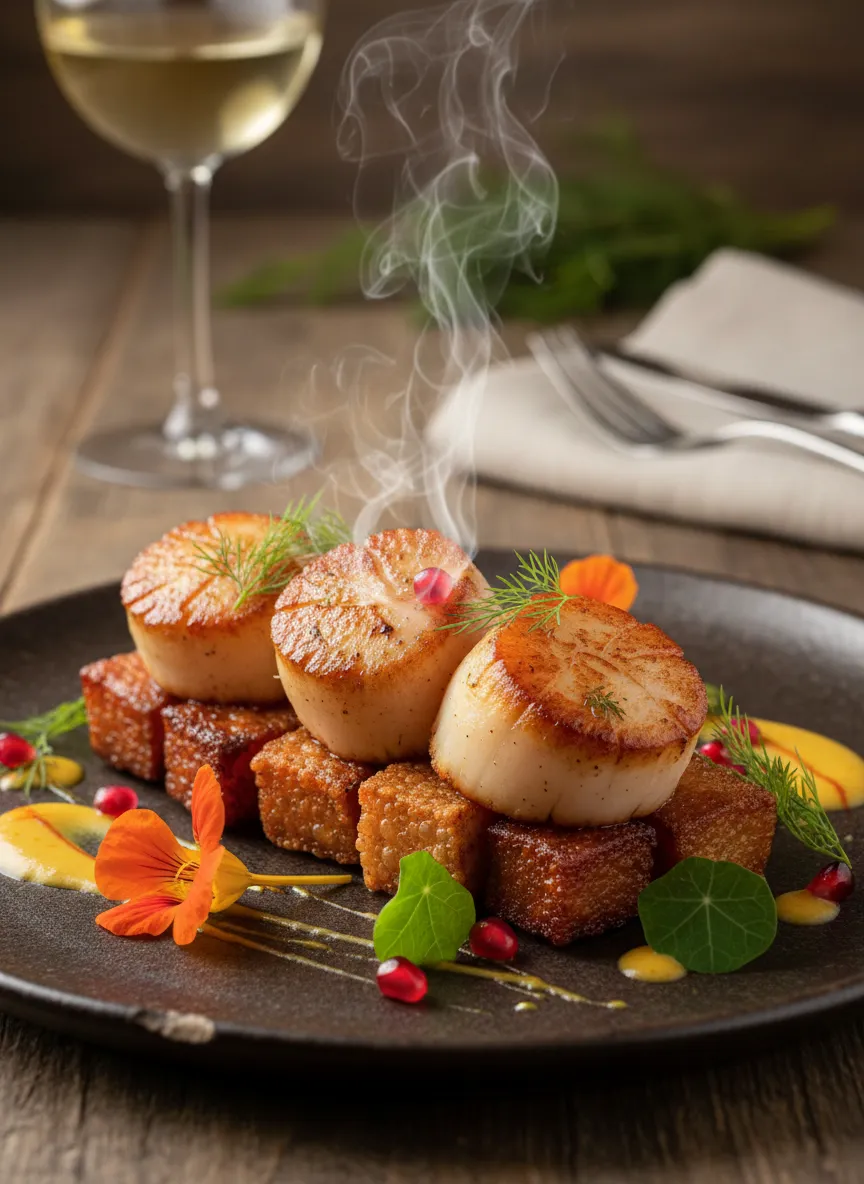
Create a vivid, natural-looking photograph of a gourmet dish with crisp textures, rich details, and visible freshness. Use soft side lighting to highlight contours and steam. Match the background to the dish's theme, ensuring the depth of field keeps the focus on the food while the surroundings remain subtle and blurred.
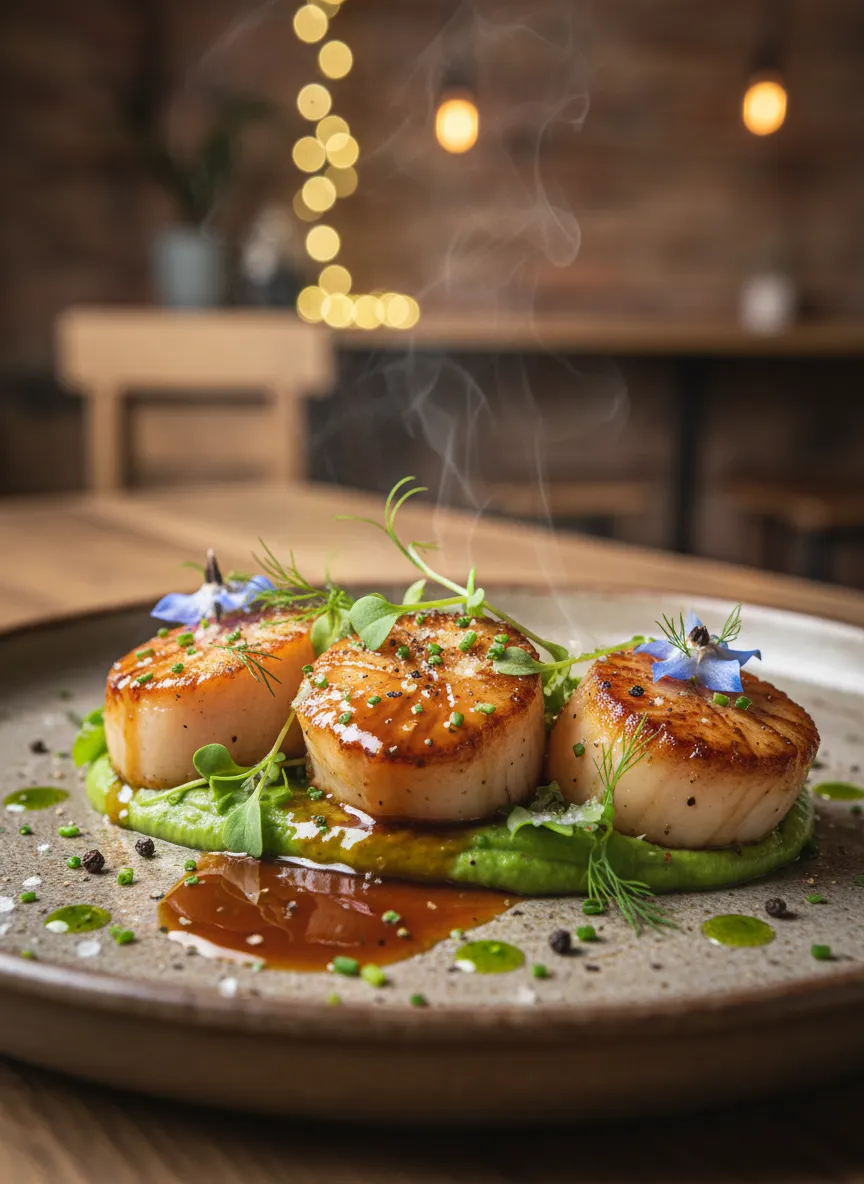
Render an elegant, true-to-life food image with meticulous detail: shimmering sauces, layered textures, and fresh seasoning. Apply gentle backlighting for depth and realism. Use a thematic background—rustic, modern, or café-inspired—and keep the color grade natural and appetizing with a shallow depth of field.
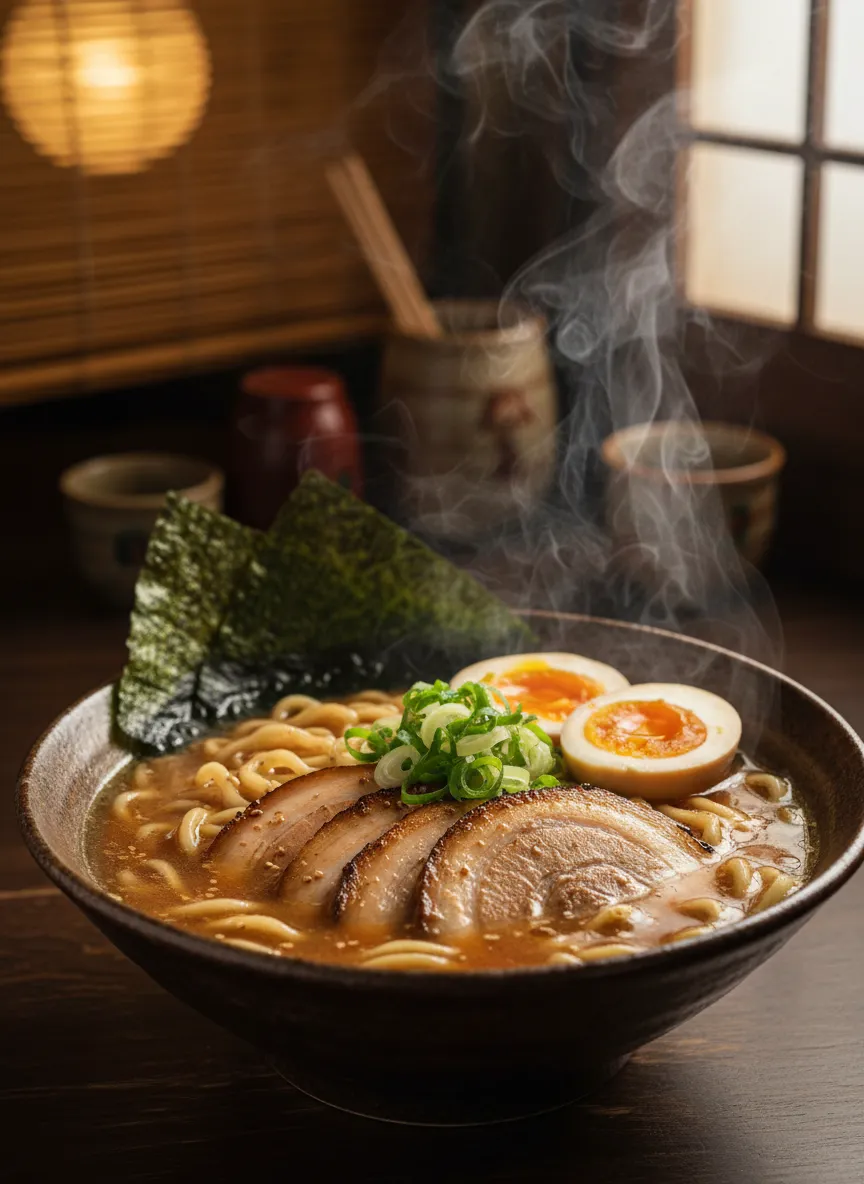
Produce a premium-quality food photograph showing a dish with rich, realistic textures. Emphasize natural reflections, crisp garnish, and warm steam when suitable. Light the scene from the side or back to enhance depth. Adapt the background to the cuisine style and ensure natural colors with a softly blurred backdrop.
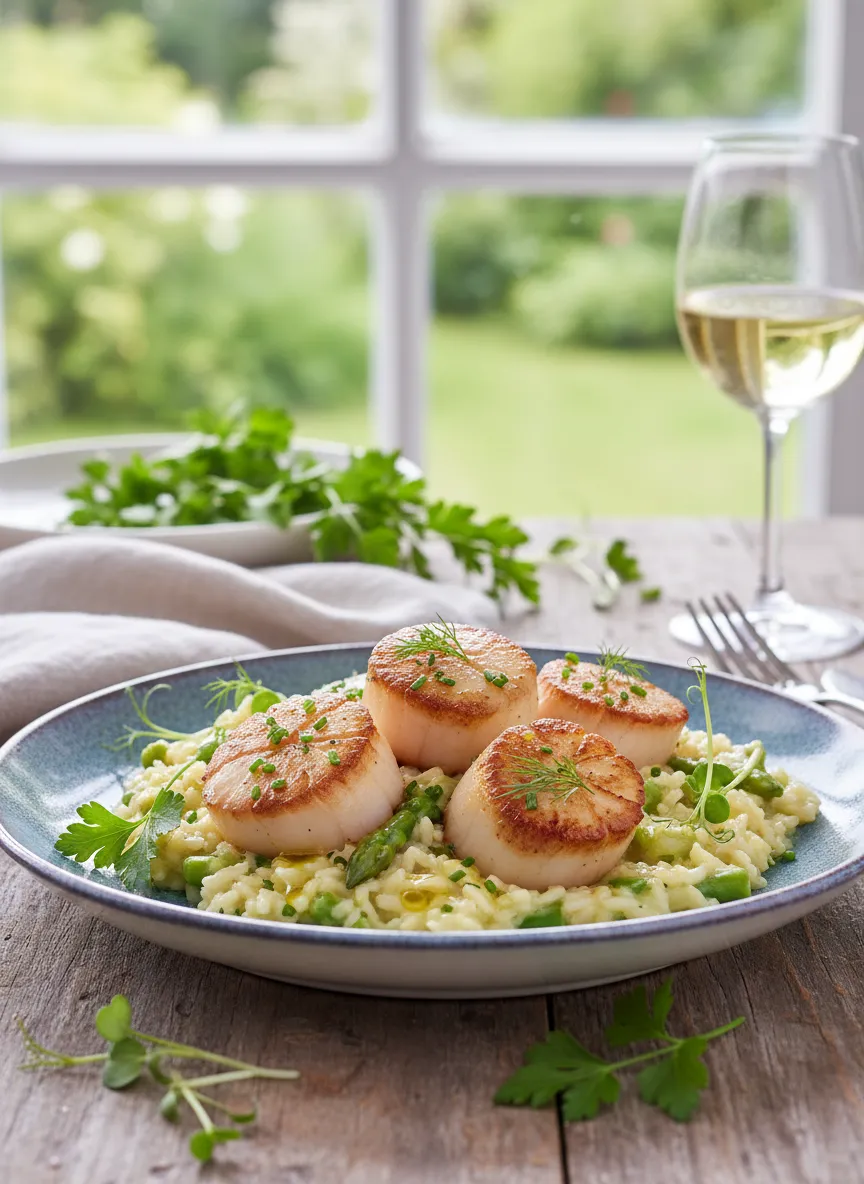
Generate an ultra-natural, magazine-style food image featuring a dish with vibrant yet realistic detailing. Showcase subtle shine, texture variations, and fresh herbs. Pair the dish with an appropriate background setting. Use shallow depth of field and precise lighting for a polished, high-end look.
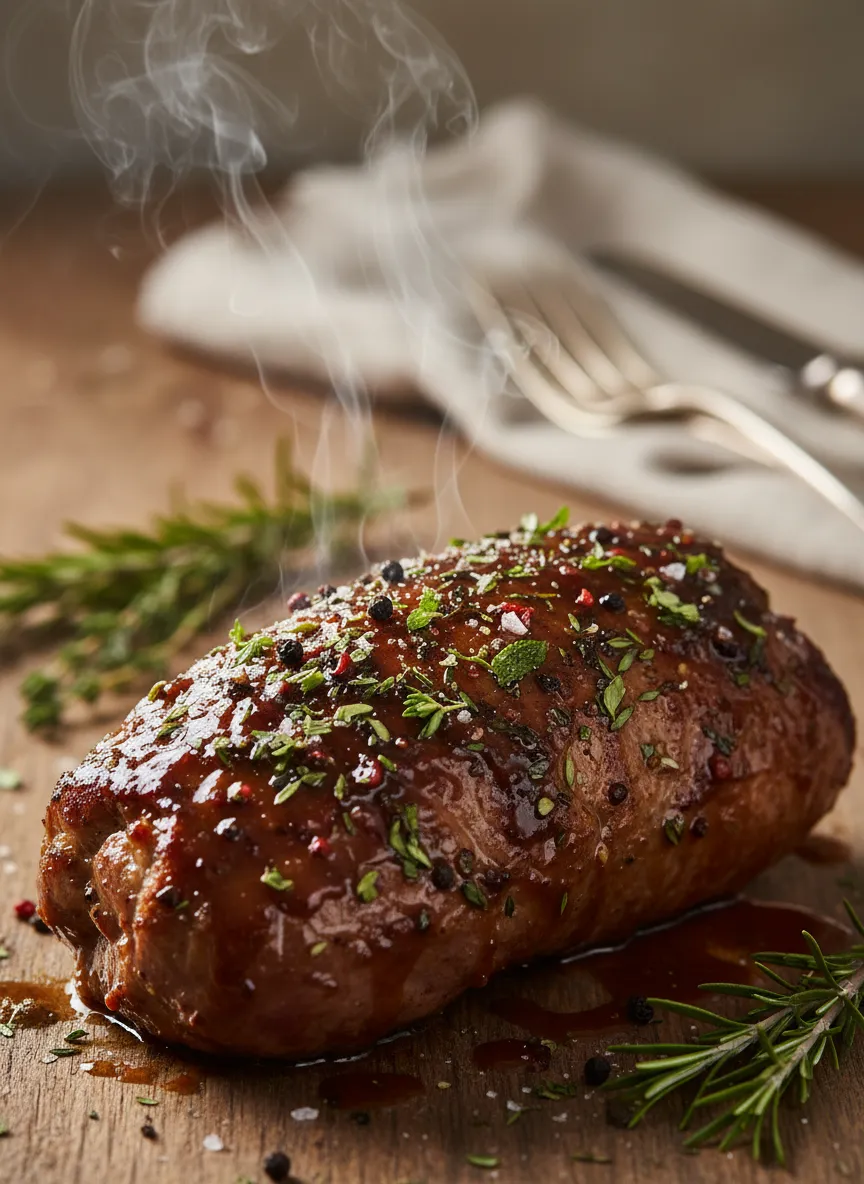
Create a high-end photorealistic shot of a mouth-watering dish, emphasizing lifelike textures such as glossy toppings, fine seasoning, and rising steam. Choose a mood-matching background—from rustic to refined. Use side/back-lighting and natural color grading with a gentle blur in the background for a professional result.
How to Create Food Images With AI
Describe Your Dish
Enter a detailed prompt describing the food you want to create. Include cuisine, ingredients, style, plating, colors, and any specific details.
Select AI Model
Choose the AI model that best fits your preferred food style. Each model offers unique visual qualities for different types of dishes.
Generate & Download
Click generate to create your realistic food image. Download the high-quality result instantly, perfect for menus, blogs, or social media.