AI Logo Remover
Remove logos from your photos and get clean images with an AI logo remover. Perfect for creators and marketers.
Before & After Examples
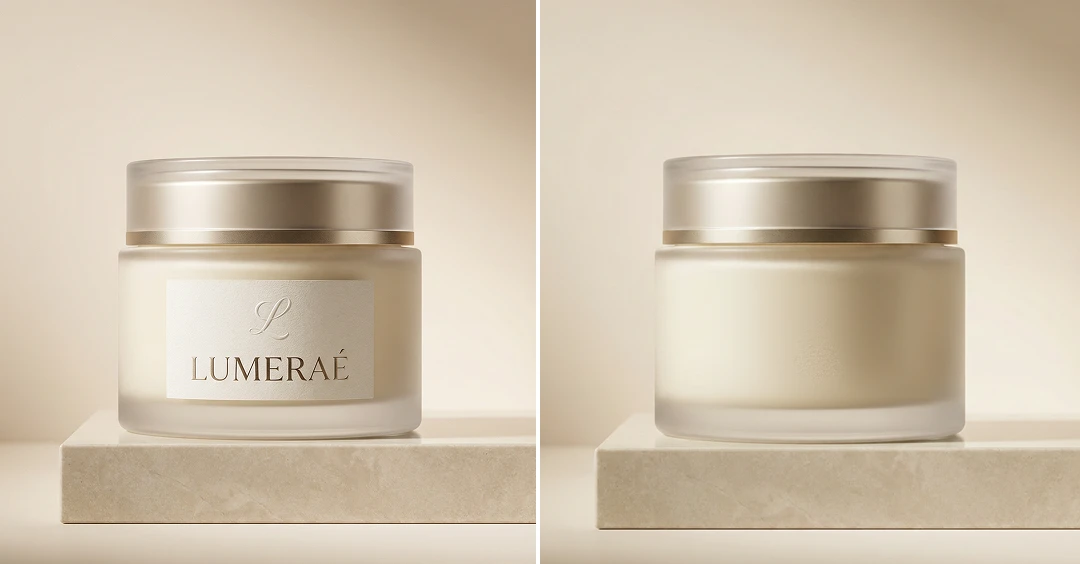
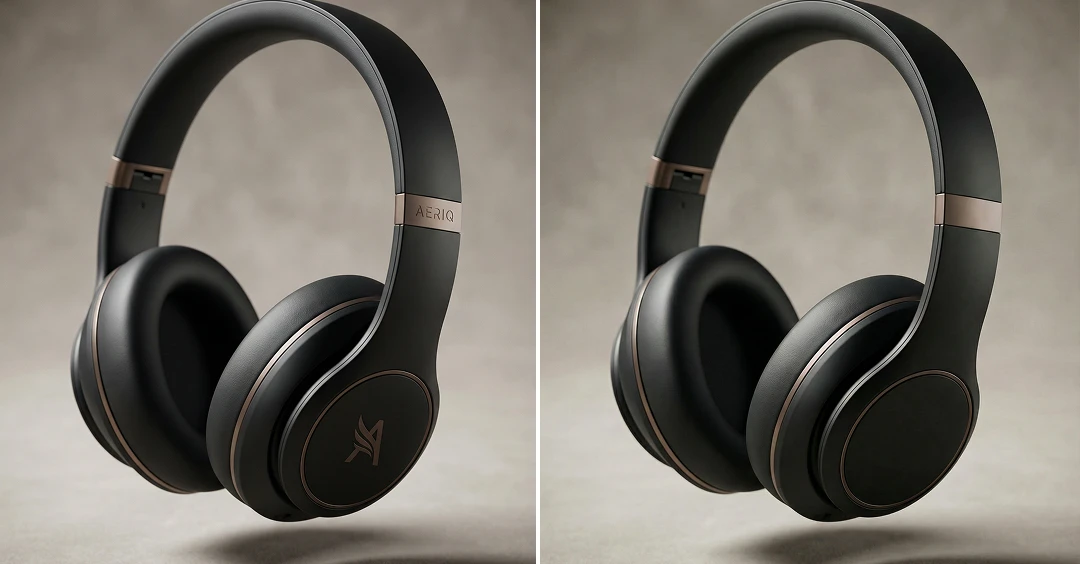
How Does It Work?
Upload Image
Start by uploading a clear photo that you want to remove a logo from. For best results, use a high-quality image where the logo is clearly visible.
Remove Logo
Click the “Generate” button. The AI will instantly detect the logo and erase the logo from photo.
Download & Share
Once your logo-free image is ready, you can download it to your device or share it with friends.
Why Use Our AI Logo Remover?
Instant Results
Upload your photo and get a clean, logo-free image within seconds. No editing or design skills are needed—the AI handles everything for you.
Secure & Private Processing
Your privacy is our top priority. Every image is processed safely, ensuring your data remains confidential and is never shared with third parties.
Completely Free to Use
Access all our powerful features at absolutely no cost. There are no hidden fees or sign-ups required—just unlimited creativity with zero restrictions.
High-Quality Outputs
Enjoy professional-grade results with exceptional clarity, detail, and color accuracy in every image processed by our AI.
Try More Popular Image Effects




What People Say about us

Charlotte
Digital Artist
"This logo remover makes removing logos so easy. It’s fast, accurate, and helps me finish my work much faster."

Ethan
Web user from USA
"Wow, I had a photo with an logo, and this removed it in seconds. Super easy to use."

Leo
Video Editor
"I always need clean reference stills for my work, and MaxStudio’s AI Logo Remover makes it super easy to remove logos with no extra effort."