AI Glitch Effect
Give your photos a digital distortion makeover with our AI Glitch Effect, adding pixel breaks, color shifts, glitch lines.
Explore the Visual Results
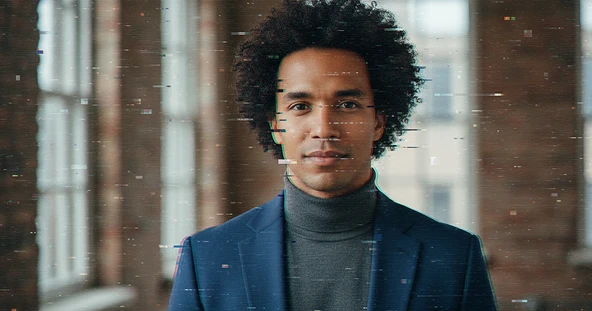
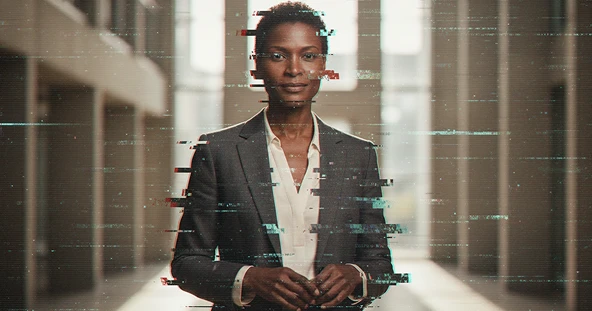
How to Use AI Glitch Effect?
Step 1
Upload Image
Choose a photo from your device and upload it to the AI Glitch Effect tool.
Step 2
Apply Glitch Effect
Select the generate button and AI automatically add digital distortion to your image.
Step 3
Download & Share
Save your glitch image and share it on social media, profiles, or anywhere you like.
Discover Other Popular Image Effects


What People Say about us
Olivia
Content Creator
"This AI glitch effect is exactly what I needed for my project. The results look so professional!"
Ethan
Video Editor
"Honestly, the glitch effects are top-notch. Max Studio really delivered with this tool, saved me so much time."

Noah
Web user from USA
"how simple this is. I can add a cool, edgy vibe to my photos in just a few clicks."