AI Favicon Generator
AI Favicon Generator helps you create professional website icons using text prompts. Design minimal, modern, and brand-ready favicons.
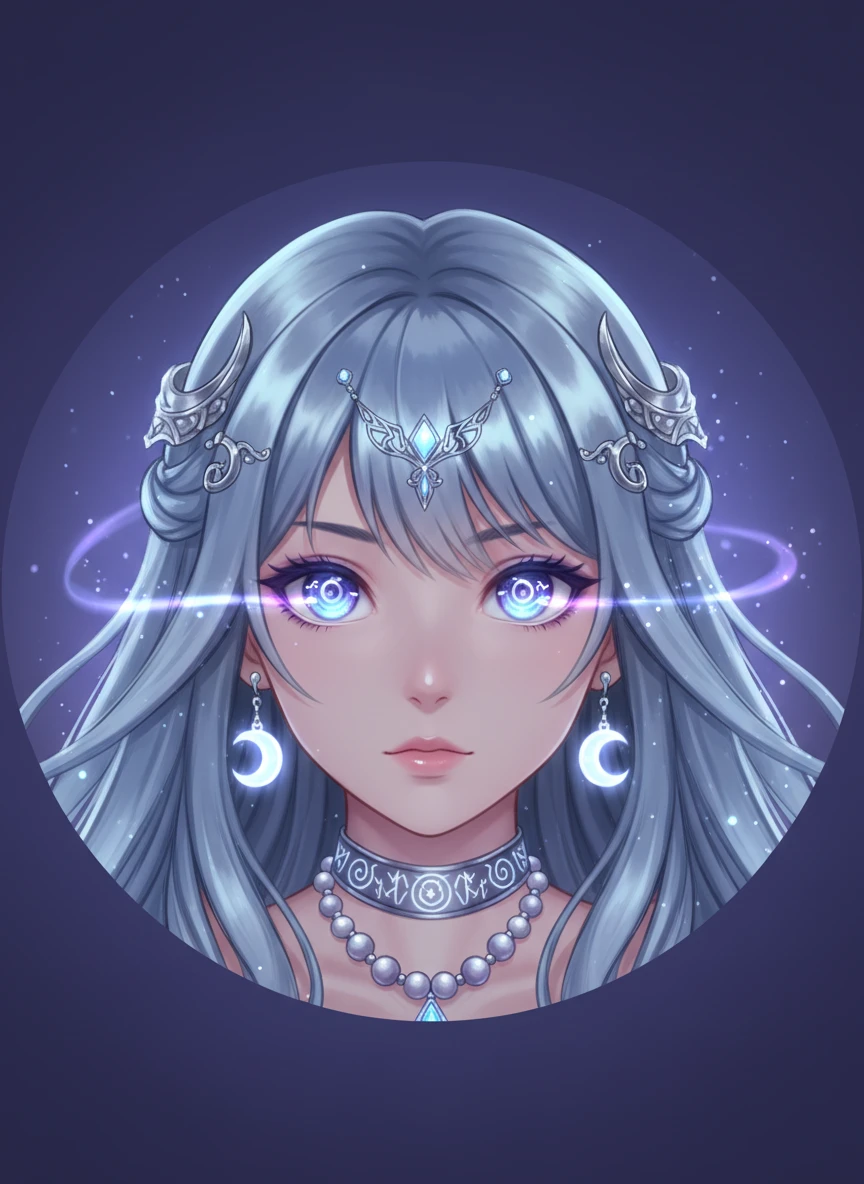
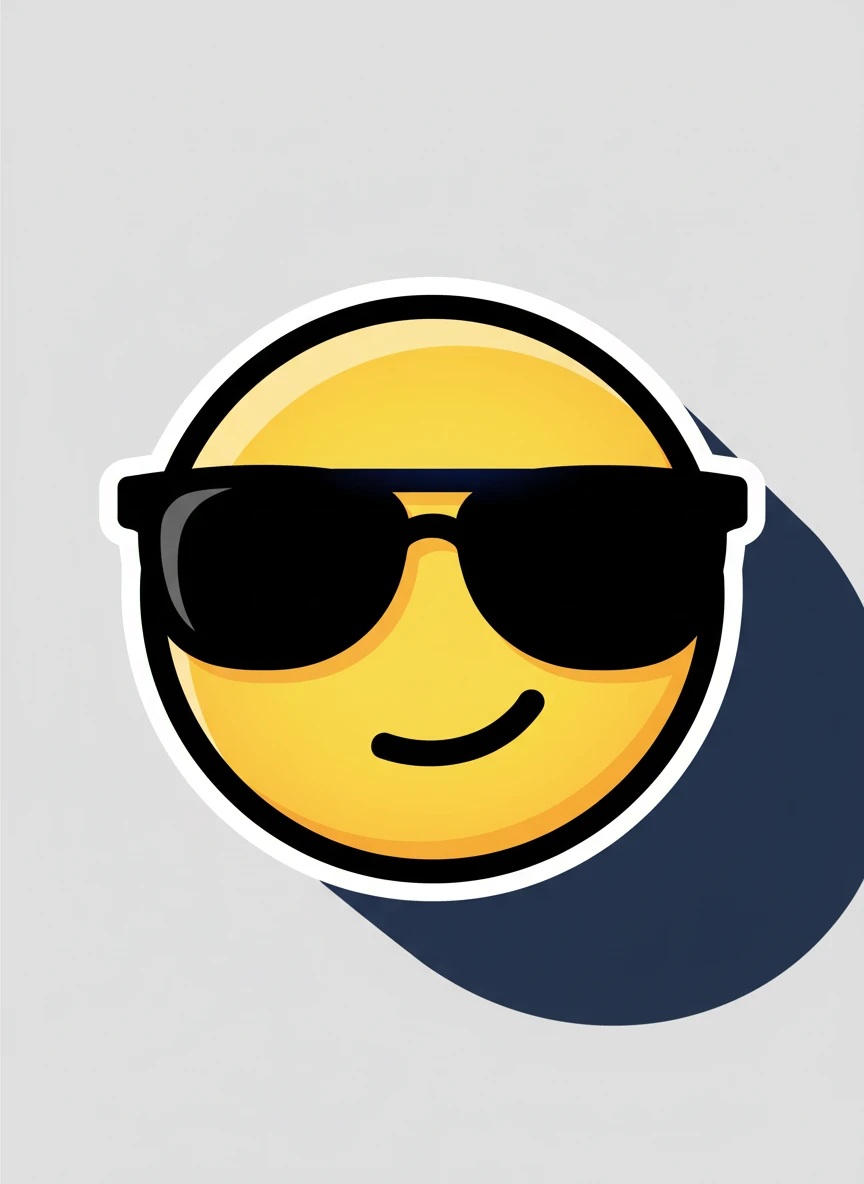
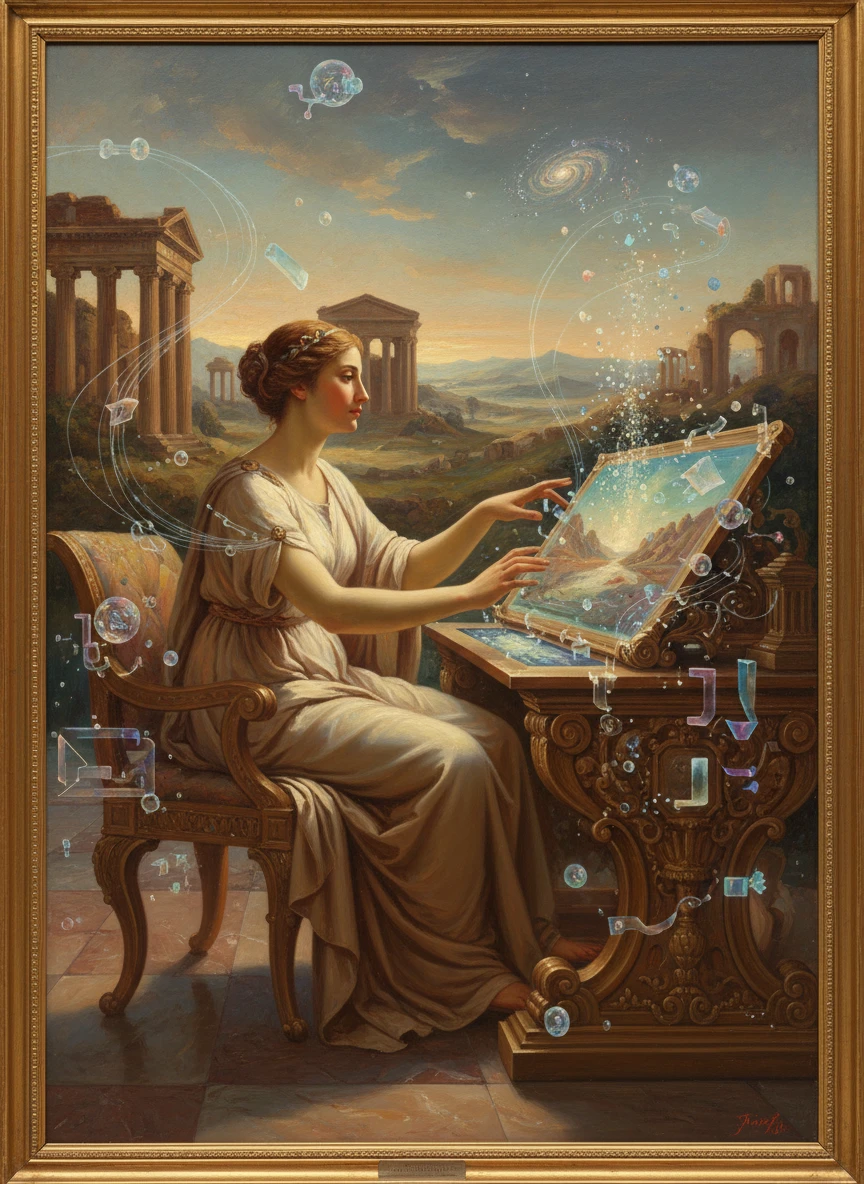
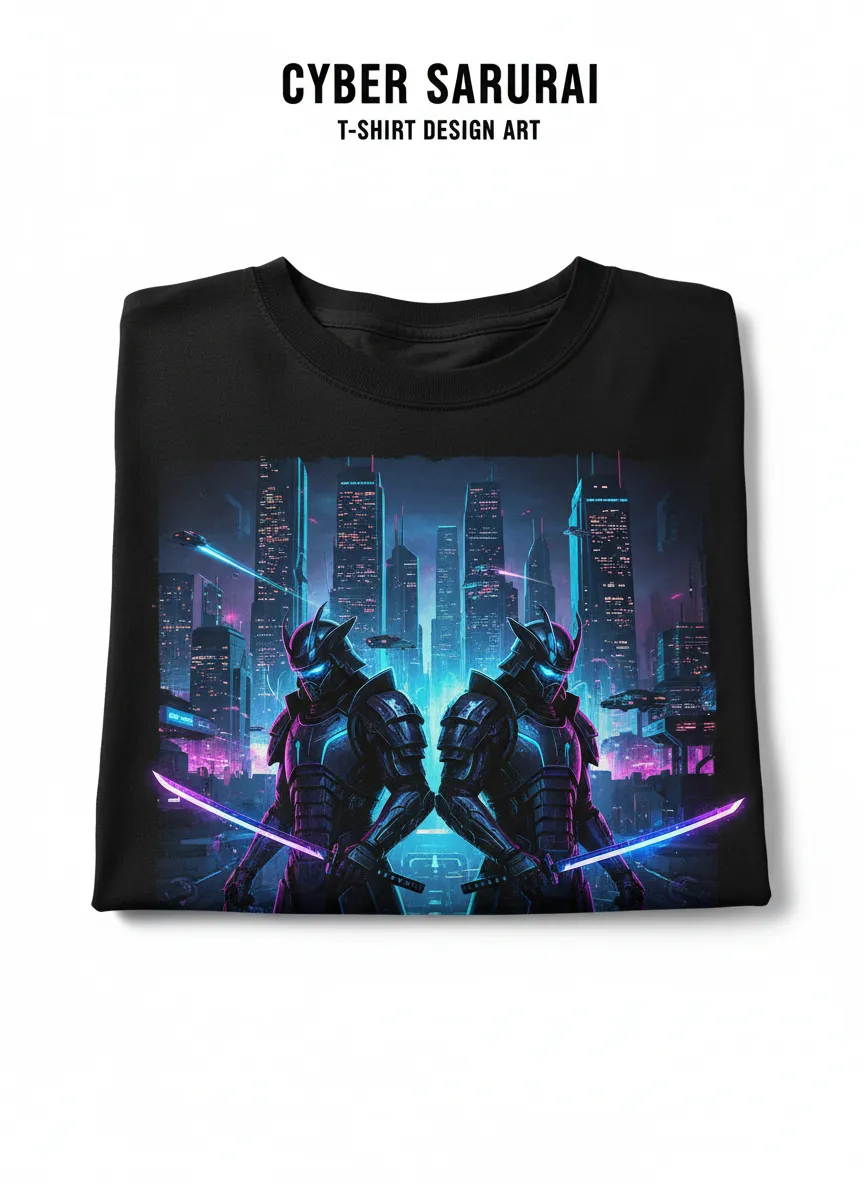
Check Out Amazing Results
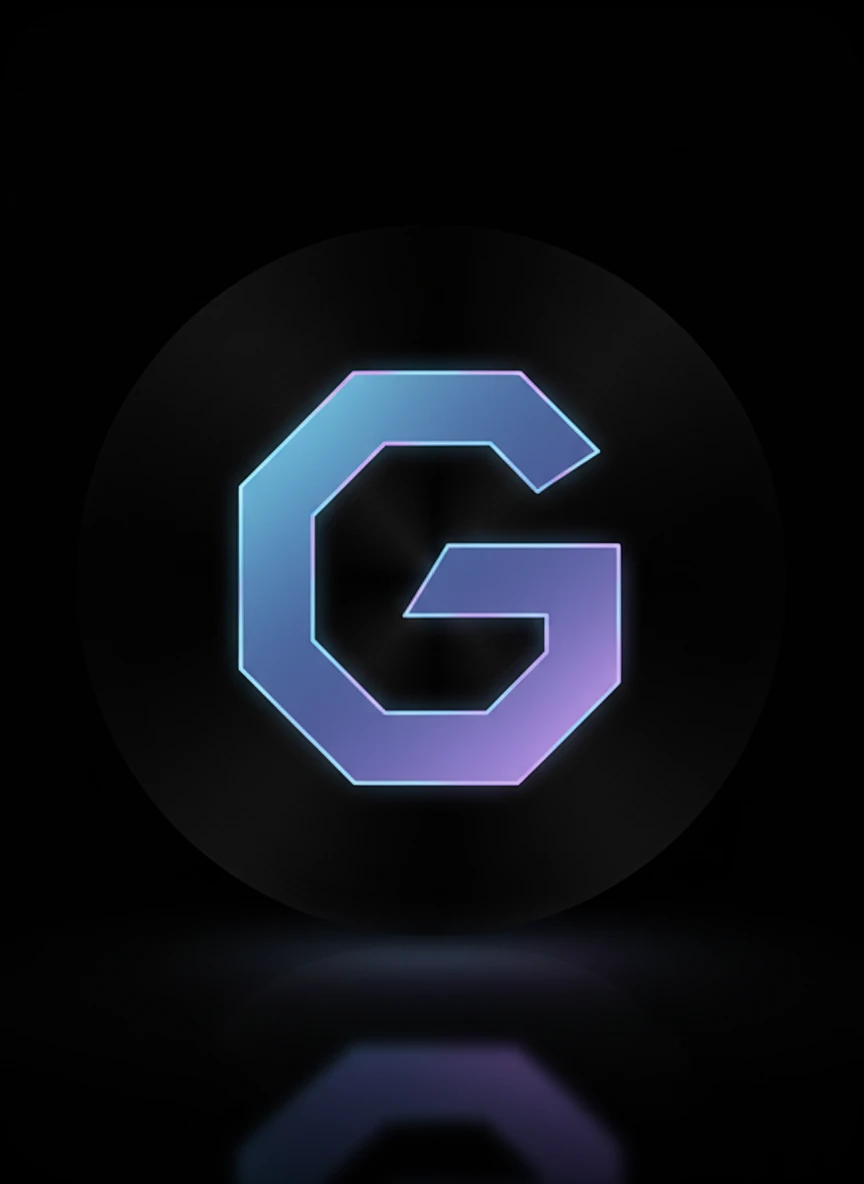
Create a sleek browser icon using a Realistic favicon generator style designed specifically for dark-mode interfaces. The favicon should feature a luminous symbol centered on a deep dark background with subtle highlights and soft reflections. Keep the shapes bold and simple so the design stays recognizable even at very small favicon sizes. Emphasize contrast and clean edges for clarity. Tags: dark mode, modern UI, high contrast — NEG: blur, pixelation, clutter, watermark, low resolution, noise, distorted shapes
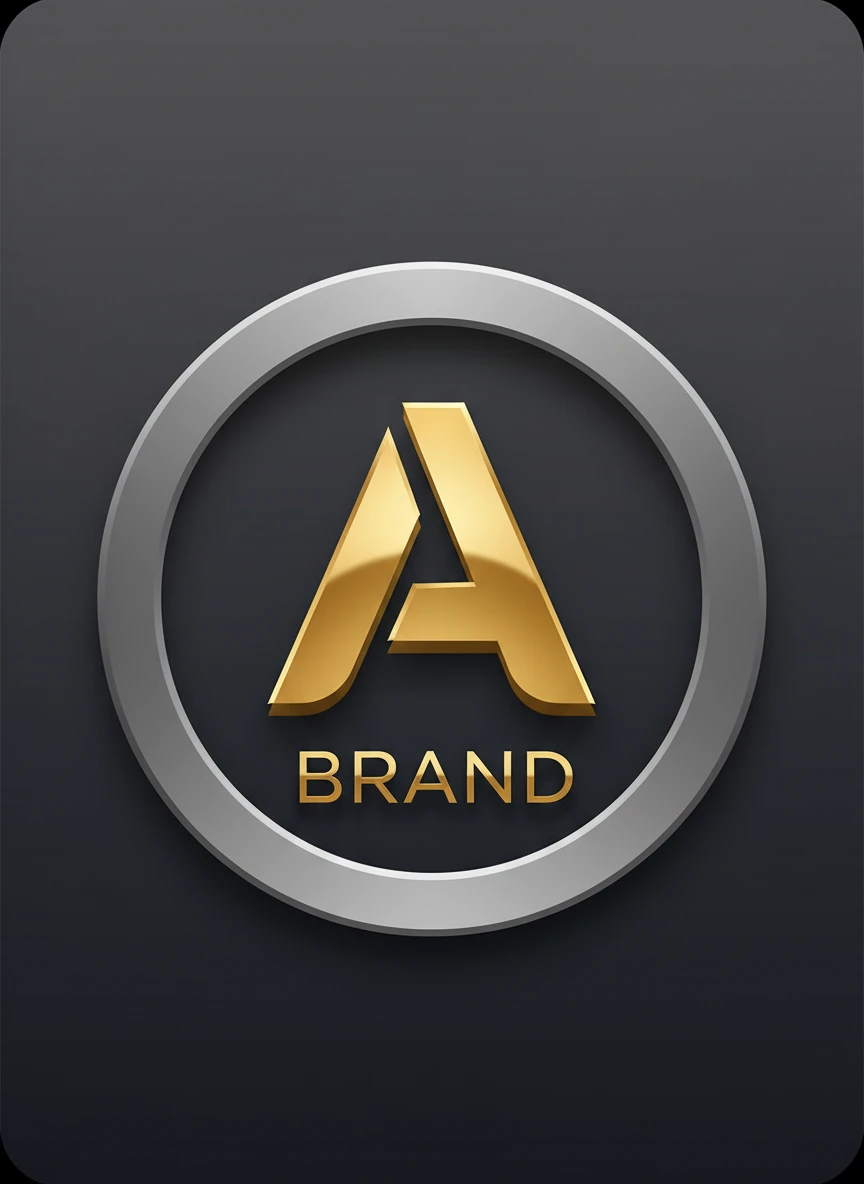
Design a refined letter-based icon using a Realistic favicon generator concept centered around a bold monogram. The favicon should feature a single stylized letter with subtle depth, shadows, and polished lighting to create a professional identity mark. Ensure the typography remains readable at small favicon resolutions like 16x16 pixels. Keep the background simple and balanced. Tags: monogram, typography, minimal branding — NEG: blur, messy letters, pixelated text, watermark, clutter, distortion, low detail
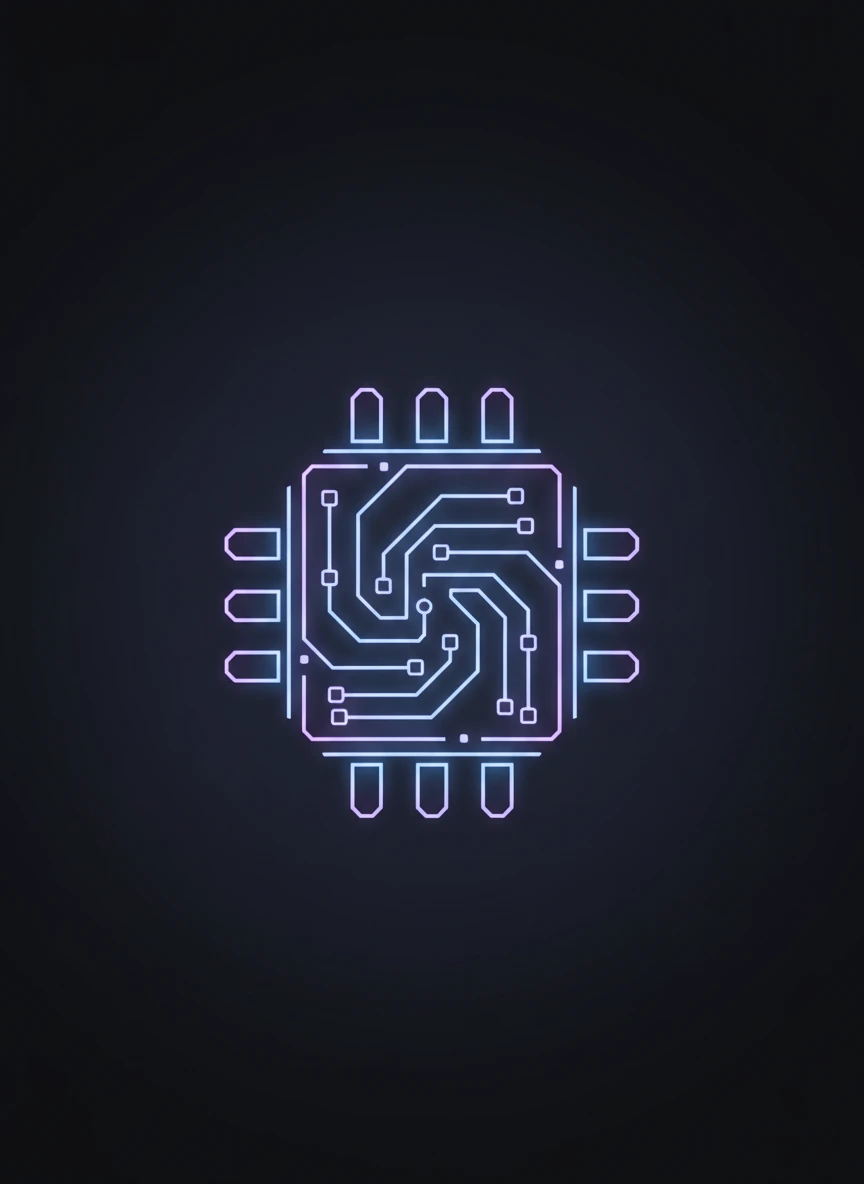
Generate a futuristic digital icon using a Realistic favicon generator style inspired by cyber technology. The design should feature a sleek circuit-inspired symbol glowing softly against a dark or gradient background. Maintain clean geometry and strong contrast so the icon remains recognizable when reduced to favicon scale. Focus on subtle neon highlights and precise edges. Tags: cyber tech, futuristic, glowing — NEG: blur, low resolution, messy circuits, watermark, noise, cluttered composition
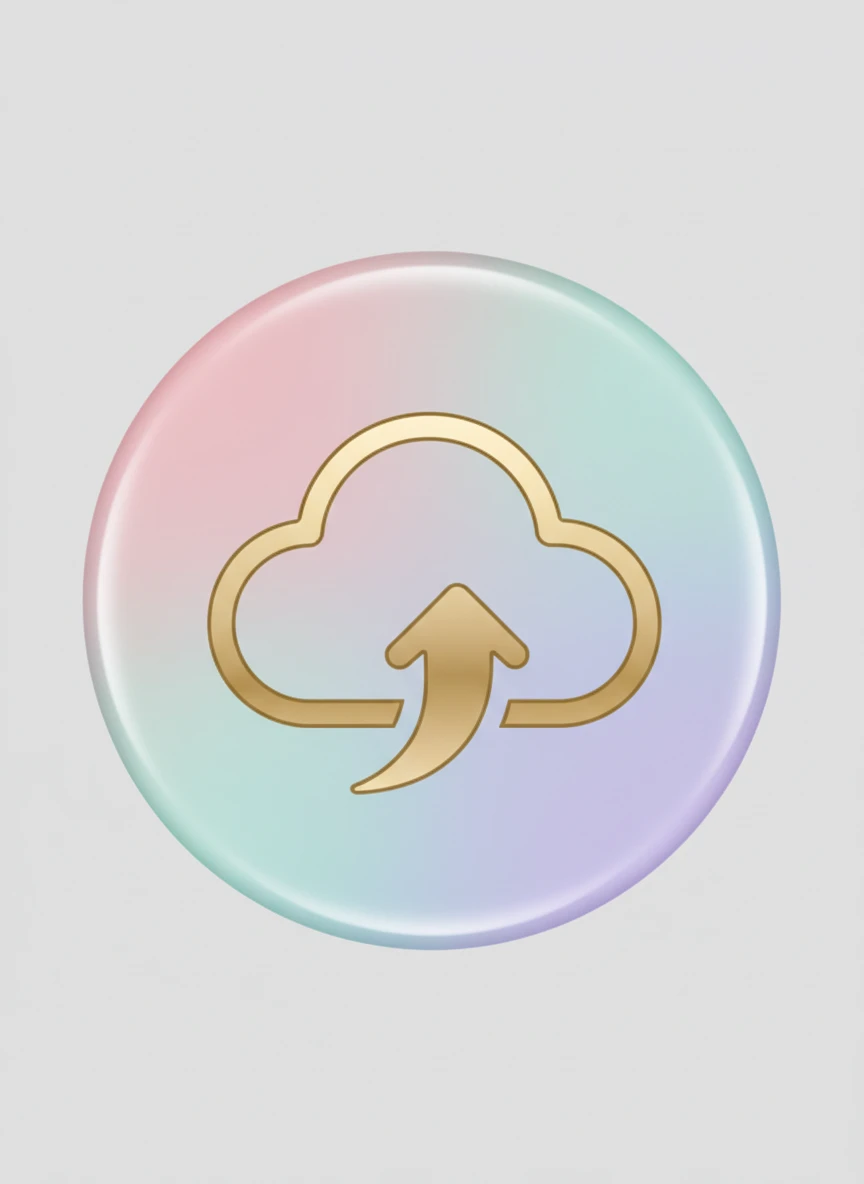
Create a modern soft-themed icon using a Realistic favicon generator approach with pastel color gradients and smooth shading. The favicon should include a simple central symbol with gentle highlights and a calming aesthetic. Keep the design minimal so it remains clearly visible at small sizes. Balance soft colors with strong outlines for readability. Tags: pastel, soft UI, minimal — NEG: blur, washed colors, pixelation, clutter, watermark, rough edges, noise
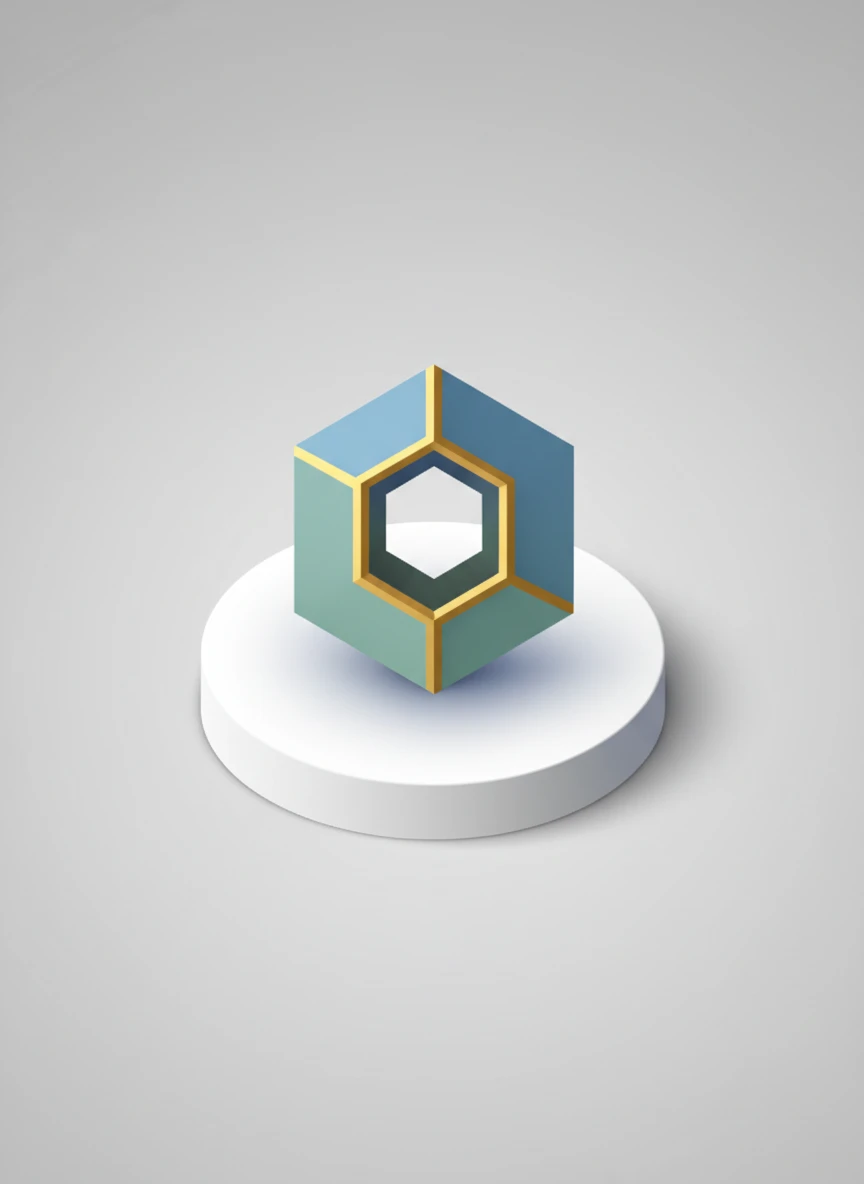
Design a tiny isometric-style icon using a Realistic favicon generator concept that gives subtle 3D perspective. The favicon should include a geometric object or symbol rendered with clean edges and soft shadows to create depth. Ensure the icon stays clear and recognizable even at small favicon resolutions. Maintain a balanced color palette and simple structure. Tags: isometric, geometric, modern — NEG: blur, distorted perspective, clutter, pixelation, watermark, messy lines, noise
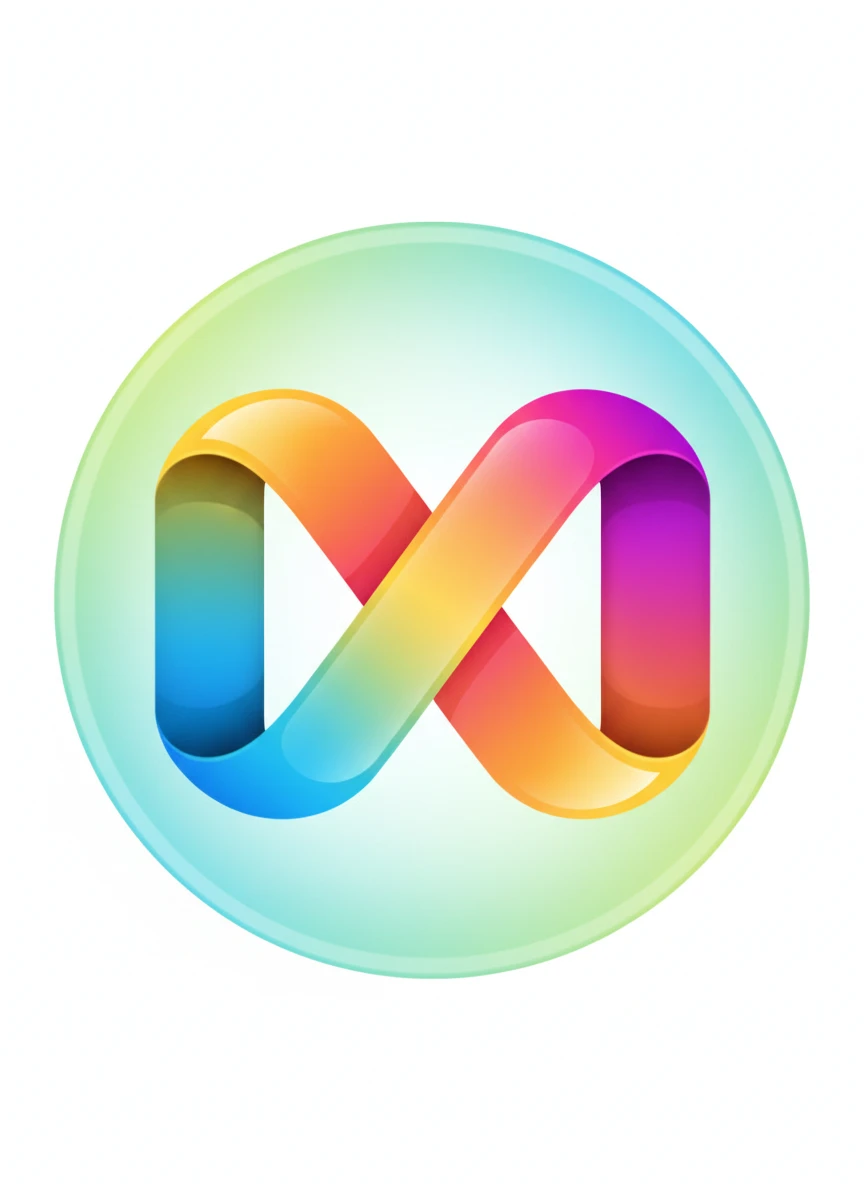
Create a vibrant modern icon using a Realistic favicon generator style with smooth multi-color gradients. The favicon should feature a simple symbol with bold edges and flowing color transitions that remain clear at tiny sizes. Ensure the design stays visually balanced and not overly complex. Use bright yet harmonious colors for strong visual impact. Tags: gradient, colorful, modern UI — NEG: blur, harsh transitions, pixelated edges, watermark, clutter, noise, distortion
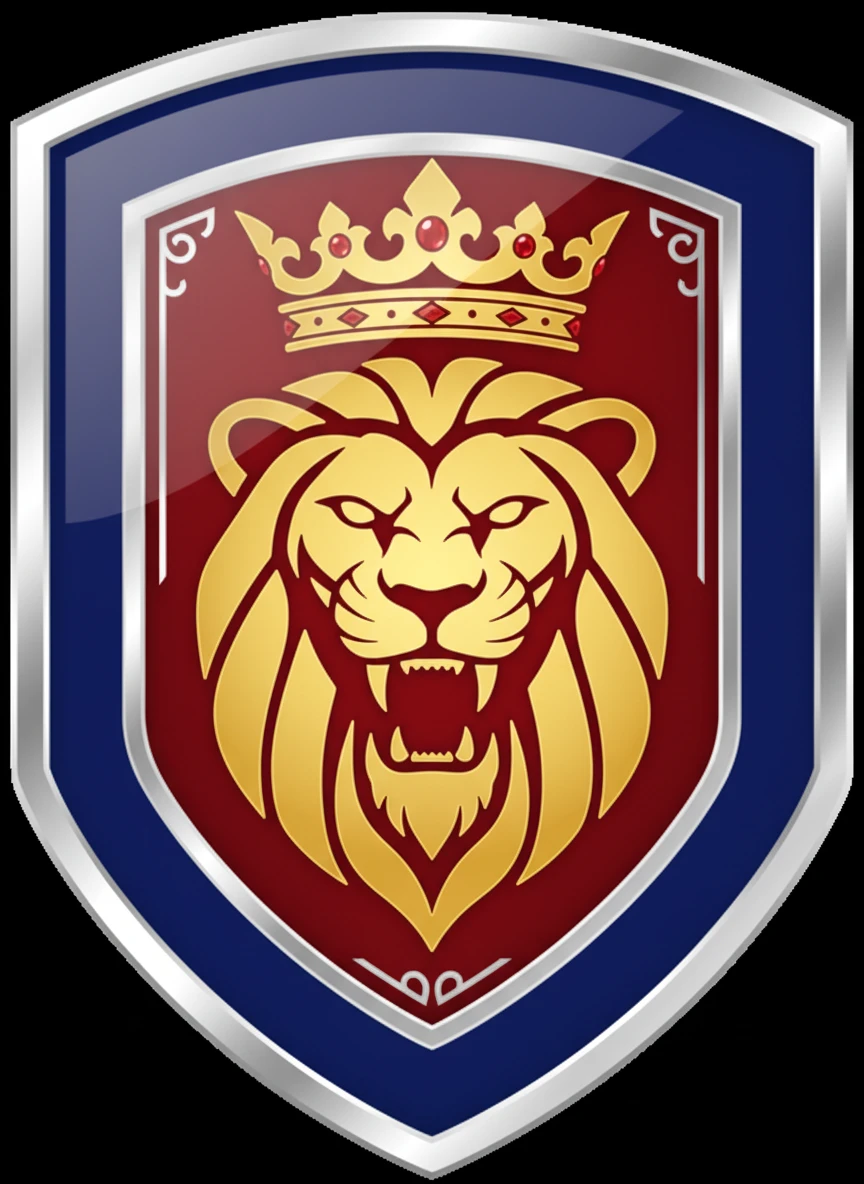
Design a strong emblem-style icon using a Realistic favicon generator approach with a shield-shaped badge. The favicon should include a bold symbol inside the shield with subtle metallic or glossy highlights. Keep the shape simple and symmetrical so it remains readable in small favicon sizes. Use confident colors and crisp outlines. Tags: shield, badge, emblem — NEG: blur, clutter, pixelation, watermark, rough edges, noisy texture, distorted shapes
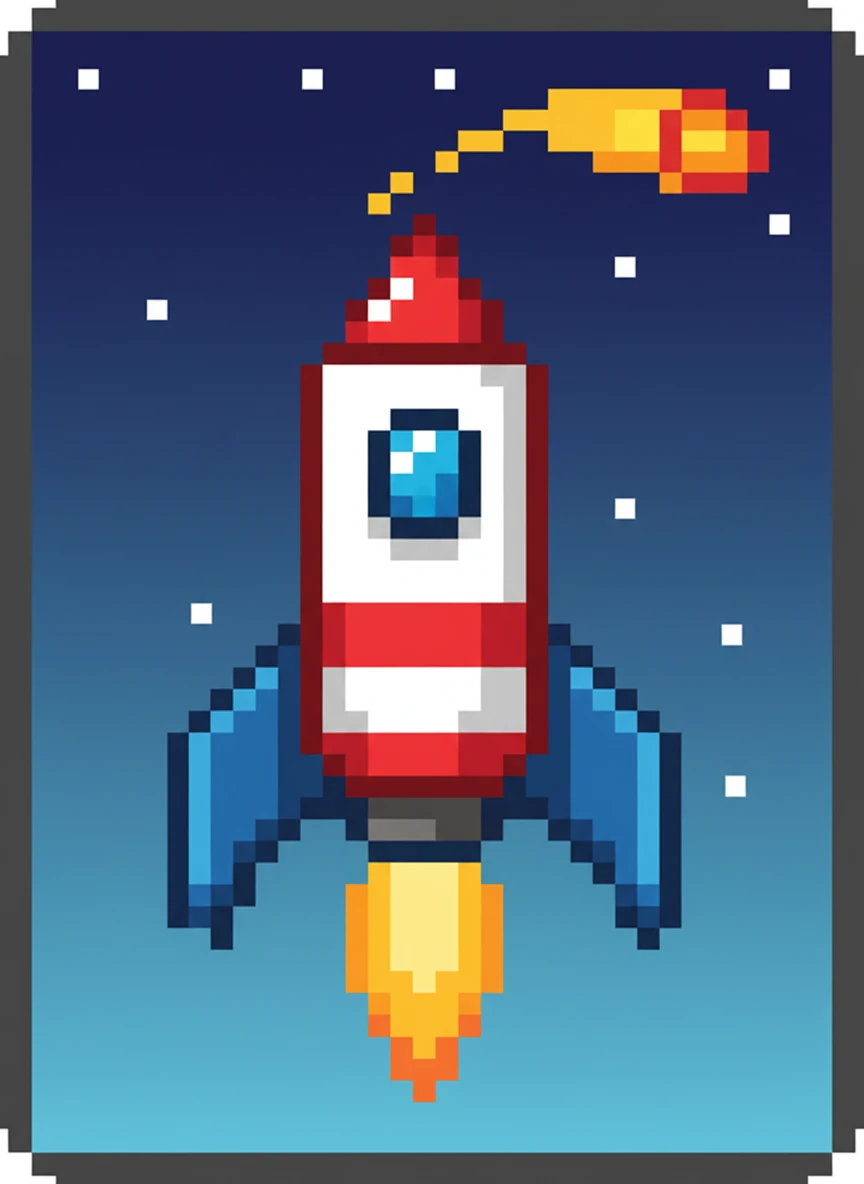
Create a retro-inspired icon using a Realistic favicon generator concept that blends pixel-art style with modern clarity. The favicon should feature a recognizable pixel-style symbol with precise block edges and balanced colors. Ensure the icon is optimized for tiny sizes like classic 16x16 browser icons. Maintain a nostalgic but polished look. Tags: pixel art, retro, gaming — NEG: blur, smudged pixels, watermark, low contrast, clutter, distortion, noise
How to Use AI Favicon Generator?
Enter Your Icon Idea
Describe your favicon idea including symbol, color, style, and overall look you want for your website or brand.
Generate Favicon
Click the generate button and let the AI create clean and high-quality favicon designs based on your input.
Download & Use
Download your favicon and use it on your website, browser tab, or app for better branding.