AI Christmas Card Generator
Generate your festive greeting card using our AI Christmas card generator.
Explore Generated Results
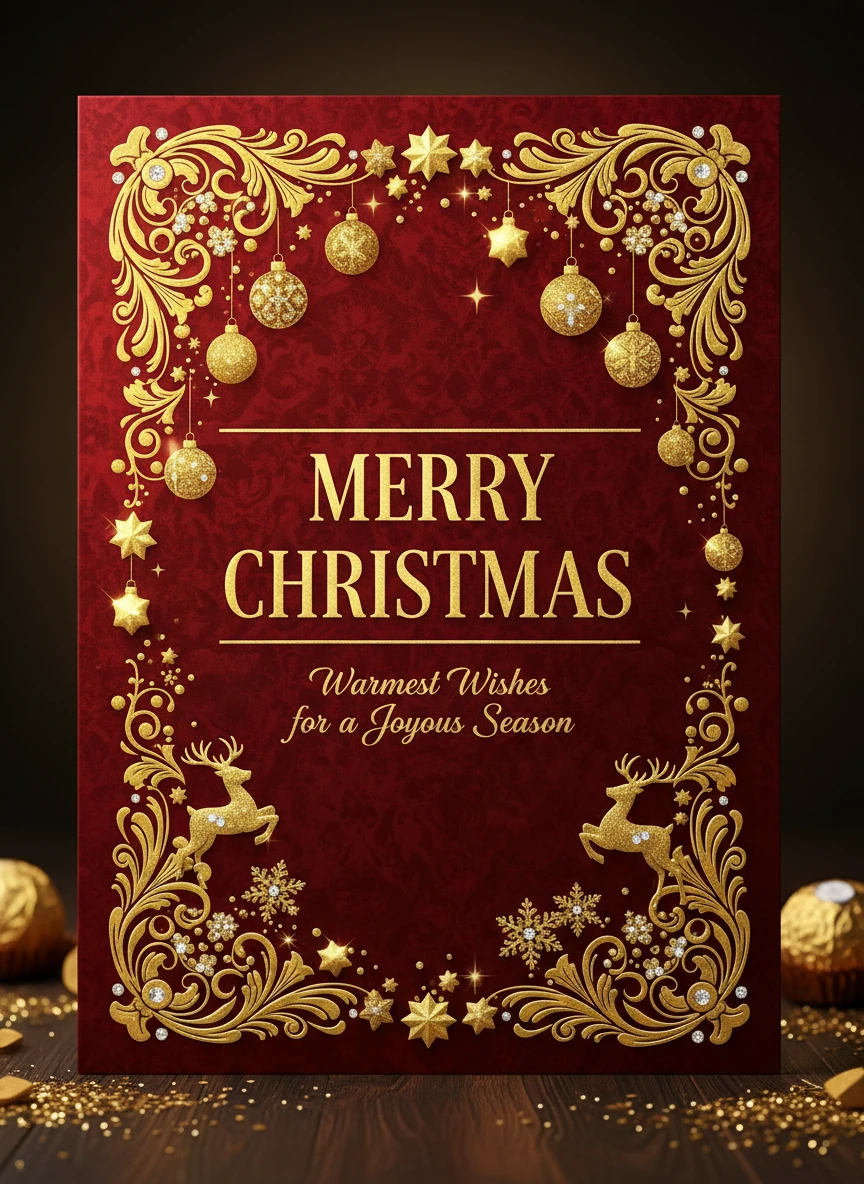
Create a luxurious, gold-foil themed Christmas card with elegant serif typography, deep red background, shimmering golden ornaments, and premium studio lighting. Full card layout with borders and centered Merry Christmas text.
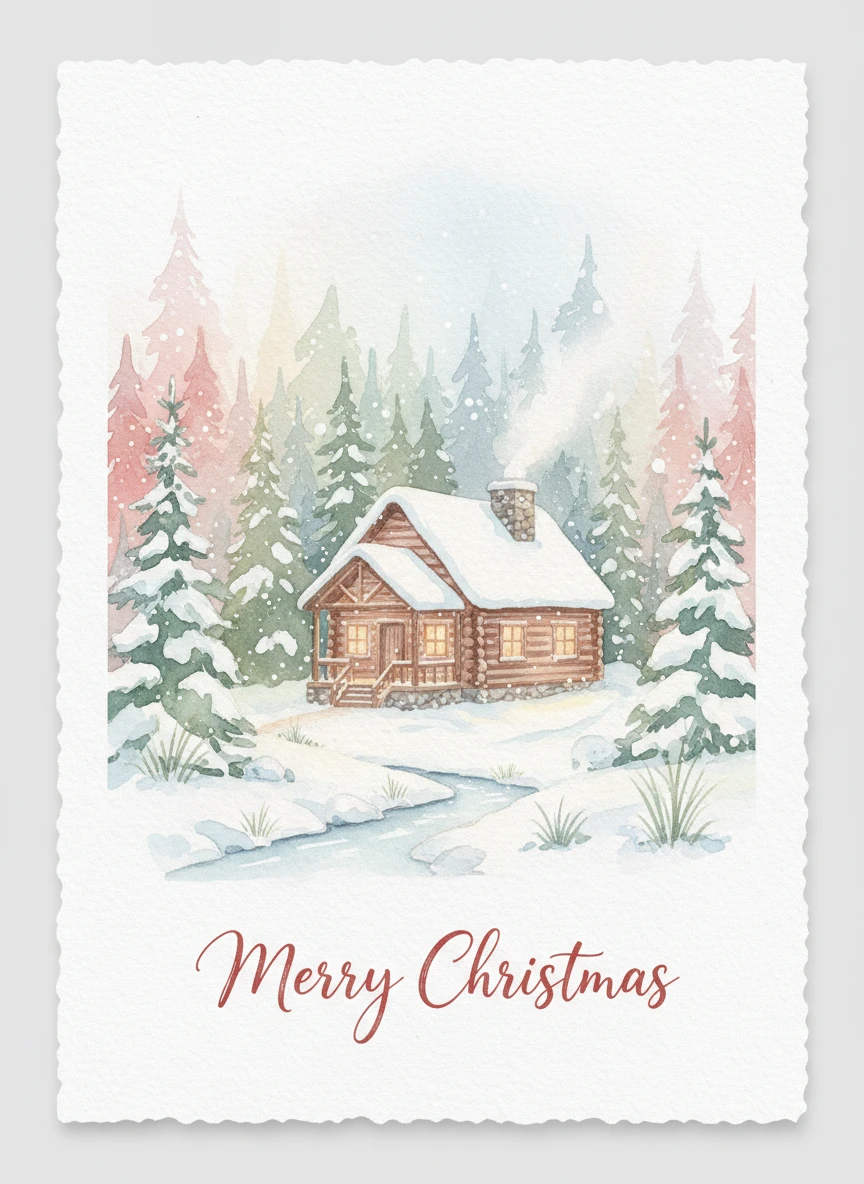
Create a cozy watercolor Christmas card with soft brush textures, a warm cabin in snowy woods, pastel color palette, and handwritten Merry Christmas typography. Include card margins and natural paper texture.
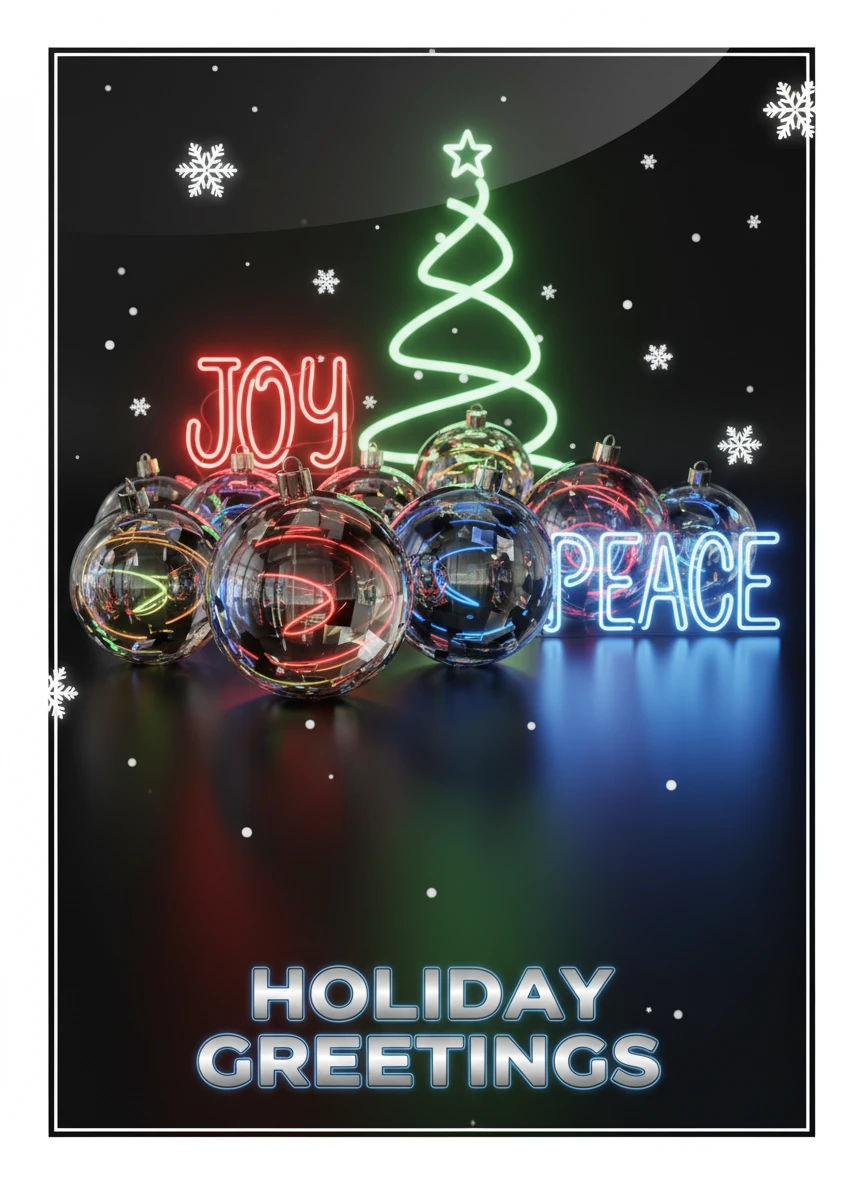
Create a glossy 3D-rendered Christmas card featuring luminous ornaments, reflective surfaces, festive neon lighting, and cinematic shadows. Clean card framing and bold modern typography.
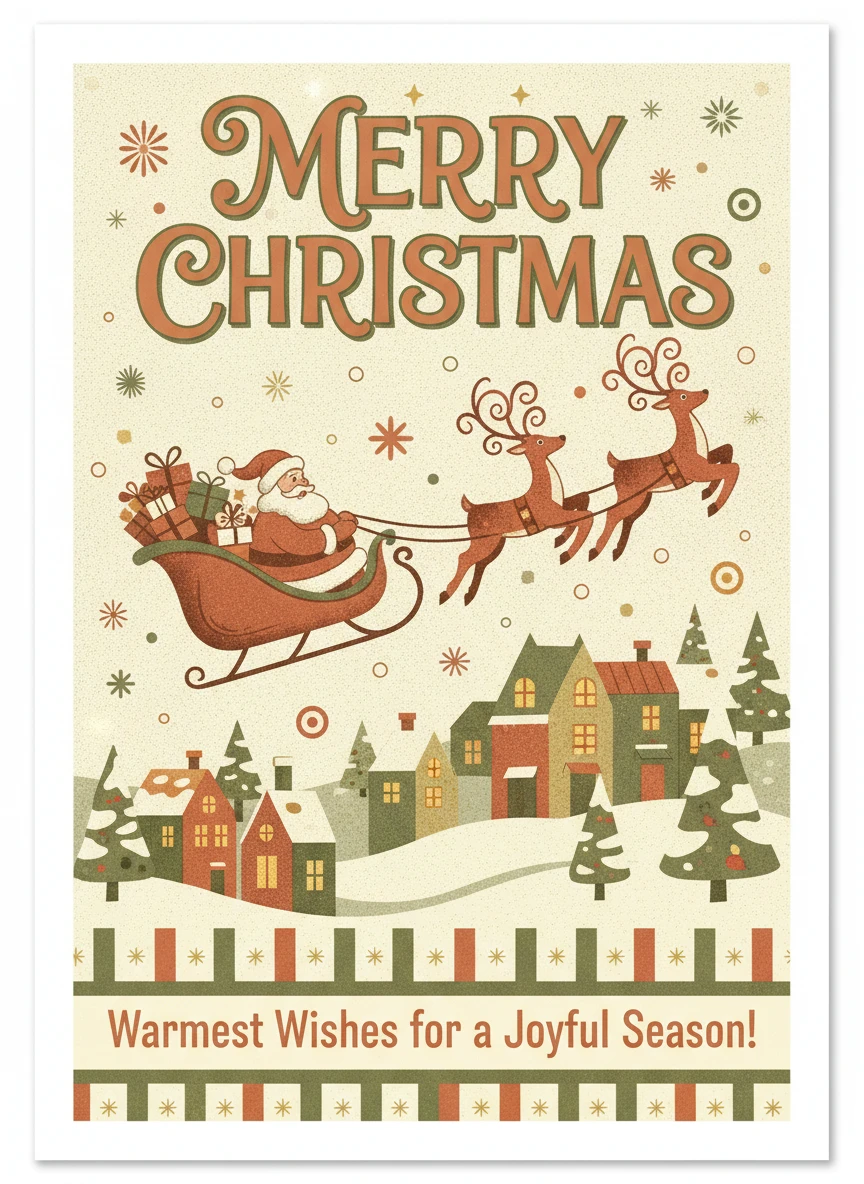
Create a vintage retro-print Christmas card inspired by 1950s illustrations, muted warm colors, halftone textures, classic patterns, and nostalgic Merry Christmas lettering. Proper card layout with balanced spacing.
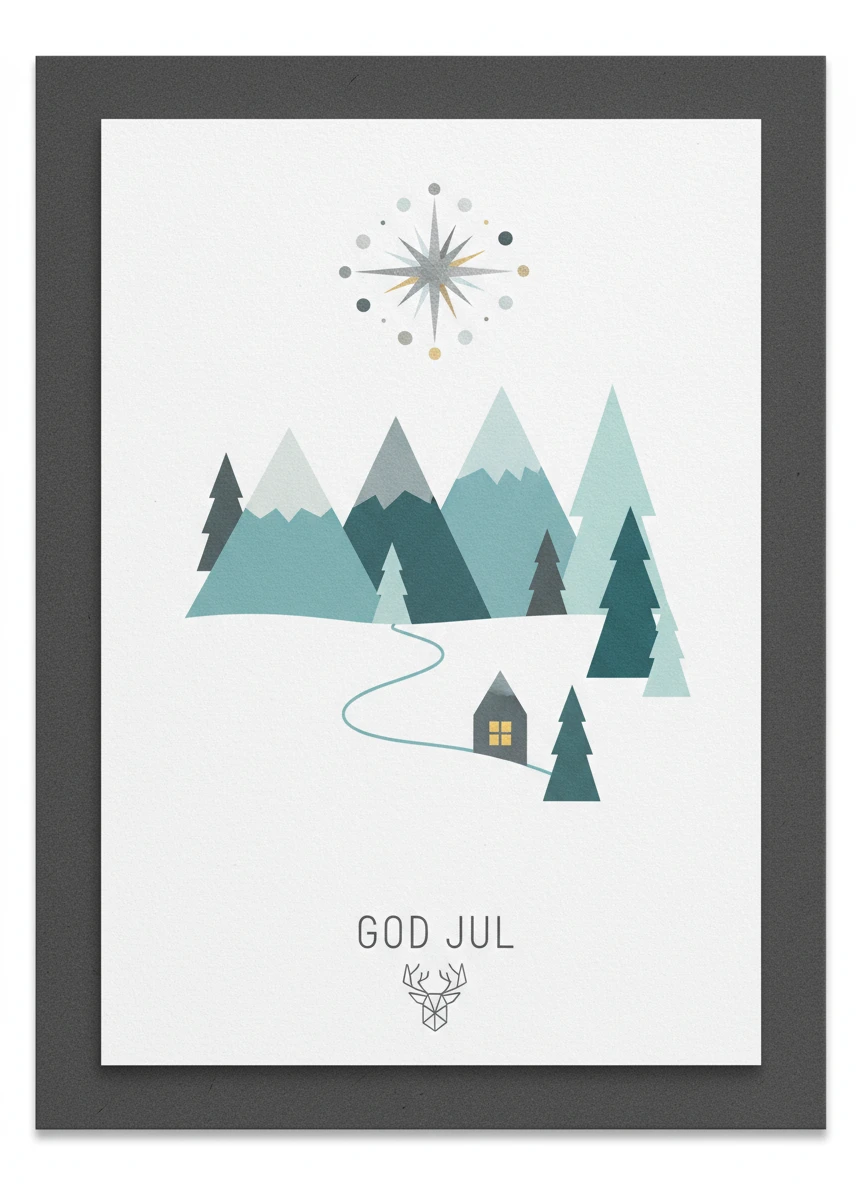
Create a Nordic minimalist Christmas card with clean geometric shapes, muted icy tones, simple snowy landscapes, and minimal typography. Add subtle grain texture and strong card framing.
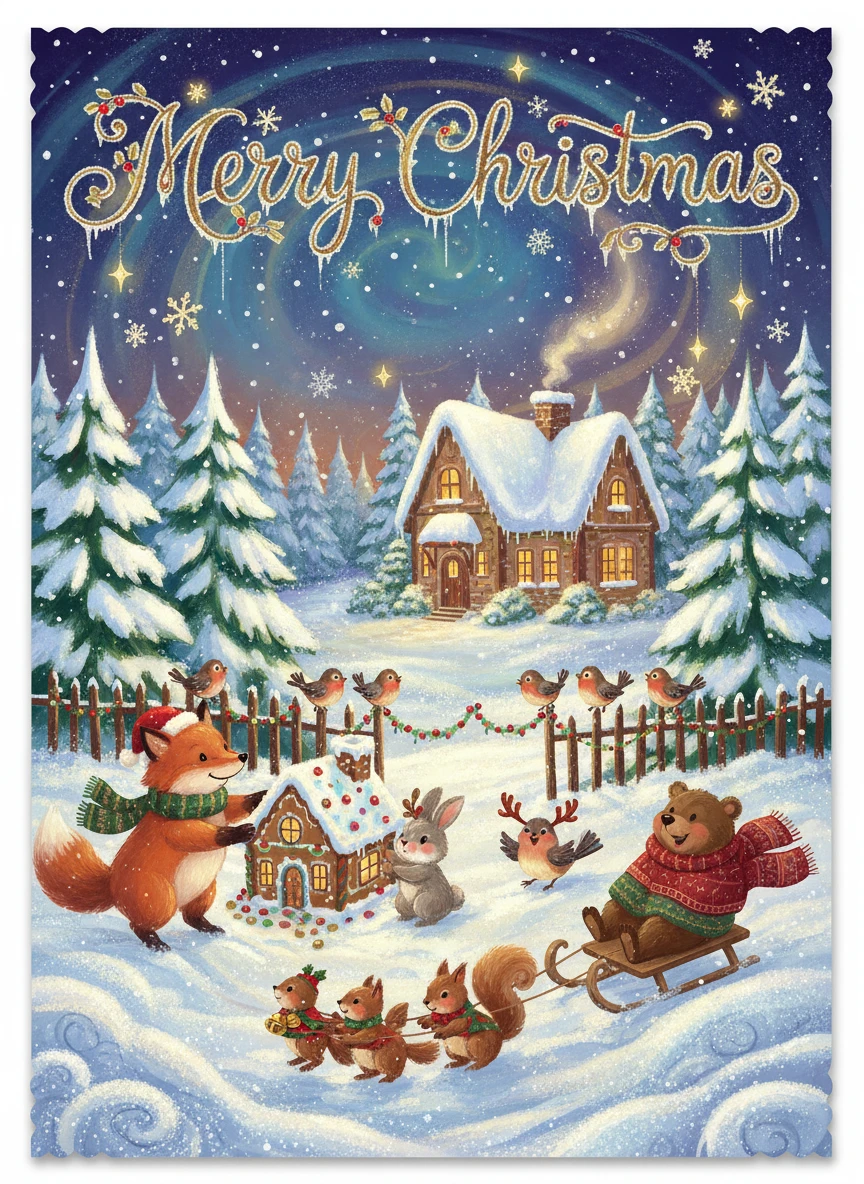
Create a whimsical illustrated storybook-style Christmas card with adorable characters, rich colors, playful textures, and magical snowy effects. Include a charming Merry Christmas title integrated into the art.
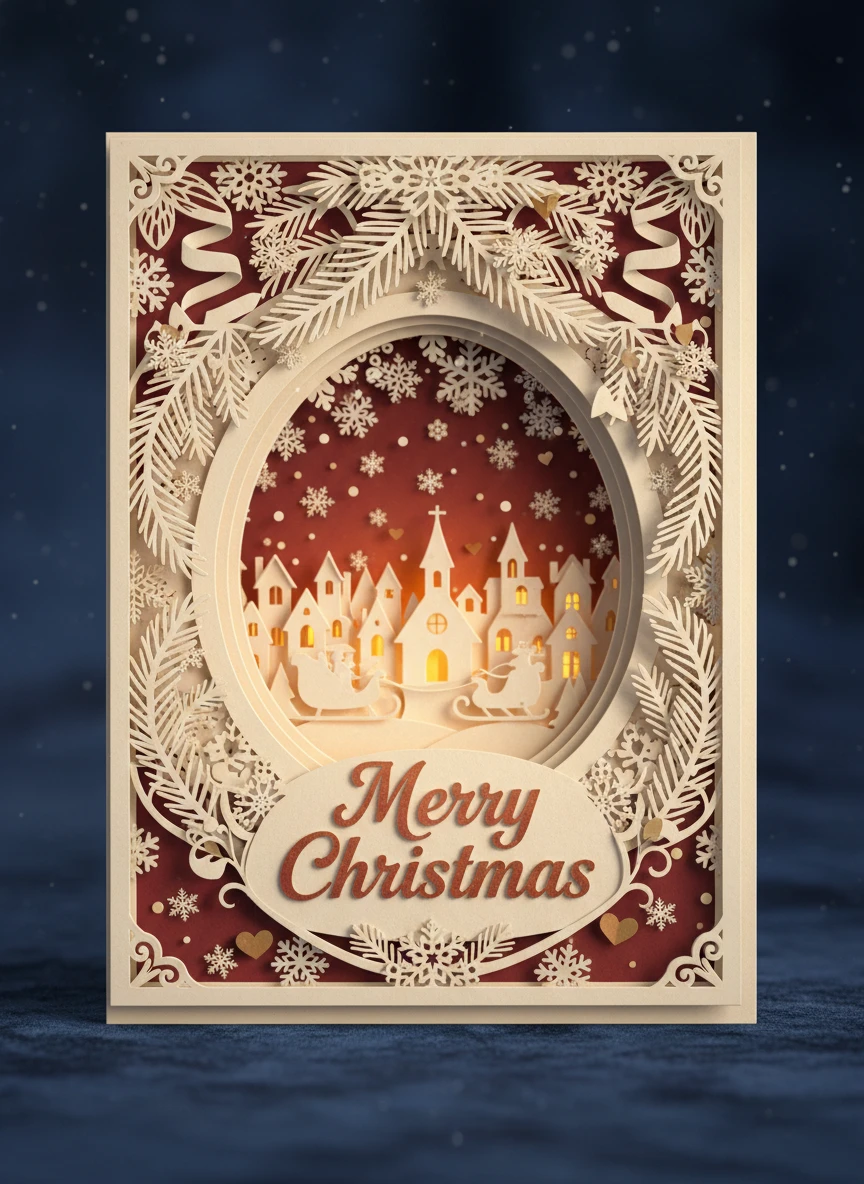
Create an elegant paper-cut craft style Christmas card with layered paper shadows, cutout shapes, snowflakes, and soft lighting. Add refined Merry Christmas typography that matches the craft aesthetic.
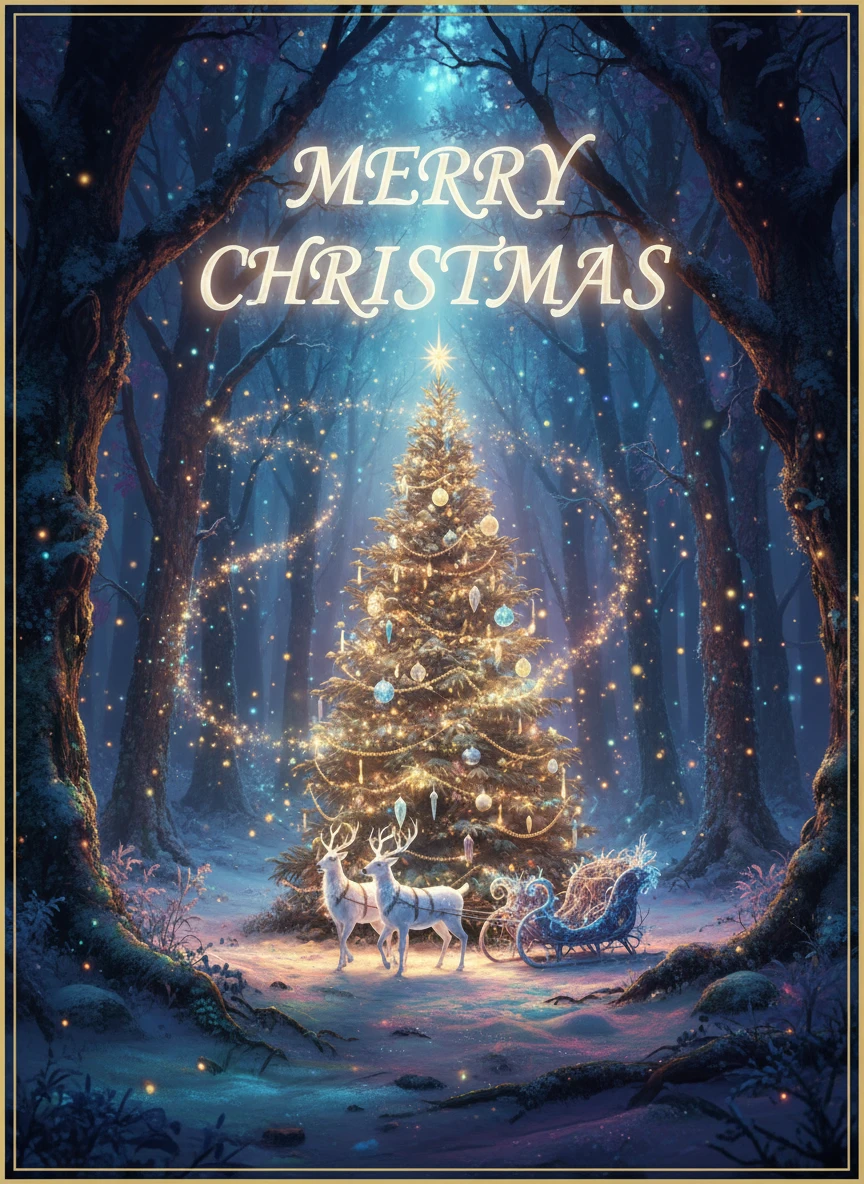
Create a fantasy cinematic Christmas card with glowing magical particles, enchanted forest scenery, dramatic lighting, deep colors, and ethereal Merry Christmas text. Use full-frame card composition.
How Does It Work?
Describe Your Card
In the prompt box, simply write down what you want to see. Think of it as telling a story to an artist—the more details, the better the picture!
Generate Card
Hit the 'Generate' button and AI will get to work, turning your words into a one-of-a-kind image right before your eyes.
Download & Share
Download your new creation to your device with a single click and use it however you like.