AI Image Relighter
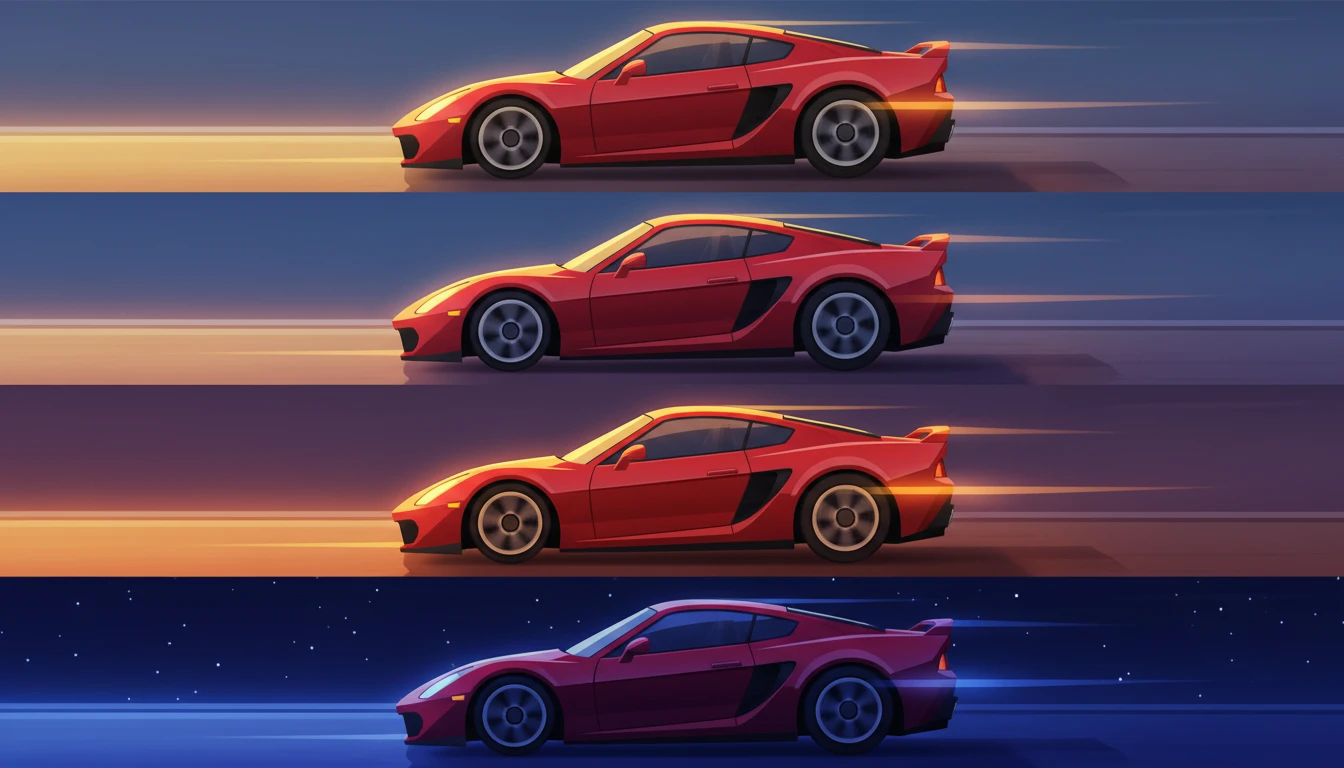
Max Studio’s AI Image Relighter helps you change the lighting of any image with precision. Control light direction, warmth, brightness, and shadow depth to refine portraits, products, and creative visuals with professional-level results.
How to Use AI Image Relighter?
Upload Image + Set Light Direction
Upload your photo in Input Image, then use Light Direction to position where the light should come from. This instantly controls how shadows and highlights appear on your subject.
Choose Preset + Style + Light Settings
Pick a Quick Preset (Portrait, Dramatic, Backlight, Natural, Studio, Creative, Product, Mood), then refine the look using Lighting Style, Light Type, Light Color, and Brightness.
Select Output + Generate
Choose your Aspect Ratio (Auto, 21:9, 16:9, 1:1, 9:16, etc.) and Number of Images (1–4), then click Generate to get your AI-relit results instantly.
Key Features of AI Image Relighter
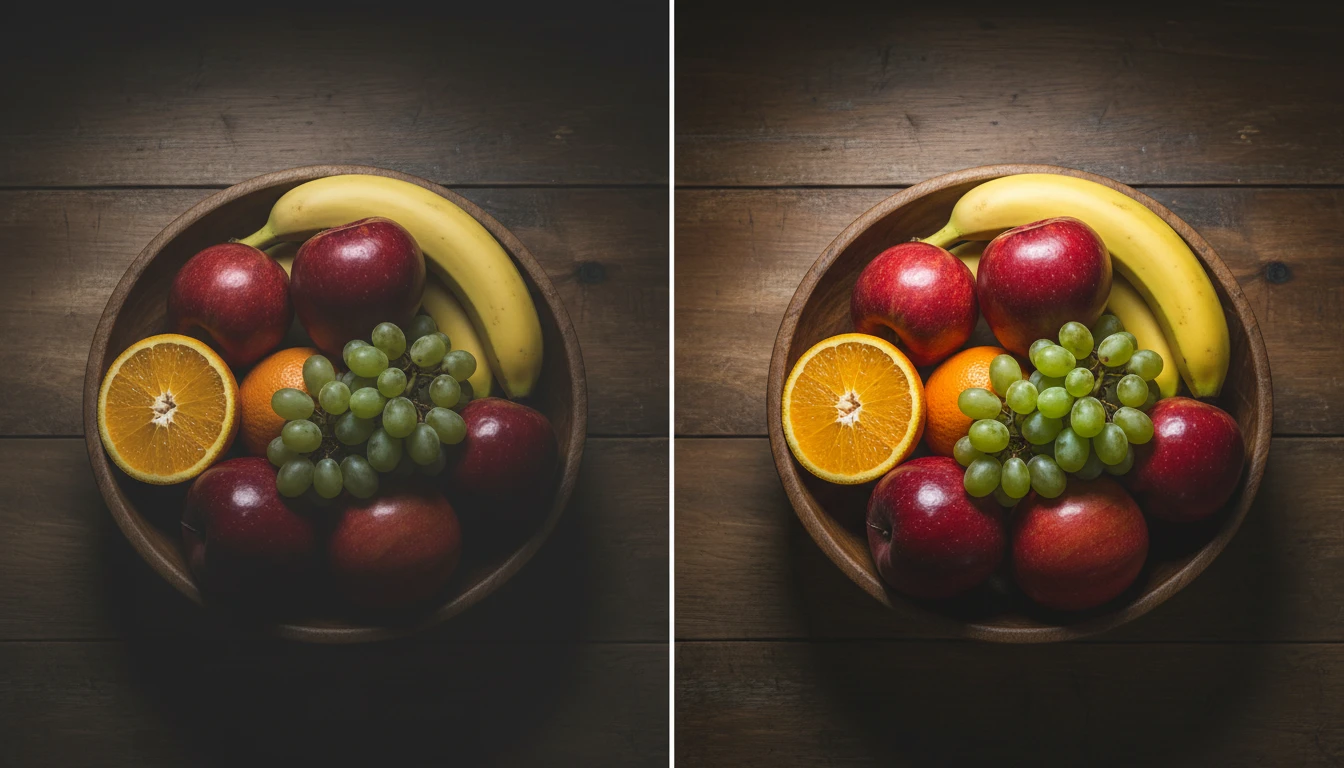
Studio-Quality, Realistic Relighting Output
Transform flat or poorly lit photos into professional studio-lit results. Max Studio enhances how light falls on your subject with natural shadows, clean highlights, and better contrast, so the output looks realistic.
Cinematic Mood & Stylized Lighting Looks
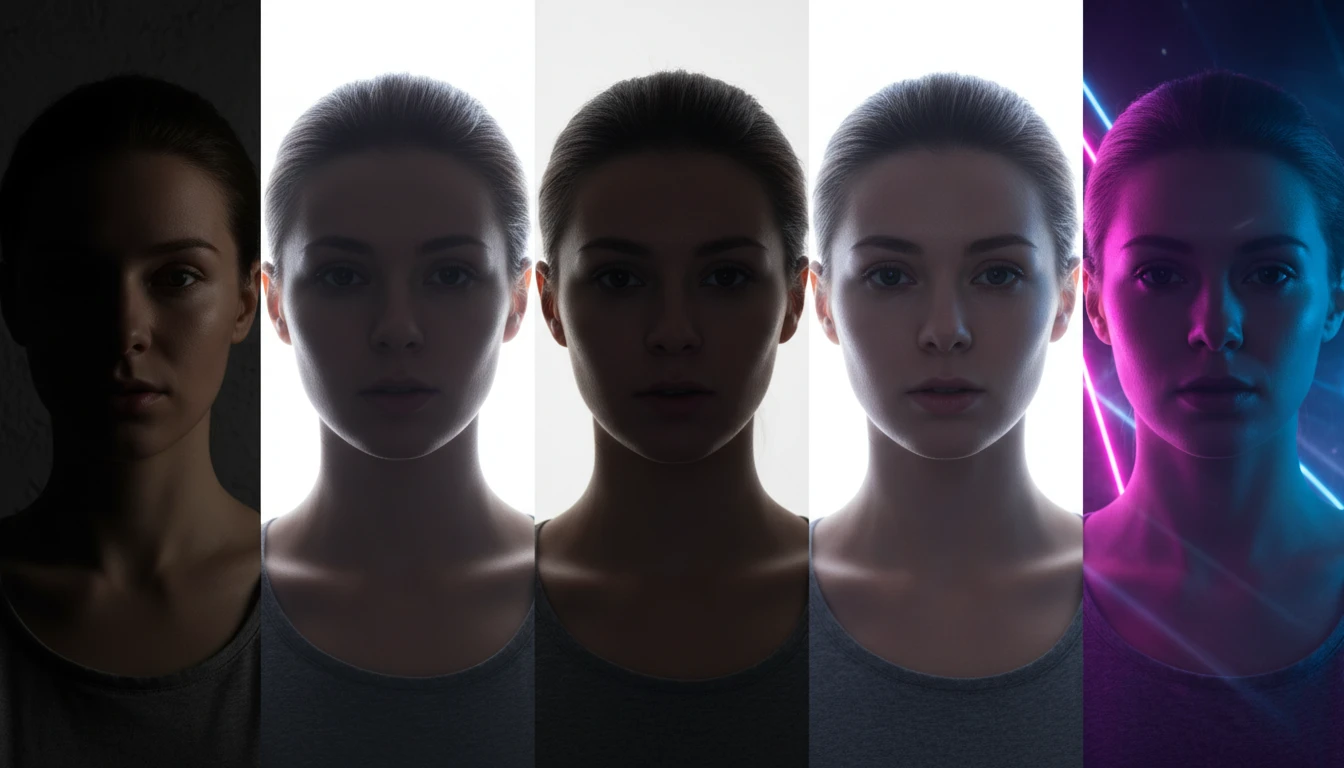
Create film-grade lighting styles such as dramatic shadows, rim/backlight glow, low-key moody scenes, and high-key studio lighting. You can also apply creative aesthetics like Cyberpunk, Synthwave, Neon Pink, and Neon Blue for poster-ready visuals.
Optimized for Portraits, Products & Marketing Creatives
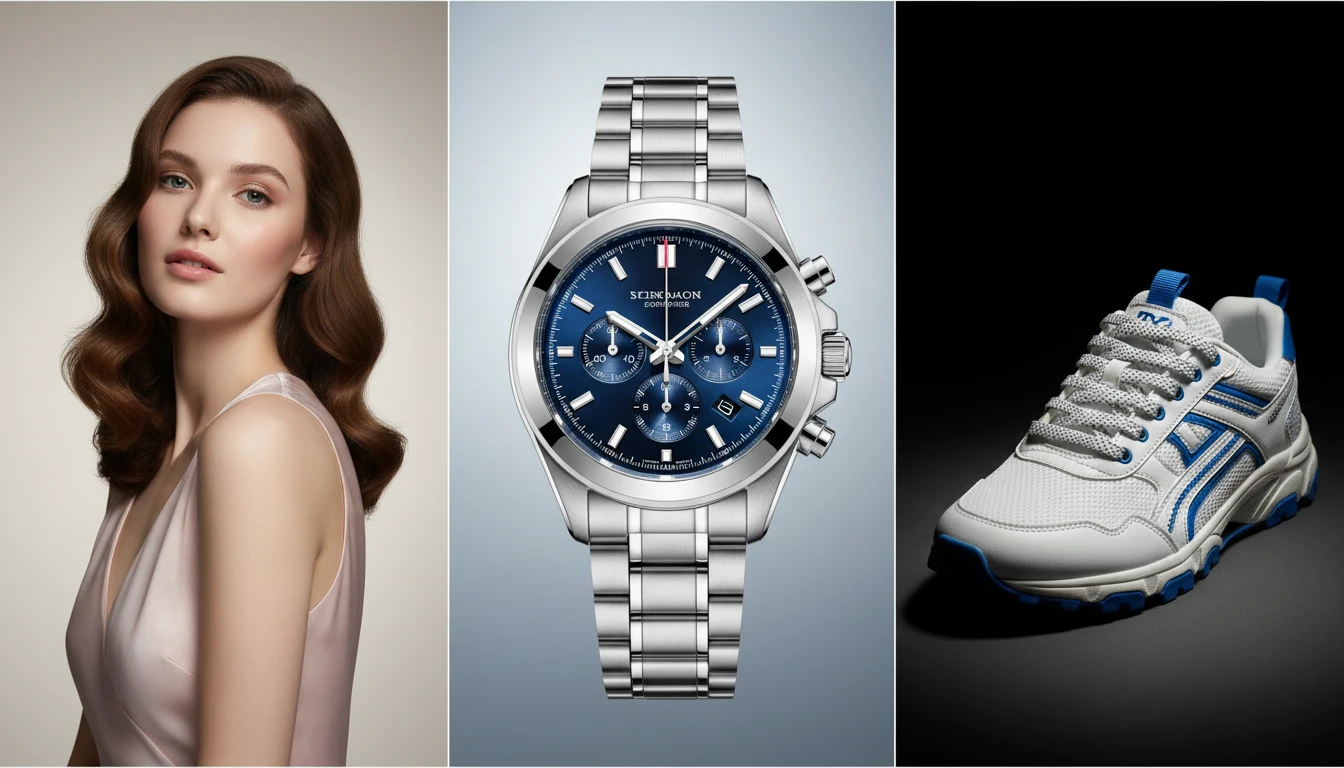
Get relighting results that work perfectly for real-world use cases:
Portrait-ready beauty lighting for clean face-focused output
Product relighting that improves clarity, shape visibility, and premium catalog look
Ideal for ads, thumbnails, ecommerce listings, and social media creatives
Multiple Variations + Platform-Ready Exports
Generate 1–4 relighting variations in a single run to compare moods and choose the best output. Export in platform-perfect aspect ratios like 16:9, 21:9, 1:1, 4:5, and 9:16, saving time on resizing and cropping.