Grok Imagine AI Image Model
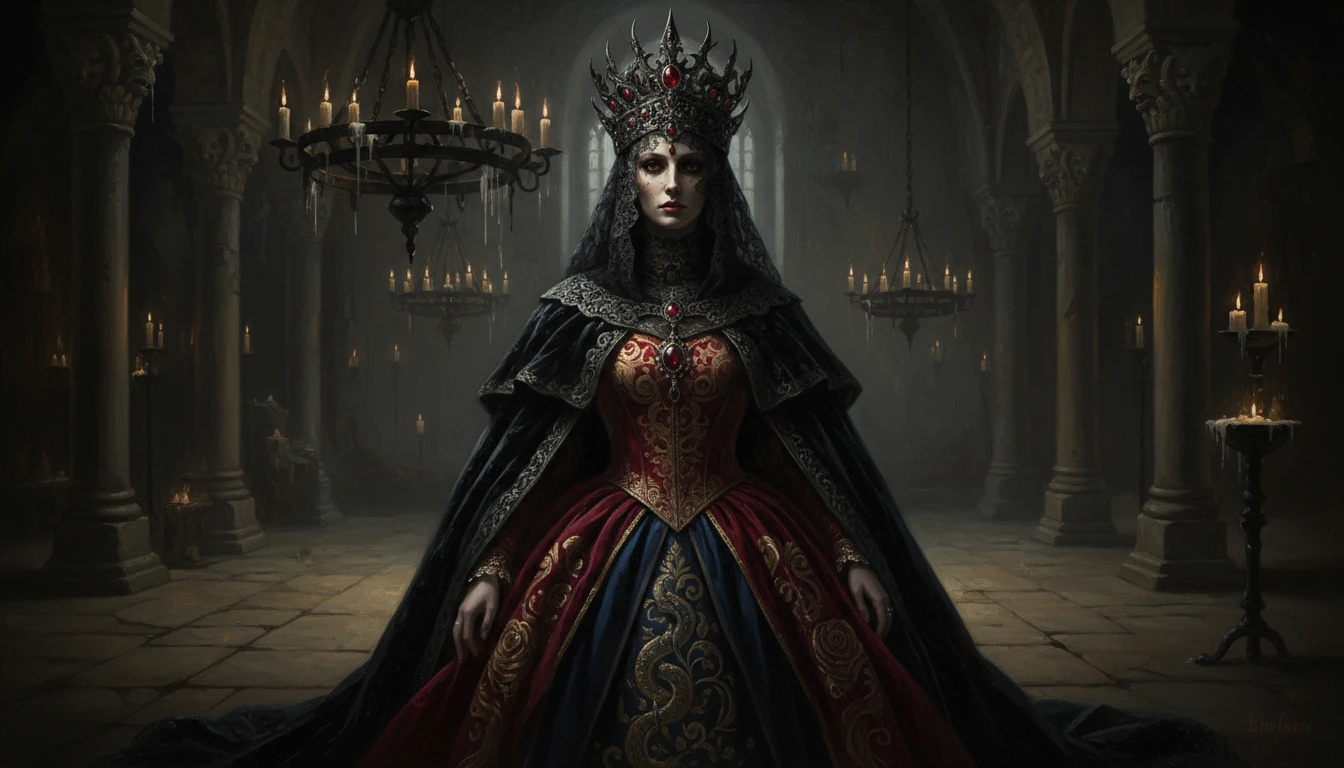
Grok Imagine is an AI image generation model. It helps you edit images with simple instructions, generate multiple variations, and customize sizes and styles for fast and flexible image creation.
Upload an image
Required - PNG, JPG, WEBP
Please upload an image to continue
How to Use Grok Imagine AI Image Model?
Enter Text or Upload an Image
Write a detailed description of the image you want to create. If you want to edit an existing image, Upload it and describe the changes you would like to make.
Customize Settings
Adjust the image size, aspect ratio, and number of variations based on your needs. These settings help you create images optimized for social media, websites, marketing materials, or other platforms.
Generate and Download
Click Generate to create your image. Once ready, review the results, download your preferred version, and share it on social media platforms.
Key Features of Grok Imagine AI Image Model
Image-to-Image Editing
Upload an existing image and modify it using simple text instructions. You can change backgrounds, adjust lighting, enhance details, replace objects, or apply new artistic styles while preserving key elements of the original image.
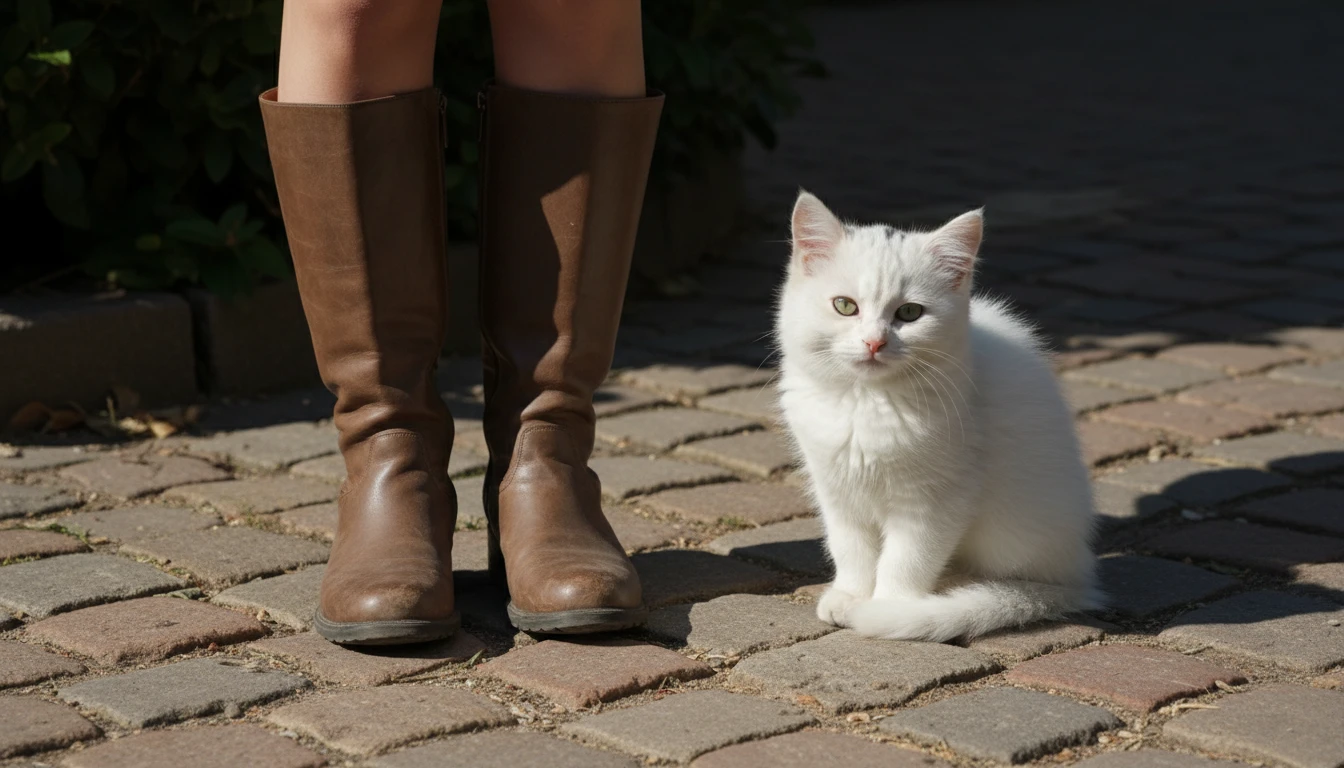
High-Resolution Output
Generate images in high resolution, ensuring sharp details and clear visual quality. The output is suitable for social media, marketing materials, website graphics, and digital content creation.
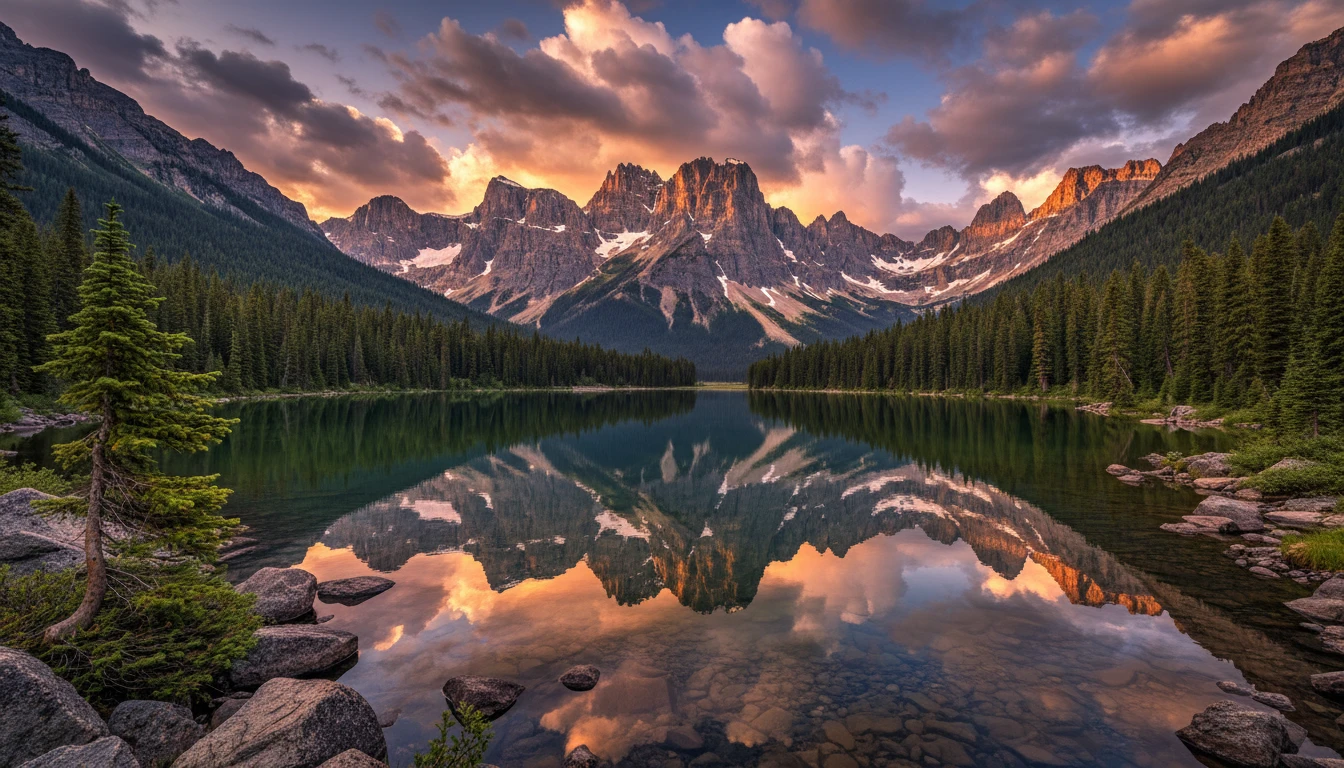
Multi-Variation Image Output
Create multiple image variations from a single prompt to explore different compositions, lighting styles, or creative interpretations. This helps you quickly compare options and select the best result for your project.
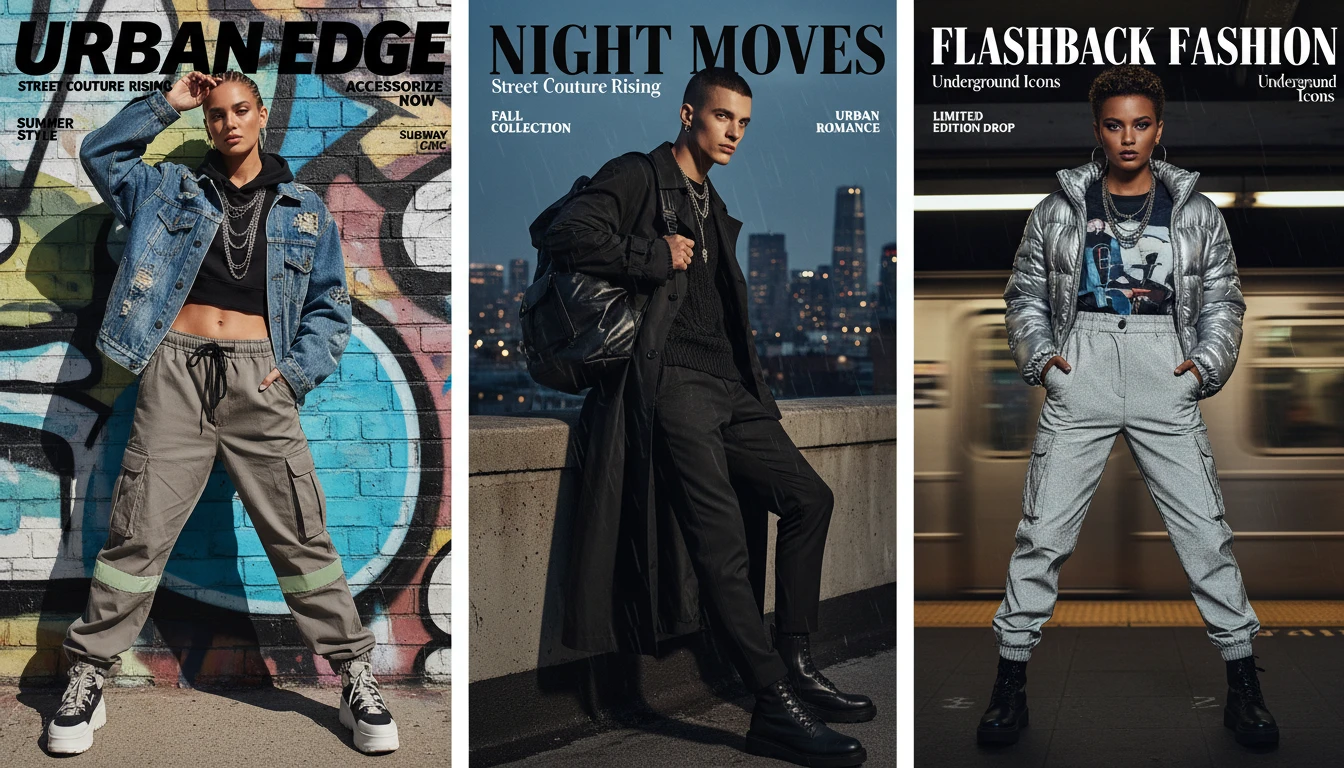
Flexible Style Control
Customize the look and feel of your images by guiding the model with style-based prompts. Generate photorealistic visuals, cinematic scenes, digital illustrations, fantasy art, editorial designs, or stylized graphics based on your creative needs.