Turn Photo into Digital Art
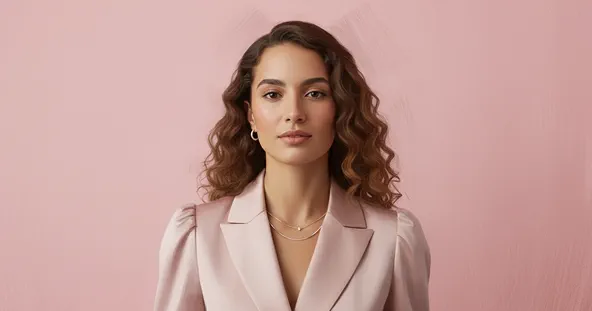
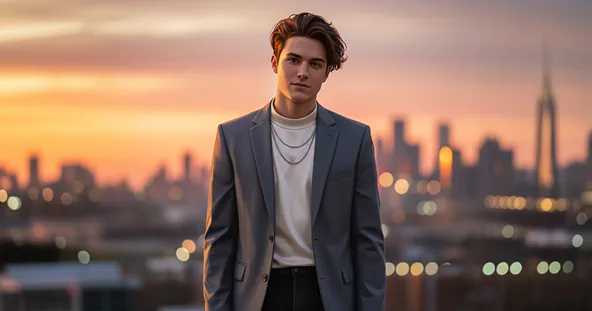
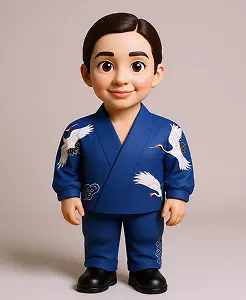
Transform any image into digital art with our photo-to-digital art tool. Try it for free below!
What Results to Expect
How to Use Photo to Digital Art?
Apply Photo to Digital Art
After the photo is uploaded click on the “Apply Image Effect” button to apply Photo to Digital Art to your photo.
Upload Photo
Select the photo from your device that you want to turn into digital art.
Download Digital Art
Save your newly created digital artwork to your computer or mobile device.
Why Use Our Photo to Digital Art
Instant Results
Upload your photo and receive Photo to Digital Art style visuals in seconds. No editing or design skills are needed — our AI handles everything for you.
High-Quality Outputs
Enjoy professional-grade results with exceptional clarity, detail, and color accuracy in every Photo to Digital Art creation.
User-Friendly Interface
Our simple, intuitive design makes the Photo to Digital Art tool accessible for everyone, even without prior technical experience.
No Special Skills Needed
You don't have to be a graphic designer to use our service. The interface is intuitive and easy for anyone to navigate. Creating beautiful digital art from your photos is a simple and accessible process for everyone.
See Other Cool Image Effects

What People Say about us

Wyatt
Content Creator
"I'm genuinely impressed with the results. Max Studio turned my favorite photo into a stunning piece of art that I can't stop looking at."

Eli
Web user from UK
"So easy to use and the output is fantastic. I converted a simple family portrait into a masterpiece in just a few clicks!"
Sophia
Graphic Designer
"This has been a game-changer for my creative work. The different art styles are incredibly versatile and inspiring."