AI Crochet Filter
An AI crochet filter that turns your photos into soft, handmade yarn art with authentic stitched textures.
How AI Crochet Filter Works?
Upload Photo
Select & Upload a photo from your device to apply the AI Crochet Filter. For best results, use a high-quality image with clear lighting and a well-defined subject.
Apply Crochet Filter
Once your photo is uploaded, click the "Apply Image Effect" button and let the AI transform it into a soft, handmade crochet-style artwork.
Download & Share
Download your crochet-style photo to your device and share it on your favorite social media platform, or send it to friends and family.
Why You'll Love Us
Realistic Yarn Textures
We trained our AI on real crochet artwork to capture the true feel of hand-woven yarn. From soft loops and stitched patterns to fuzzy edges, every detail is designed to look genuinely handmade. Your photos come out as cozy, tactile crochet pieces instead of flat filter effects.
Fast and Effortless
Get a full crochet-style artwork in seconds. Our tool is built for simplicity — one upload, one click, and you're done. No sliders, no complicated settings, no learning curve required.
Completely Free
Enjoy the full crochet experience with no cost or catch. Our online filter is free to use, with no subscriptions, watermarks, or hidden fees. You can transform as many photos as you like.
Preserves Photo Detail
A creative effect shouldn't ruin your original image. Our AI keeps the important details of your photo intact — facial features, key shapes, and composition — while wrapping everything in a soft, handmade crochet style. The final result is sharp, expressive, and share-ready.
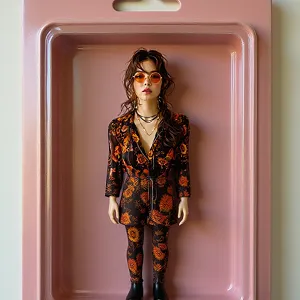
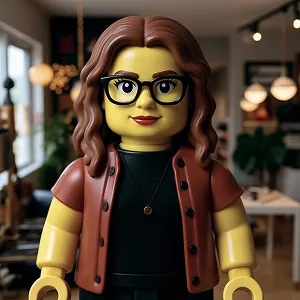
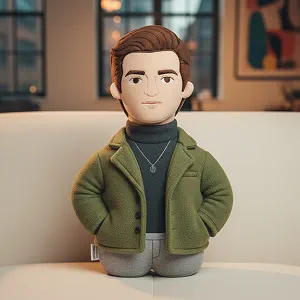
See Other Cool Image Effects

What People Say about us
Amelia
Pet Lover
"I turned a photo of my cat into a crochet piece and it looks unbelievably cute. It genuinely feels like someone hand-stitched it."

Noah
iOS user from UK
"The crochet filter in Max Studio is my new favorite thing. Super fast, super soft-looking results, and my followers loved it."
Ishita
Content Creator
"As a craft creator, I use this to prototype crochet ideas before I actually make them. It's a huge time-saver and looks amazing."