AI Skinny Filter
Instantly see a slimmer version of yourself in photos with Max Studio’s AI Skinny Filter.
Some of the Examples
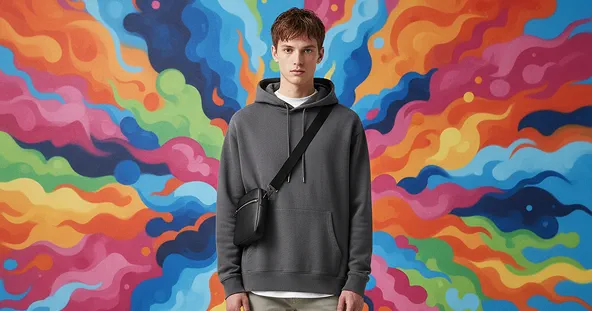
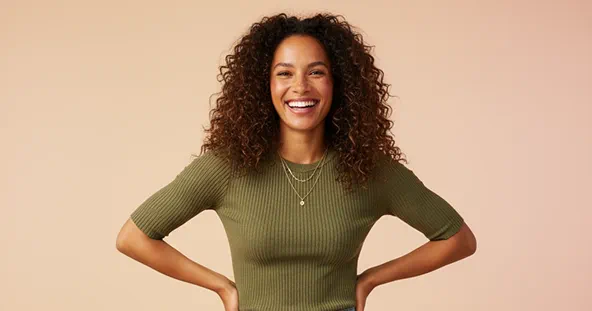
How to Use AI Skinny Filter?
Upload Image
Start by uploading a clear photo that you want to transform with the AI Skinny Filter. For best results, use a high-quality image with a well-lit background showing your full body.
Select AI Skinny Filter & Apply
Choose the AI Skinny Filter and click the 'Generate' button. The AI will instantly adjust your body proportions to create a slimmer appearance while keeping the image realistic.
Download & Share
Once your AI Skinny Filter image is ready, you can download it to your device or share it with friends and family on social media.
Why Use Max Studio’s AI Skinny Filter?
Discover what makes our AI Skinny Filter the best tool for creating natural, slim-looking photos instantly.
See a Slimmer Version Instantly
Upload your photo and watch yourself become slimmer in seconds. Our AI does all the work automatically, no skills needed.
Safe and Private
Your photos are processed securely, never shared, and deleted after transformation, keeping your data completely private.
Fun and Shareable
Create slim transformations that you can download and share with friends or post on social media instantly.
Completely Free
Enjoy all features of the AI Skinny Filter at no cost. No hidden charges, so you can try as many transformations as you like.
Discover Other Popular Image Effects




What People Say about us

Liam
Visual Creator
"This AI Skinny Filter is super fun! It gave me a quick look at a slimmer version of myself, and it feels so real."

Emma
Graphic Designer
"I loved how easy it was to use. The results were smooth and looked very natural!"

Noah
iOS user from USA
"Max Studio really nailed this one. The filter is playful but realistic, perfect for sharing with friends."