AI Boondocks Filter
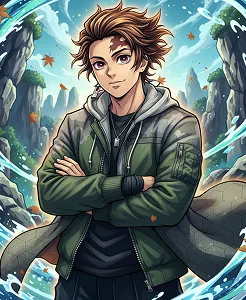
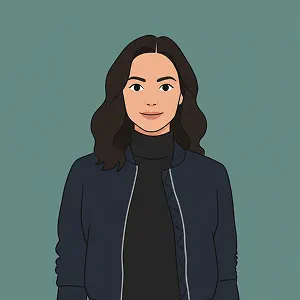
The Boondocks filter uses AI to transform your photos into bold cartoon portraits inspired by the iconic animation style. Upload an image to get a striking, illustrated look in seconds.
Some Quick Examples of Results
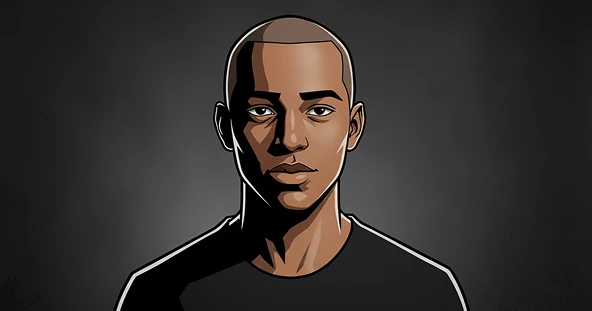
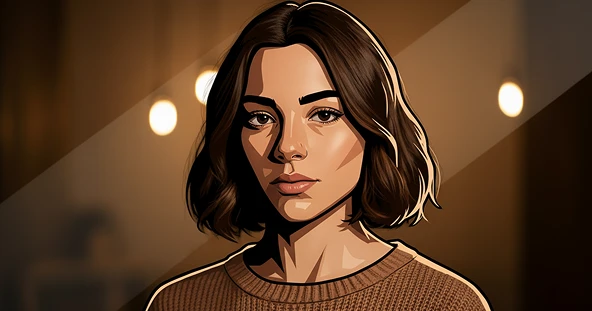
How Does It Work?
Upload Image
Start by uploading a clear photo that you want to transform into the Boondocks style. For best results, use a high-quality image with a clear background.
Generate Image
Choose the Boondocks style you want, then click the “Apply Image Effect” button. The AI will instantly reimagine your photo with the animation of the show.
Download & Share
Once your AI Boondocks Filter is ready, you can download it to your device or share it with friends.
See Other Cool Image Effects
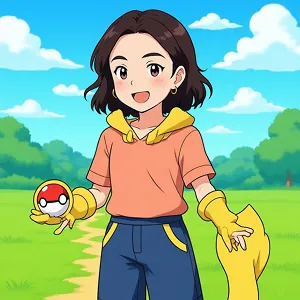
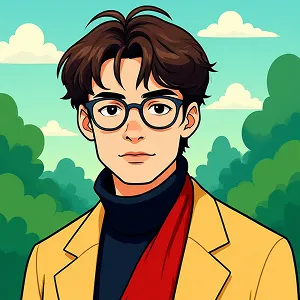
What People Say about us
Evelyn
Content Creator
"I'm obsessed! The AI Boondocks filter is perfect for my social media posts. It's super easy to use and the results are Amazing."
Lucas
Web user from USA
"Finally, a filter that actually gets the Boondocks art style right. It’s been a lot of fun turning my friends into characters from the show."
Mia
Digital Artist
"The quality is surprisingly good for an AI filter. Max Studio did a great job with this one; it’s now a staple in my creative toolkit."