Add Christmas Lights to Photo
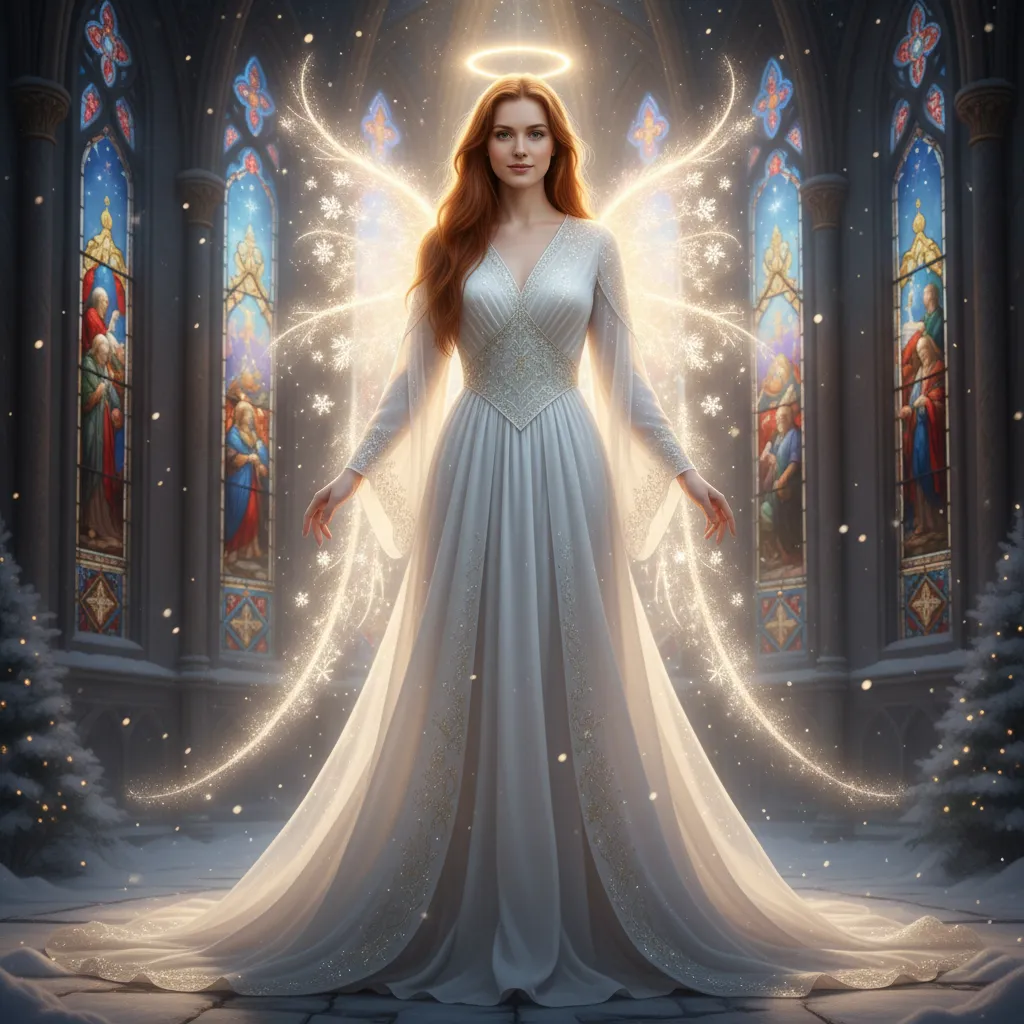
Bring the holiday spirit to your photos by adding twinkling Christmas lights with AI. Simply upload your image, apply the effect, and enjoy a festive, vibrant result.
How to Use Add Christmas Light to Photo?
Upload Image
Select and upload the picture you want to add Christmas lights to.
Apply Christmas Light Effect
Click on the 'Generate' button and apply christmas light to the photo.
Download & Share
Save the final image with Christmas lights and share it with others.
Try More Popular Image Effects



What User Say about us

Logan
Content Creator
"This tool is a lifesaver for my holiday content! The Christmas lights look so realistic and it's super easy to use. Max Studio really nailed this one."

Jackson
iOS user from UK
"Just tried it on a few family photos and they look amazing. So festive and fun!"

Levi
Visual Storyteller
"I love how I can add a cozy, festive glow to my images in just a few clicks. It completely changes the mood of the photo for the better."