AI Flowchart Generator
AI Flowchart Generator helps you turn ideas, workflows, and processes into clear, easy-to-understand flowcharts automatically. Try it now!
Quick Examples of Generated Images
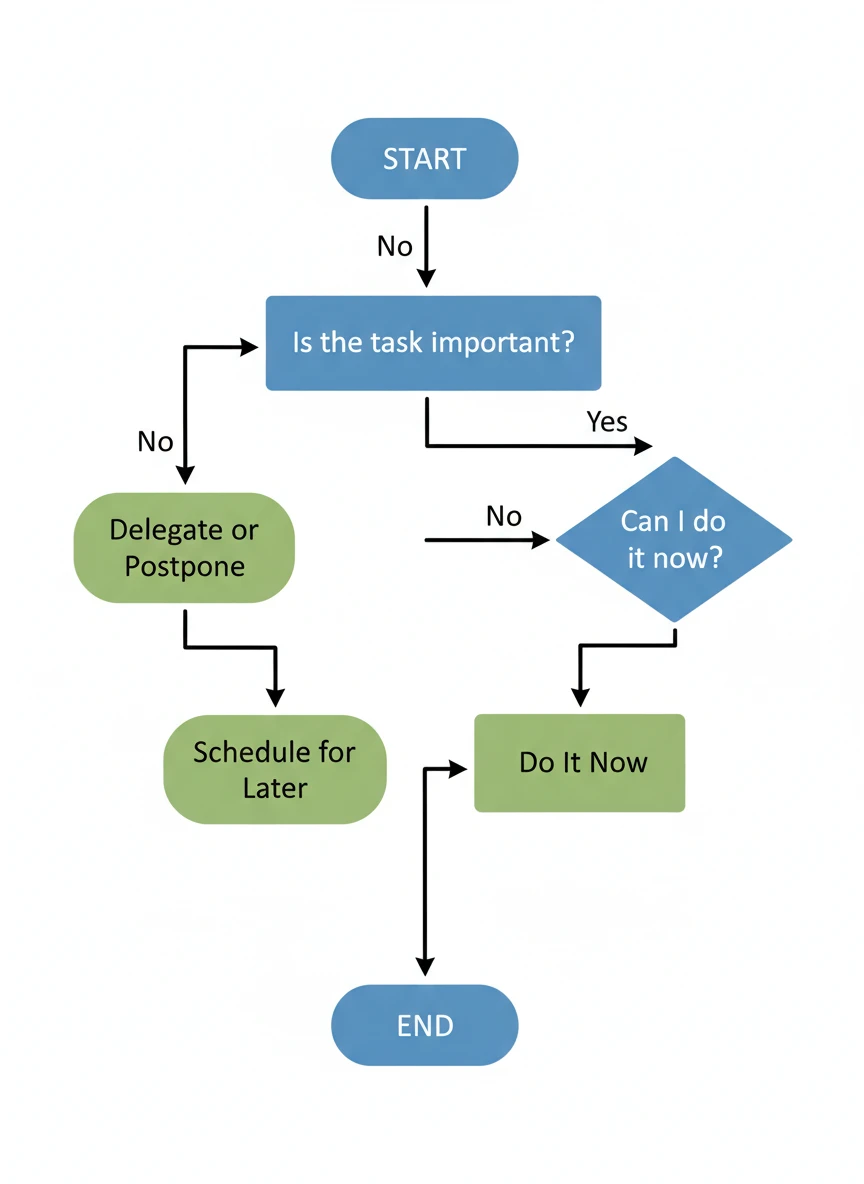
A clean flowchart generator diagram illustrating a simple decision-making process from start to end. Use standard flowchart symbols with clear arrows arranged top-to-bottom on a white background. The layout should be balanced, readable, and suitable for academic use. flat design, educational, minimal — NEG: blurry text, clutter, distorted shapes, shadows, watermark
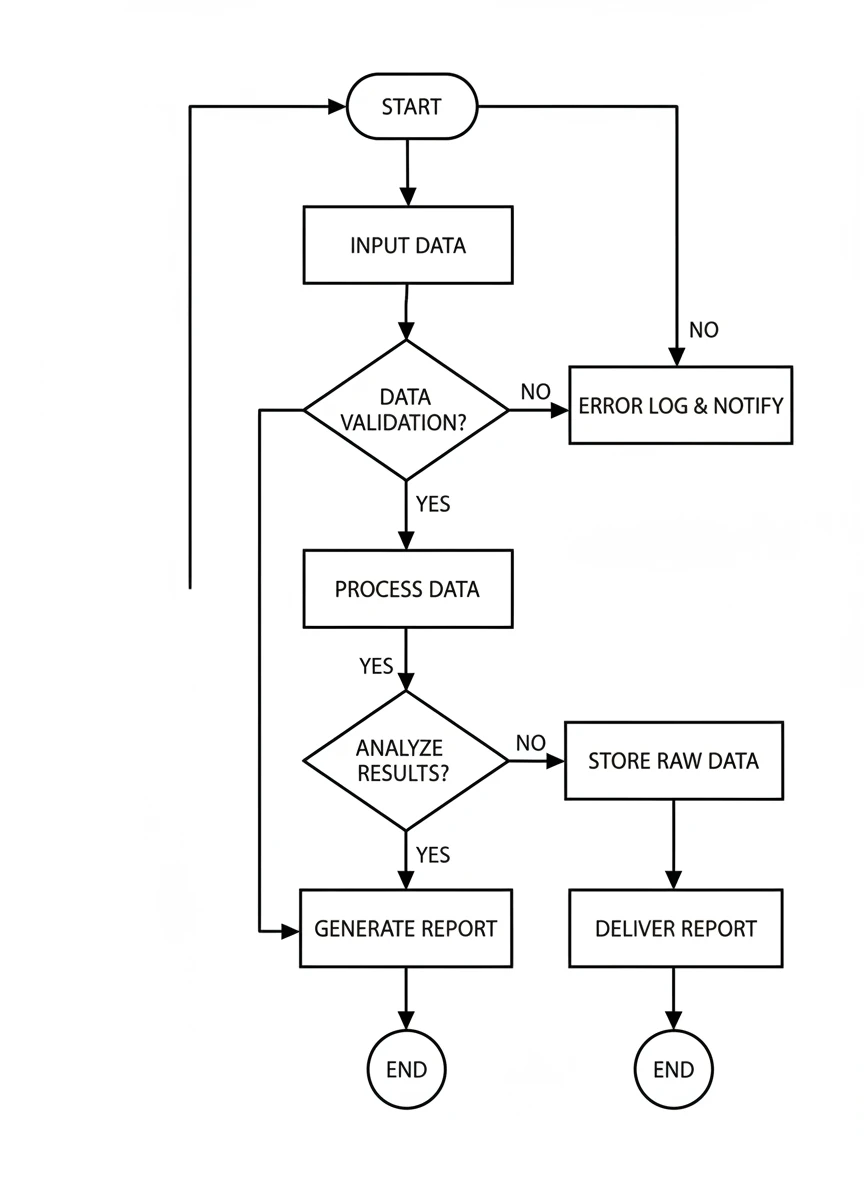
A monochrome flowchart generator layout representing a system workflow. Use black-and-white symbols with consistent line thickness and precise alignment. The overall appearance should feel formal and technical. monochrome, technical, clean — NEG: gradients, random colors, skewed boxes, blur, handwritten text

An infographic-style flowchart generator showing the steps of an online shopping process. Combine simple icons with flowchart boxes and a logical left-to-right flow. Keep the background light and easy to read. infographic, flat icons, educational — NEG: overcrowding, low contrast, illegible text, photorealism, textures
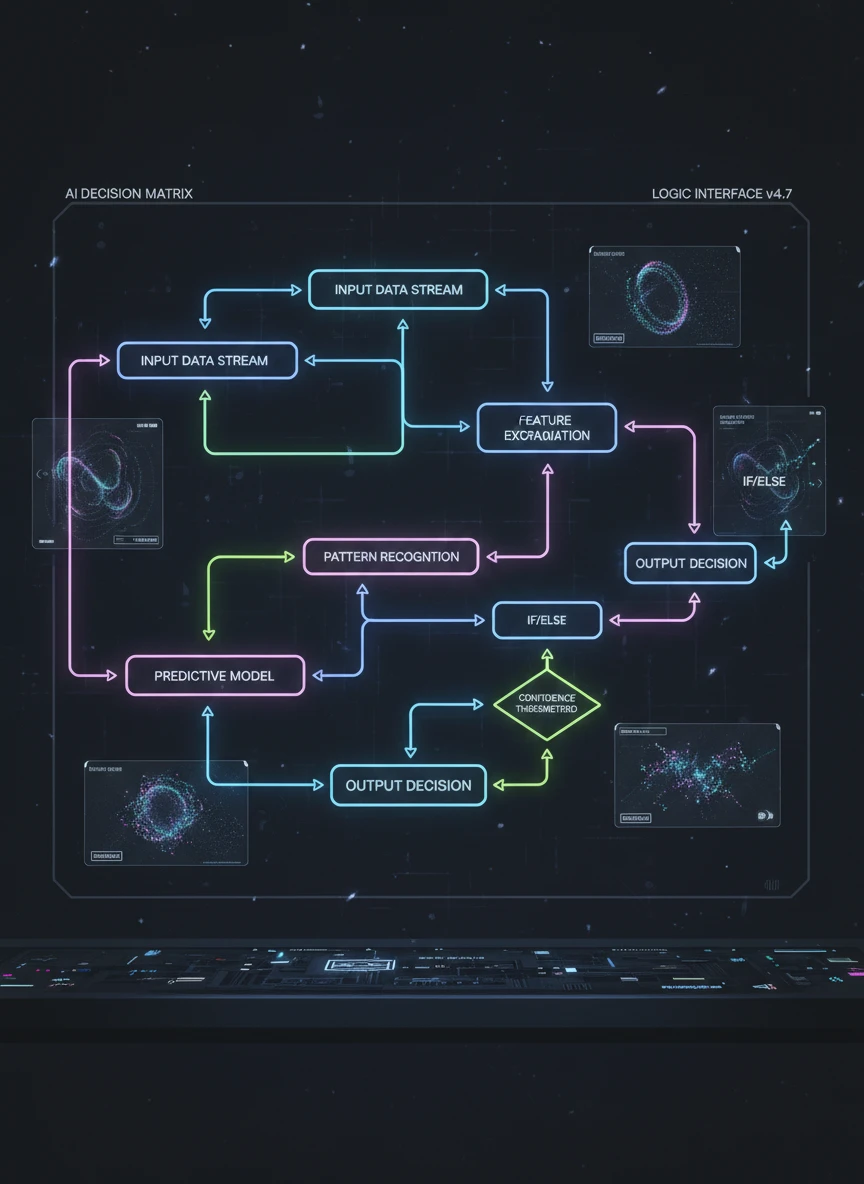
A futuristic flowchart generator visualization explaining AI decision logic. Use subtle neon highlights on a dark digital interface while keeping the flowchart structure clear. The design should look advanced but remain understandable. futuristic, neon, digital — NEG: excessive glow, chaotic layout, broken arrows, fantasy elements, blur
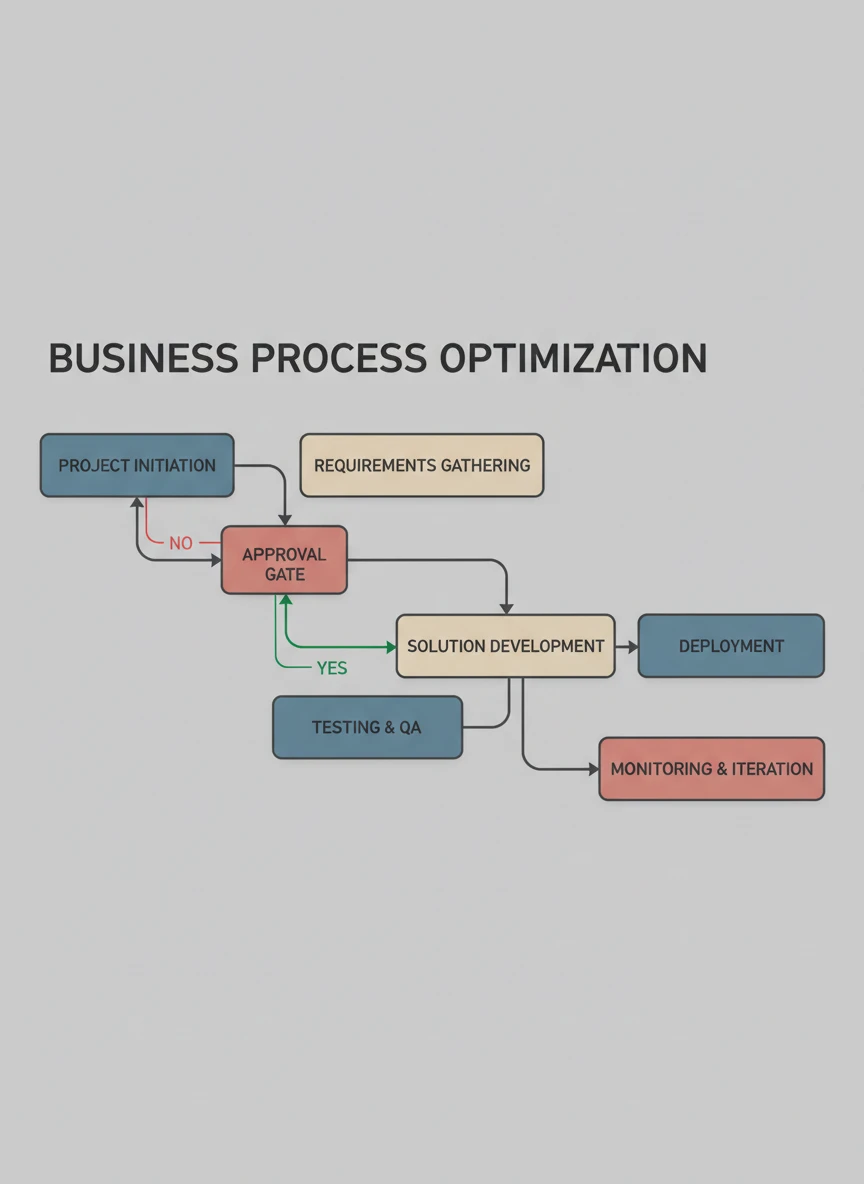
A corporate-style flowchart generator design illustrating a business workflow. Apply muted professional colors, clean typography, and evenly spaced elements. The result should be presentation-ready. corporate, professional, minimal — NEG: playful icons, neon colors, clutter, cartoon style, blur
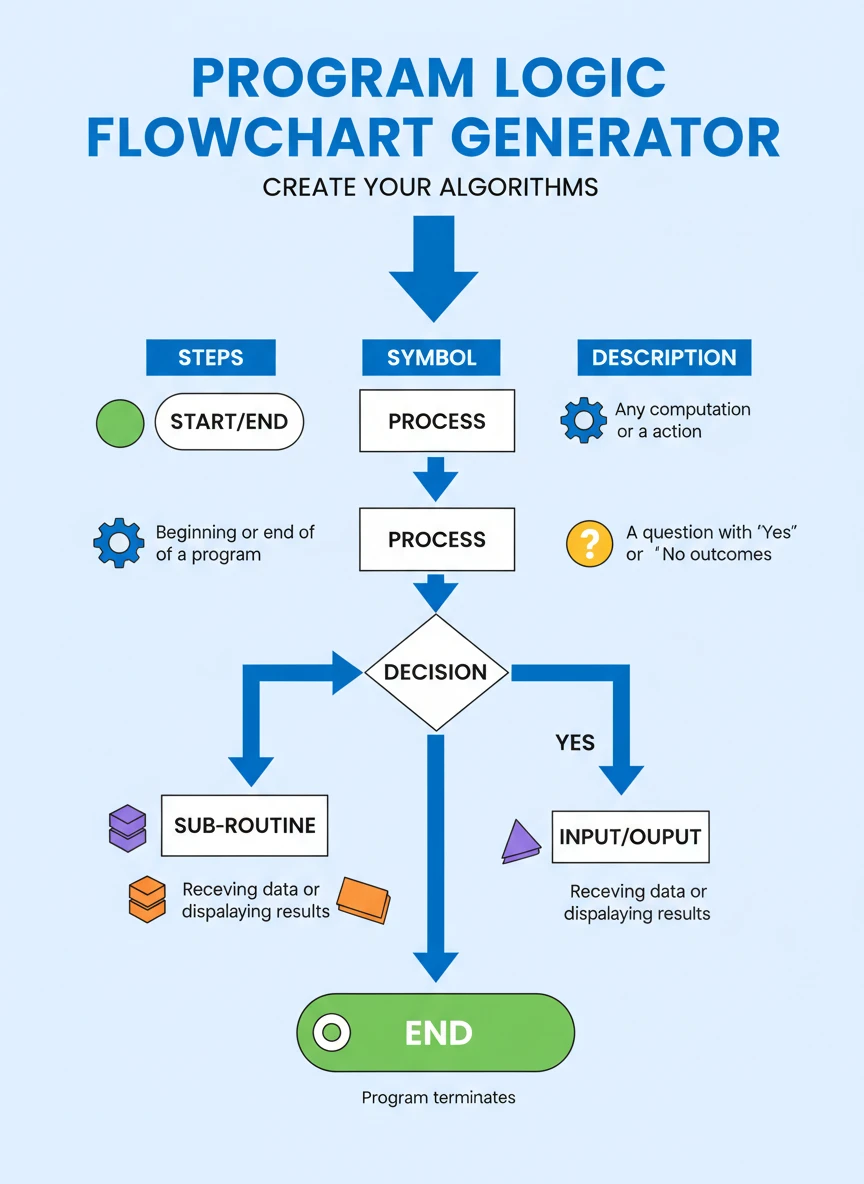
An educational poster-style flowchart generator explaining program logic. Arrange steps vertically with strong visual hierarchy and clear arrows. The design should be ideal for classroom display. poster, academic, structured — NEG: overlapping text, decorative fonts, heavy textures, low resolution, shadows
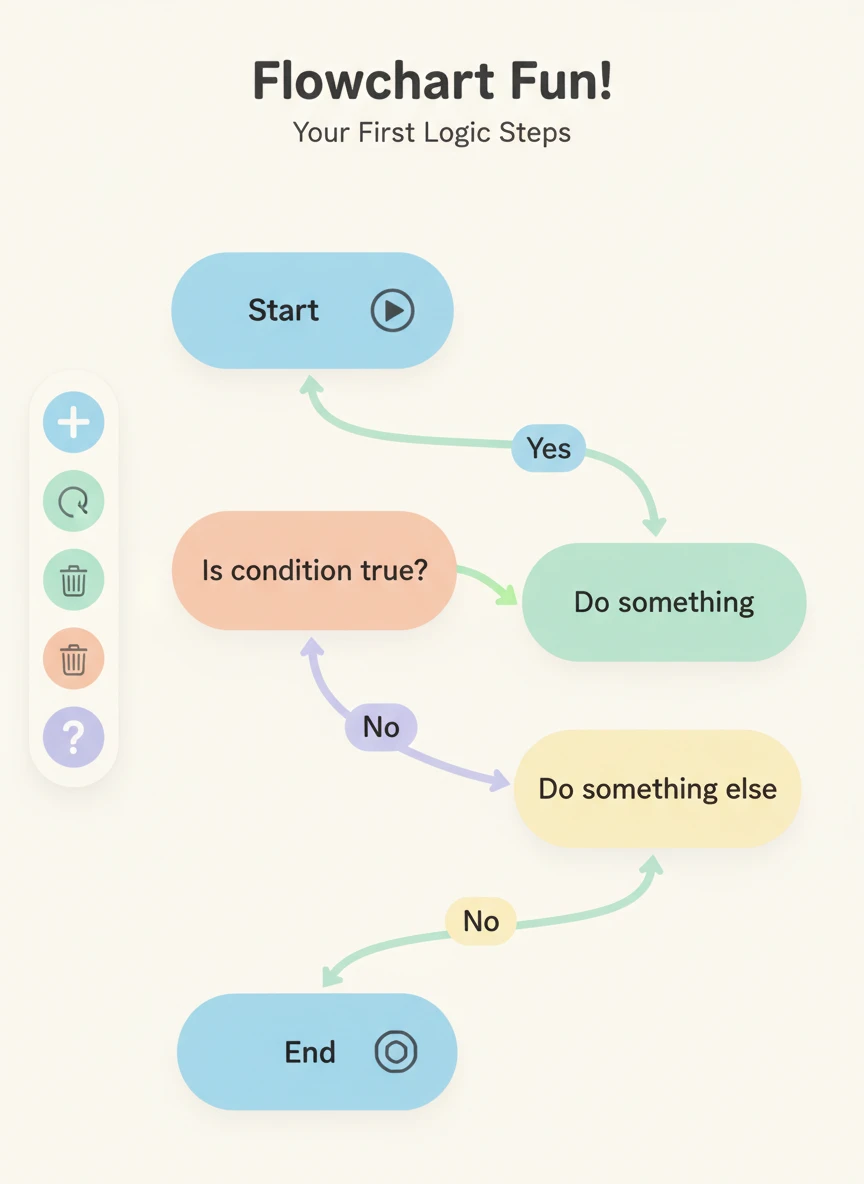
A beginner-friendly flowchart generator layout introducing basic logic flow. Use rounded rectangles, gentle arrows, and soft pastel colors to make it approachable. The overall mood should be calm and simple. pastel, beginner-friendly, flat — NEG: harsh contrast, sharp edges, complex symbols, dark tones, clutter

An isometric flowchart generator illustration showing a modern process flow. Flowchart boxes and decision diamonds have subtle 3D depth while remaining clean and readable. The scene should feel modern and visually distinct. isometric, modern, vector — NEG: extreme perspective, realism, heavy shadows, text distortion, noise
How AI Flowchart Generator Works
Tell Us Your Idea
Simply type the process or workflow you want to turn into a flowchart. Adding clear and detailed steps helps the AI create better results.
Generate Your Flowchat
Click the 'Generate' button, and our AI will instantly create professional flowchart based on your description.
Save and Share
Download your flowchart and share it with your friends or your team.