AI Floor Plan Generator
AI Floor Plan Generator turns your text prompts into professional layout images instantly. Create detailed floor plans for houses, hospitals, shops, restaurants, and offices.
Try These Example Outputs
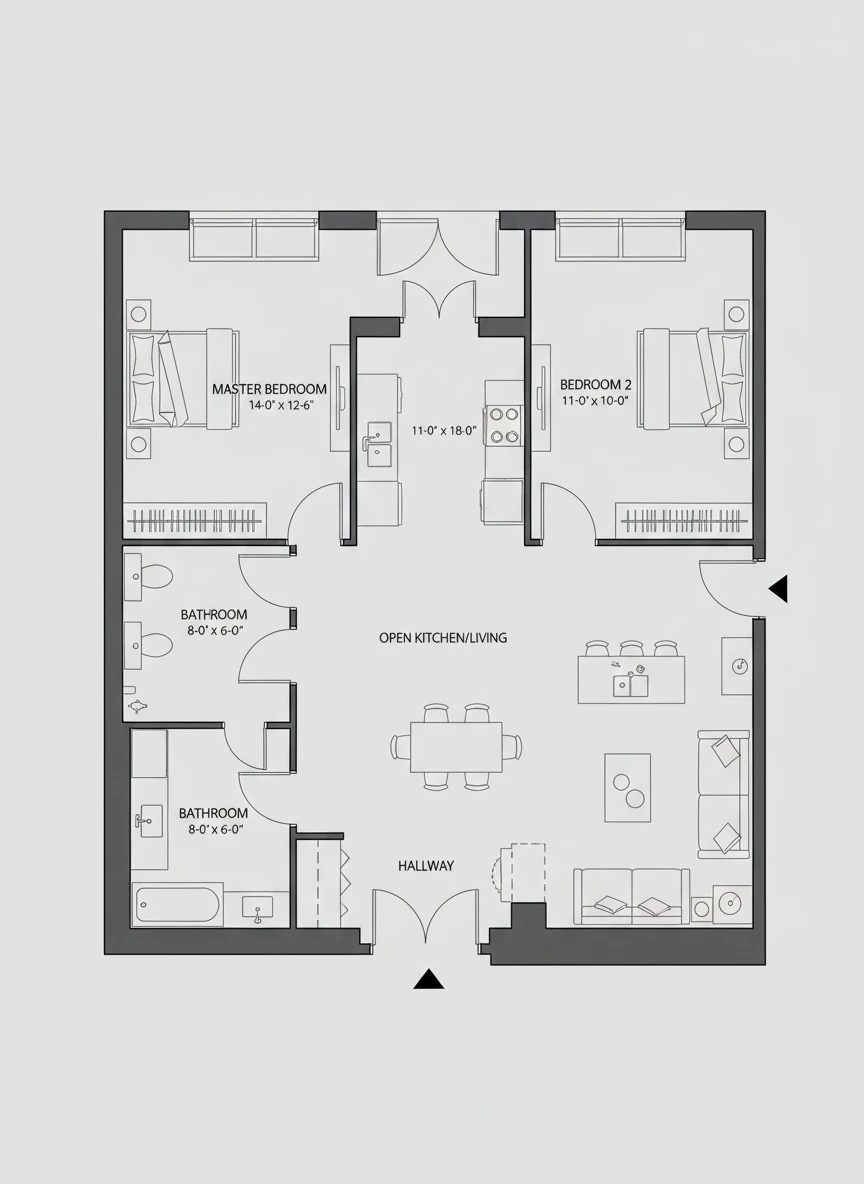
Create a clean and detailed layout using a Floor Plan generator for a modern two-bedroom apartment with an open kitchen and living area. The plan should include clear room labels, dimensions, and furniture placement for scale. Use a top-down architectural view with balanced proportions and readable annotations. minimal, architectural, top-view NEG: blurry text, distorted walls, perspective view, dark colors, low resolution, clutter, handwritten labels
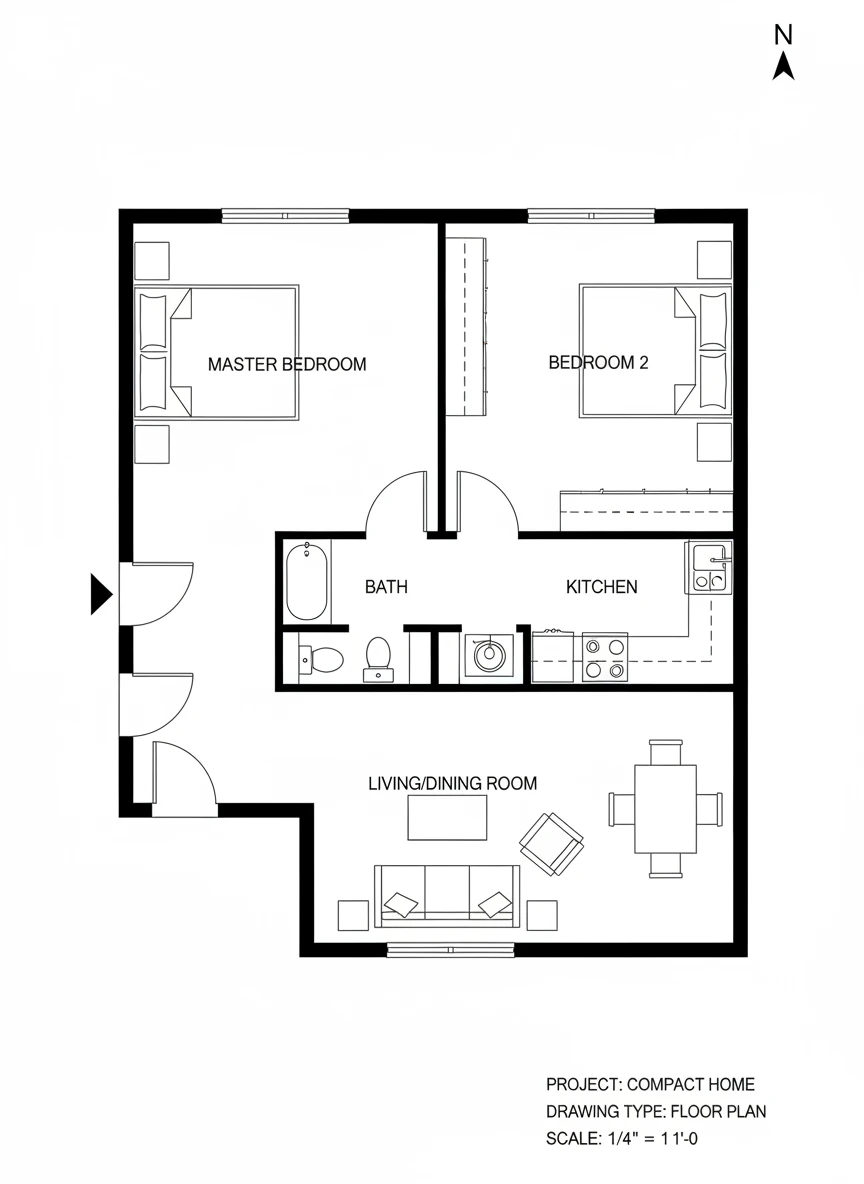
Design a compact single-story home using a Floor Plan generator, featuring two bedrooms, one bathroom, a kitchen, and a living room. Emphasize efficient space utilization and logical room flow. The drawing should look like a professional blueprint with crisp lines. blueprint, clean lines, residential NEG: messy layout, uneven scaling, 3D perspective, shadows, decorative textures, illegible text
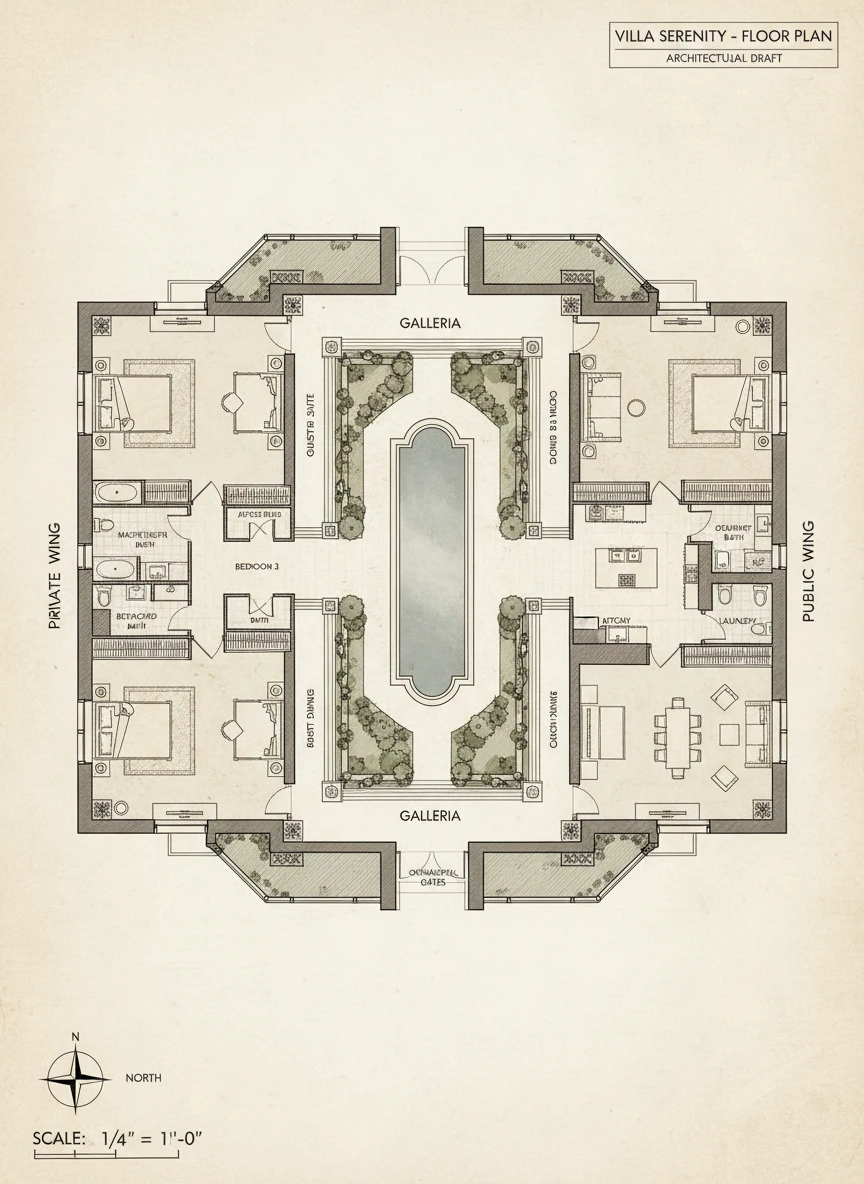
Generate an elegant luxury villa layout with a Floor Plan generator, including multiple bedrooms with attached bathrooms, a large living area, and a private courtyard. The plan should feel spacious and symmetrical, with clear zoning of private and public spaces. Present it in a refined architectural drafting style. premium, architectural drawing, spacious NEG: crowded rooms, cartoon style, warped proportions, bright neon colors, unclear labels, low detail
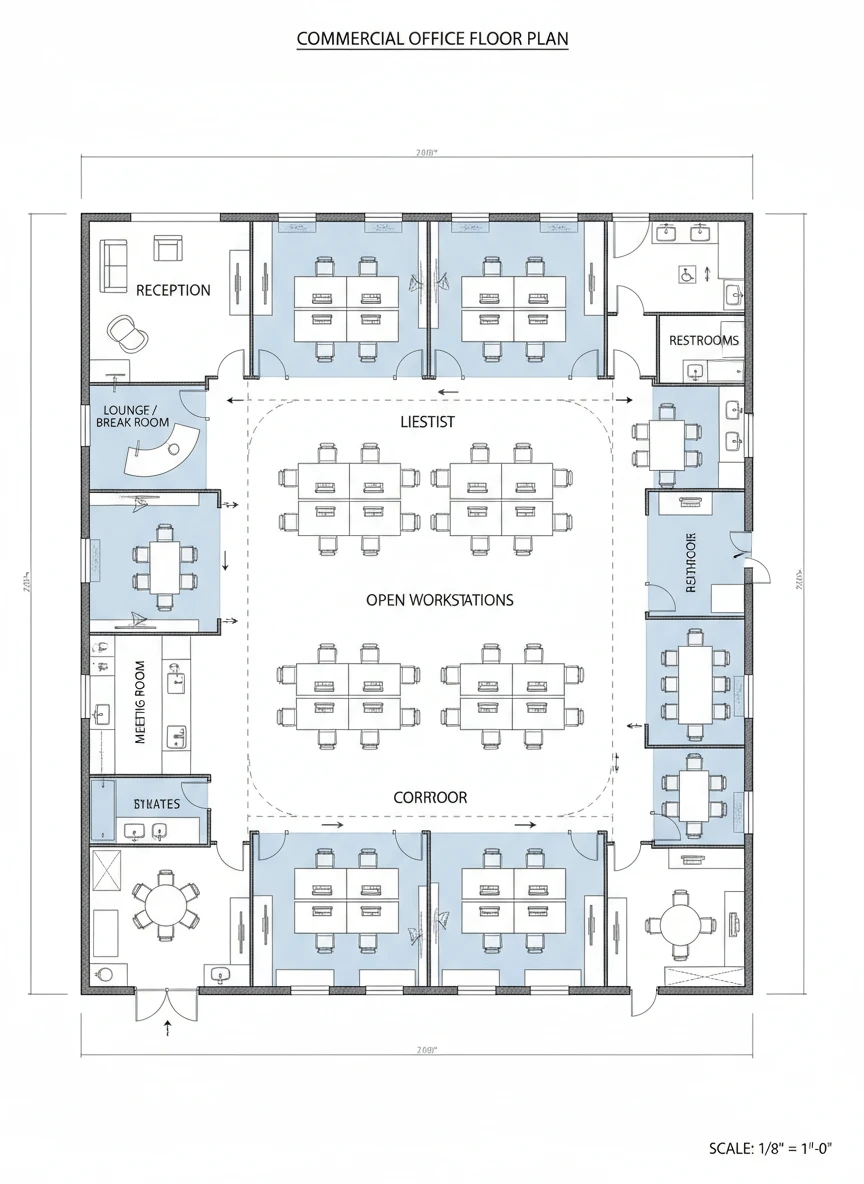
Create a professional office layout using a Floor Plan generator, showing workstations, meeting rooms, reception, and restrooms. Focus on clarity, circulation paths, and functional zoning. The visual should resemble a commercial architectural plan. professional, commercial, schematic NEG: home furniture, decorative art, perspective angles, messy annotations, inconsistent scale, blurred lines
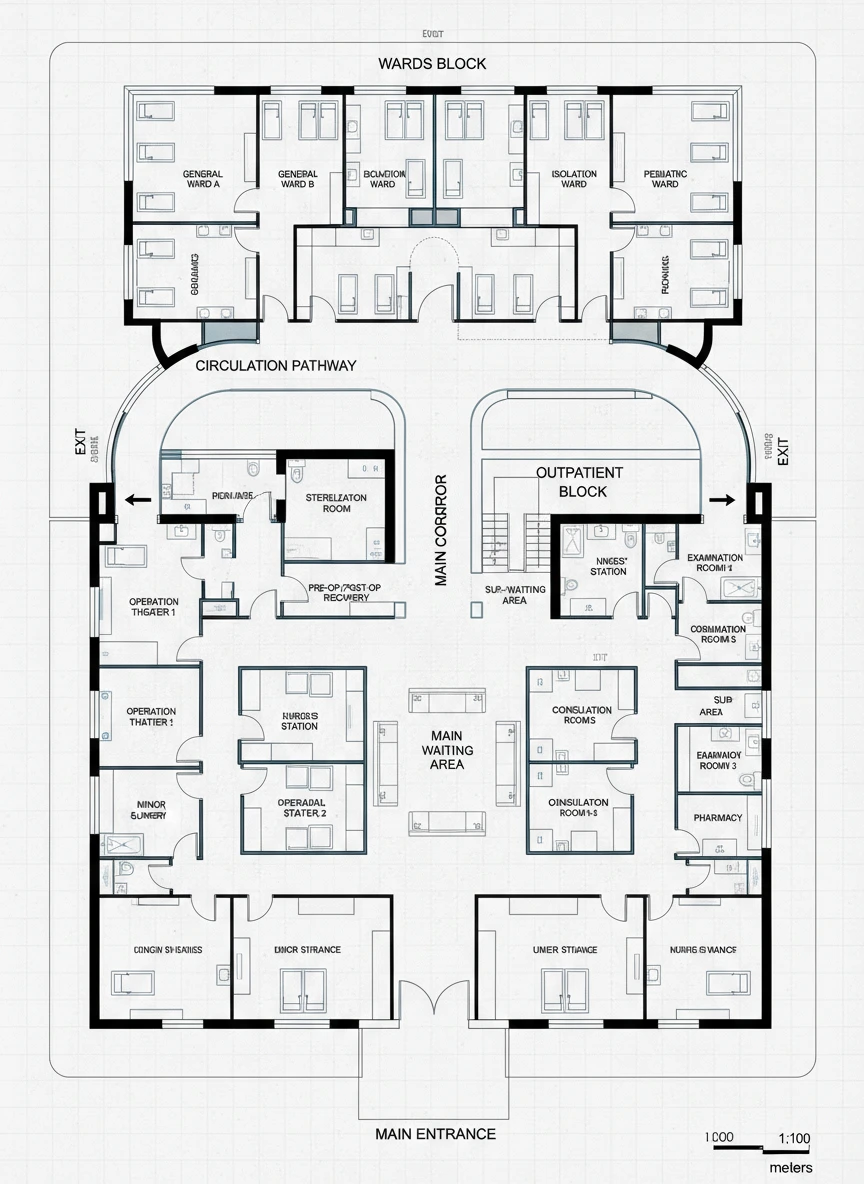
Create a clear and organized medical facility layout using a Floor Plan generator, including wards, operation theaters, waiting areas, and corridors. Prioritize logical circulation and accessibility. The design should look like a real-world institutional plan. institutional, schematic, clean NEG: decorative elements, home-like furniture, cluttered corridors, bright gradients, unreadable labels
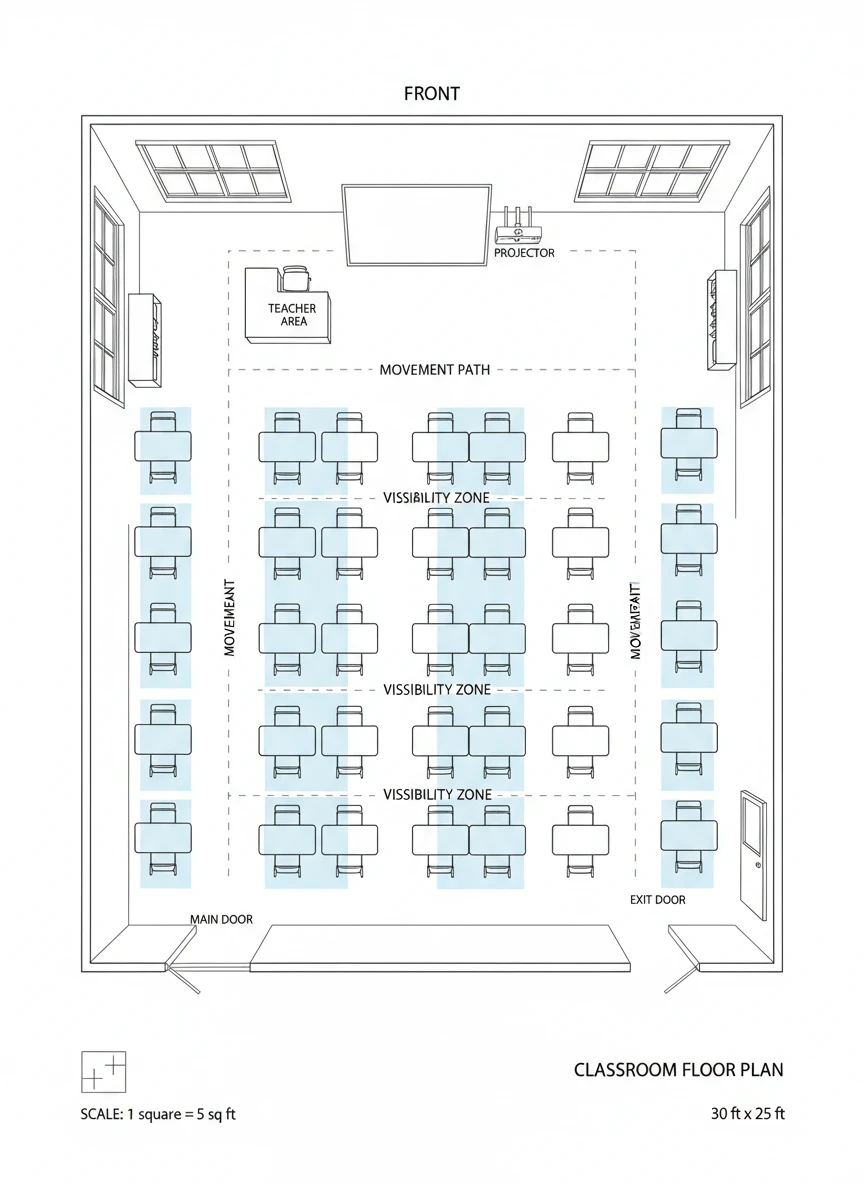
Design a classroom layout using a Floor Plan generator, showing desks, teacher area, doors, and windows. Emphasize spacing, movement paths, and visibility. Keep the plan simple and instructional. educational, simple, top-view NEG: complex shading, perspective drawing, decorative patterns, inconsistent desk sizes, blurry text
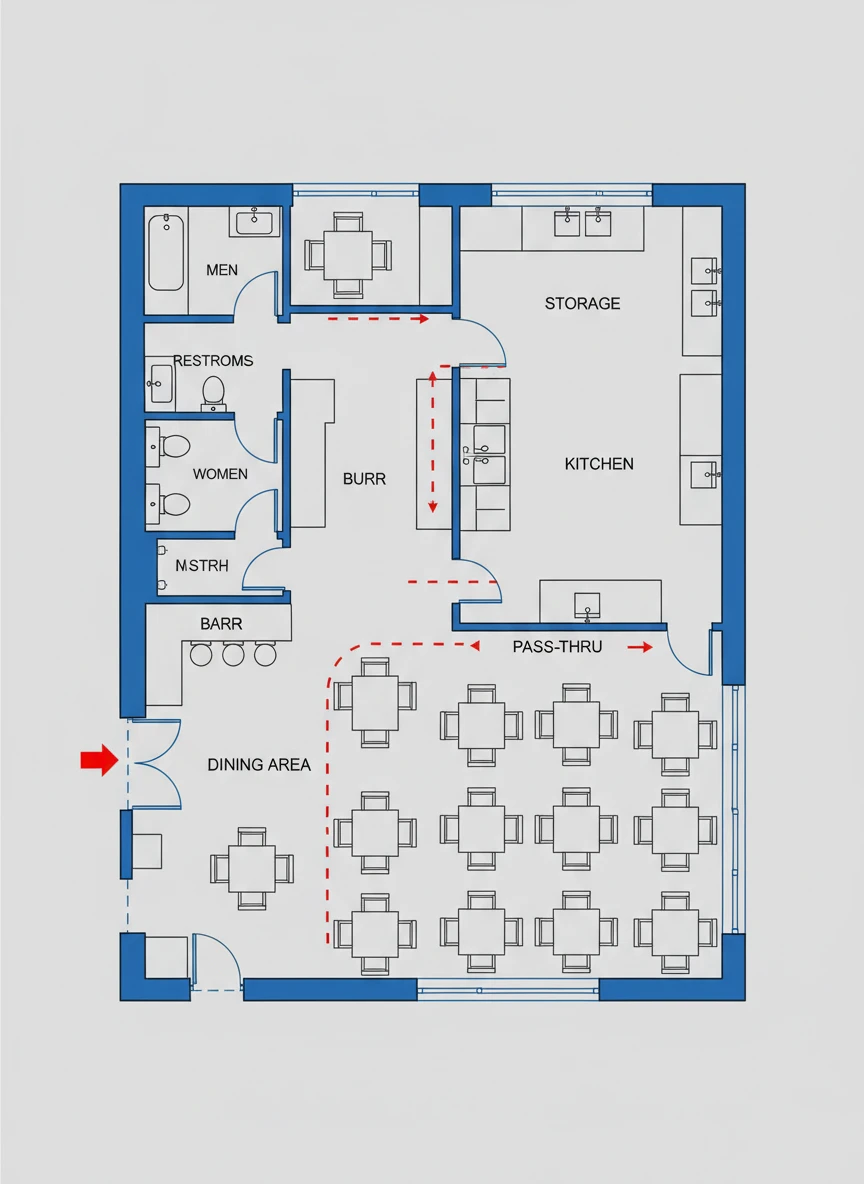
Use a Floor Plan generator to create a restaurant layout with dining area, kitchen, storage, and restrooms. Clearly show table arrangements and service flow. The plan should be practical and professional. commercial, functional, clean NEG: abstract art style, distorted tables, unclear walls, excessive decoration, low contrast
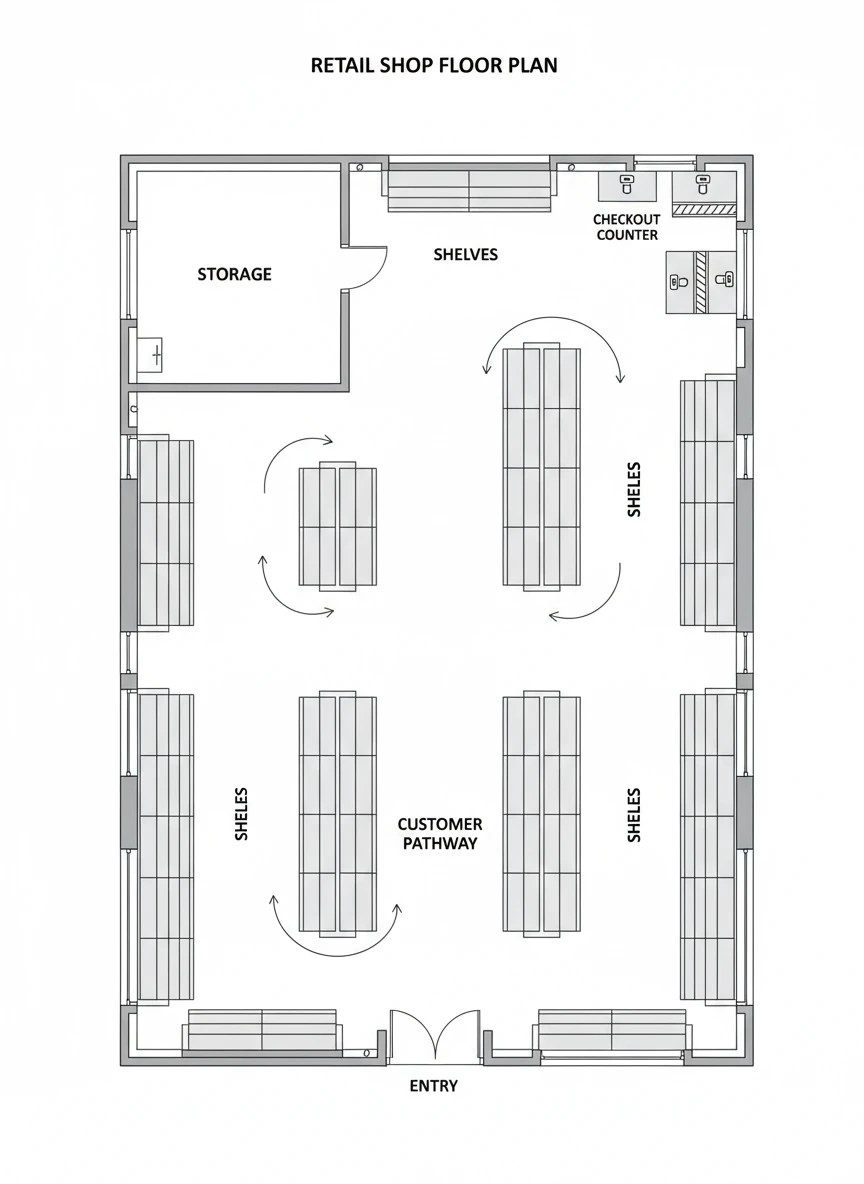
Generate a retail shop layout using a Floor Plan generator, including shelves, checkout counter, storage, and customer pathways. Focus on visibility and efficient movement. Present it as a crisp, easy-to-read architectural plan. retail, schematic, organized NEG: abstract art style, distorted tables, unclear walls, excessive decoration, low contrast
How AI Floor Plan Generator Works?
Write Your Text Prompt
Describe your floor layout in simple words. Mention rooms, sizes, and purpose like a house, office, shop, or hospital.
Generate Image
Click the generate button. The AI turns your text into a detailed floor plan layout image instantly.
Download and share
Preview the result, then download your floor plan image to use for planning, sharing, or design ideas.