AI Face Swap Online
Swap face in any photo, video, or GIF using Max Studio's free AI face swapper tool.
Swap with
How to Use AI Face Swap?
Upload Your Photo or Video
Start by choosing Image Swap, Video Swap, or Multi Face Swap. Upload the photo or video you want to edit. The AI will automatically scan and detect all visible faces to prepare for swapping.
Select or Add a Face to Swap
Choose a face from the available options or upload a new face you would like to use. AI carefully matches facial features, skin tone, lighting, and angles to ensure accurate alignment.
Generate & Download
Click the Generate button to begin the process. AI face swap results will be ready. Preview the final output and download it directly to your device.
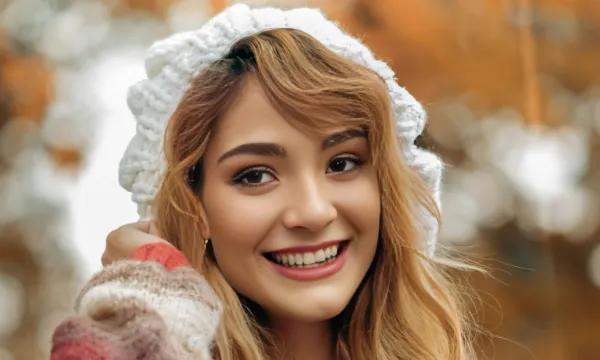
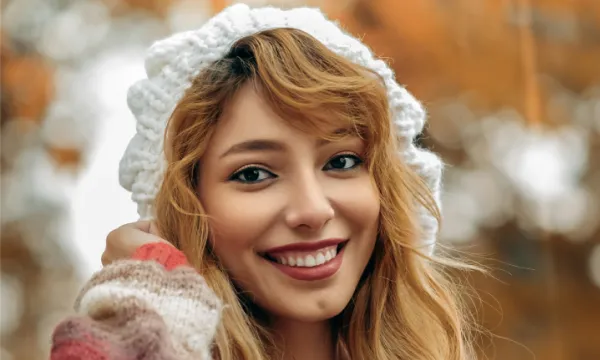
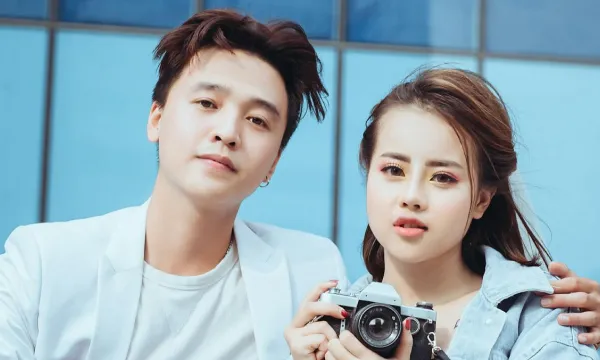
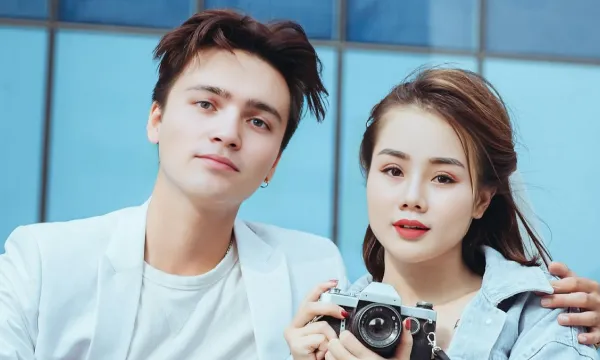
Some Examples of Our AI Face Swapper Tool




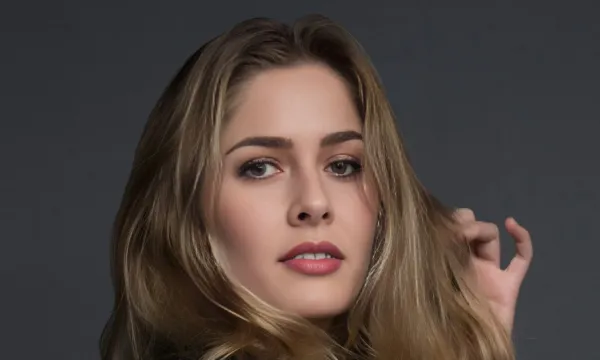
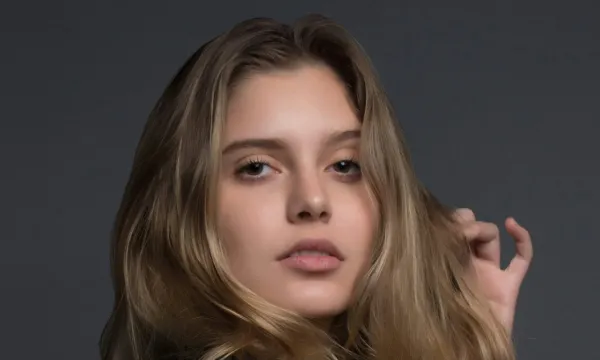


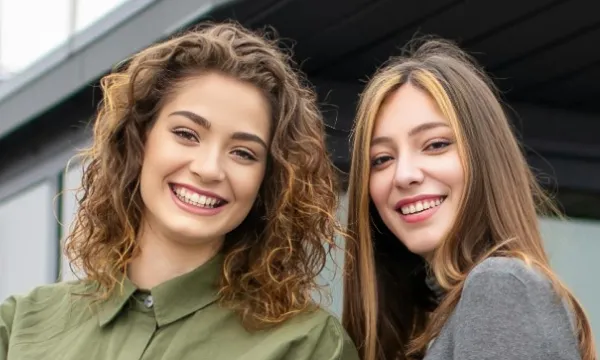
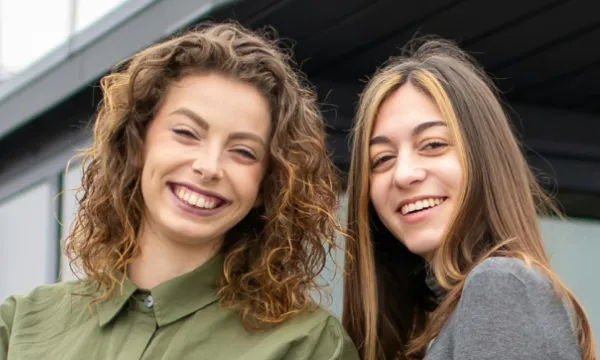

Features of MaxStudio’s AI Face Swap
Multiple Face Swap Support
MaxStudio AI Face Swap allows you to replace multiple faces in a single image with accuracy and ease. The tool automatically detects every face in the uploaded photo and swaps them smoothly. It’s perfect for group pictures, parties, and team photos.
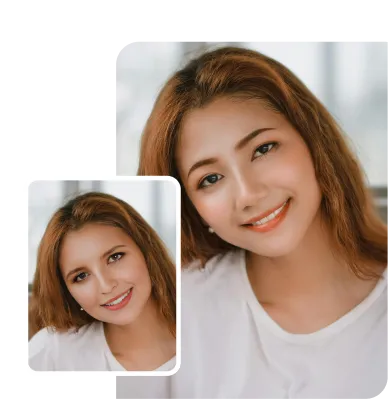
Advanced Facial Recognition
Our AI Face Swap advanced facial recognition technology identifies key facial points like the eyes, nose, and jawline. This ensures precise alignment and accurate face replacement. The result is clean, balanced, and realistic.
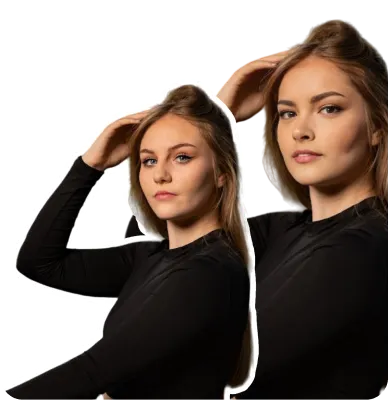
Face Swap Video Online
You can create face swap videos directly online without installing any software. The AI tracks movement frame by frame to maintain smooth transitions. This helps deliver stable and natural-looking video results.
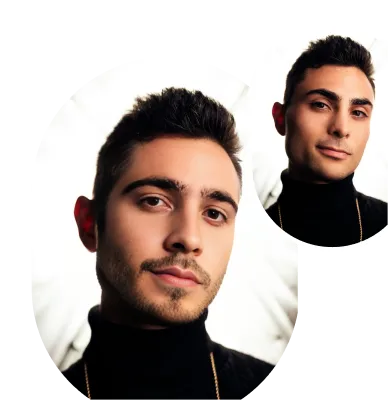
High-Quality Photo Face Swap
Swap faces in photos while maintaining clear details and sharp resolution. AI automatically adjusts lighting and color tones for better blending. Every image looks polished and high-quality.
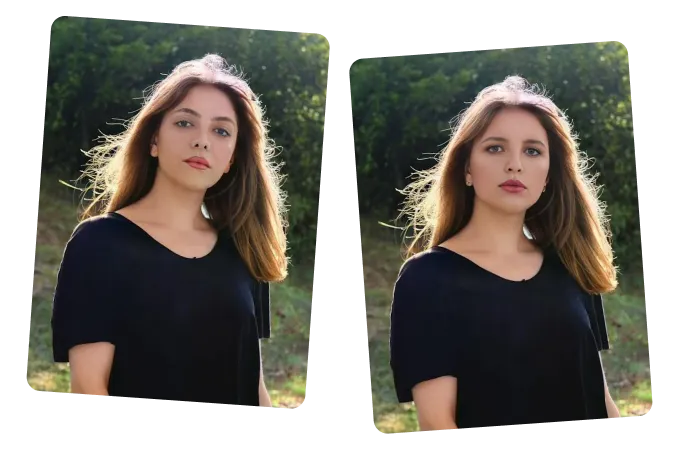
Realistic AI Face Swapping
AI carefully matches facial expressions, skin tone, lighting, and angles to create natural-looking results. Each swap blends seamlessly into the original image. The final output looks smooth and professional.
Use Cases of AI Face Swap
Face Swap Videos for Social Media
- •Create engaging AI face swap videos for Instagram, TikTok, and YouTube.
- •Generate smooth and natural video face swap AI results for reels and short clips.
- •Perfect for viral content, memes, and creative edits.
Multiple Face Swap for Group Photos
- •Replace several faces in one image with accurate detection.
- •Ideal for team photos, events, and family pictures.
- •Maintains natural alignment and balanced proportions.
Entertainment & Fun Edits
- •Create funny transformations using face swap AI.
- •Swap faces with friends, characters, or celebrities.
- •Produce creative and engaging visual content easily.
Profile Pictures & Digital Avatars
- •Swap faces in photos to create unique profile images.
- •Generate realistic avatars with high-quality blending.
- •Perfect for social media and online platforms.