Sora Video Generator
OpenAI has introduced Sora 2, a powerful AI video generator that turns text and images into realistic videos. You can create engaging videos instantly with Sora on Maxstudio.
0 characters
How to Use Sora Video Generator?
Step 1
Enter Text or Upload an Image
Start by typing a detailed description of the video you want to create. Describe the scene, action, or mood in simple words. You can also upload an image and turn it into a video.
Step 2
Adjust Video Settings
Choose how your video should look. Set the video duration, select the aspect ratio, and pick the resolution for high-quality output.
Step 3
Generate and Download
Click the Generate button and let Sora create your video. Once it’s ready, preview it and download the final video to use or share anywhere.
Features Of Sora Video Generator
Advanced Text-to-Video Creation
Sora video generator lets you turn written ideas into complete videos. You simply describe what you want to see, such as the scene, actions, mood, or camera style and Sora creates a video that follows your description.
Image-to-Video Animation
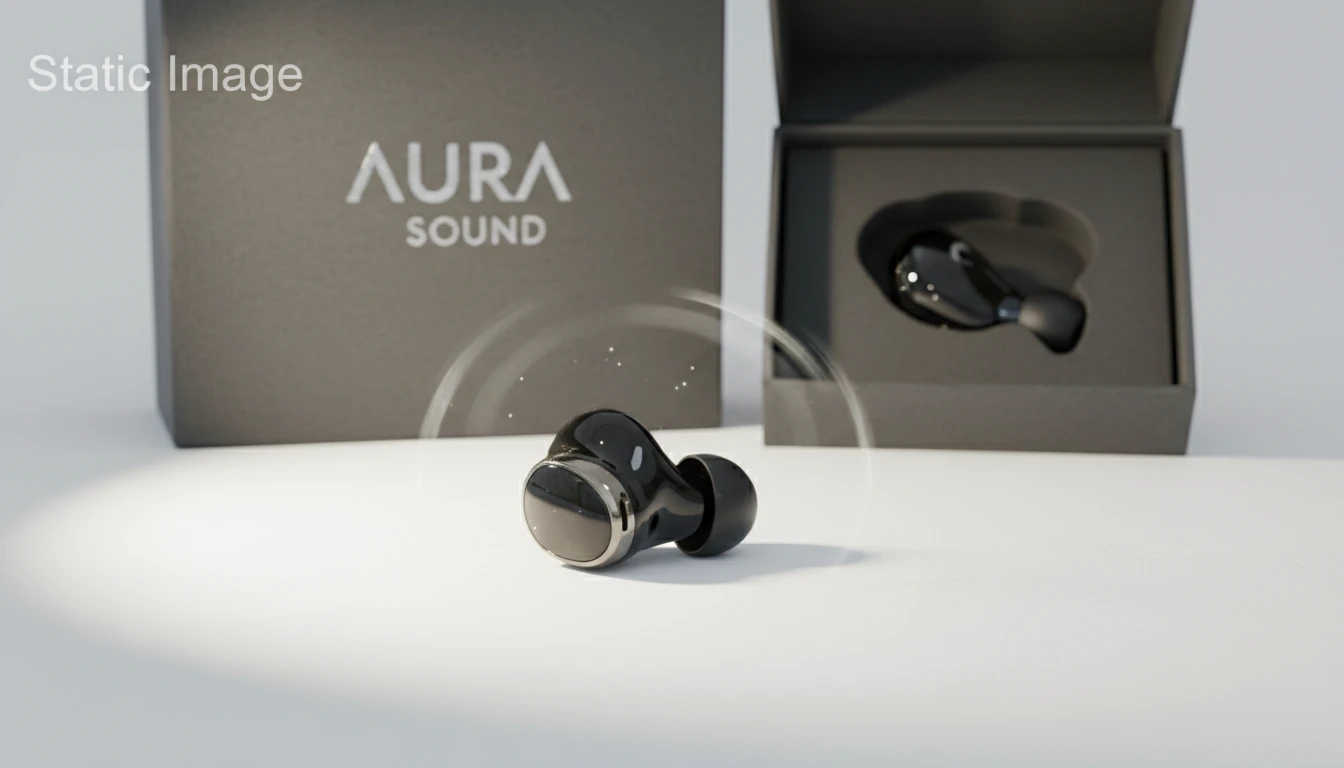
With Sora video generator, a single image can become a moving video. When you upload an image, Sora adds motion, depth, and smooth camera movement while keeping the original look of the image. This is useful for bringing photos, artwork, or designs to life without creating a video from scratch.
High-Definition Video Quality
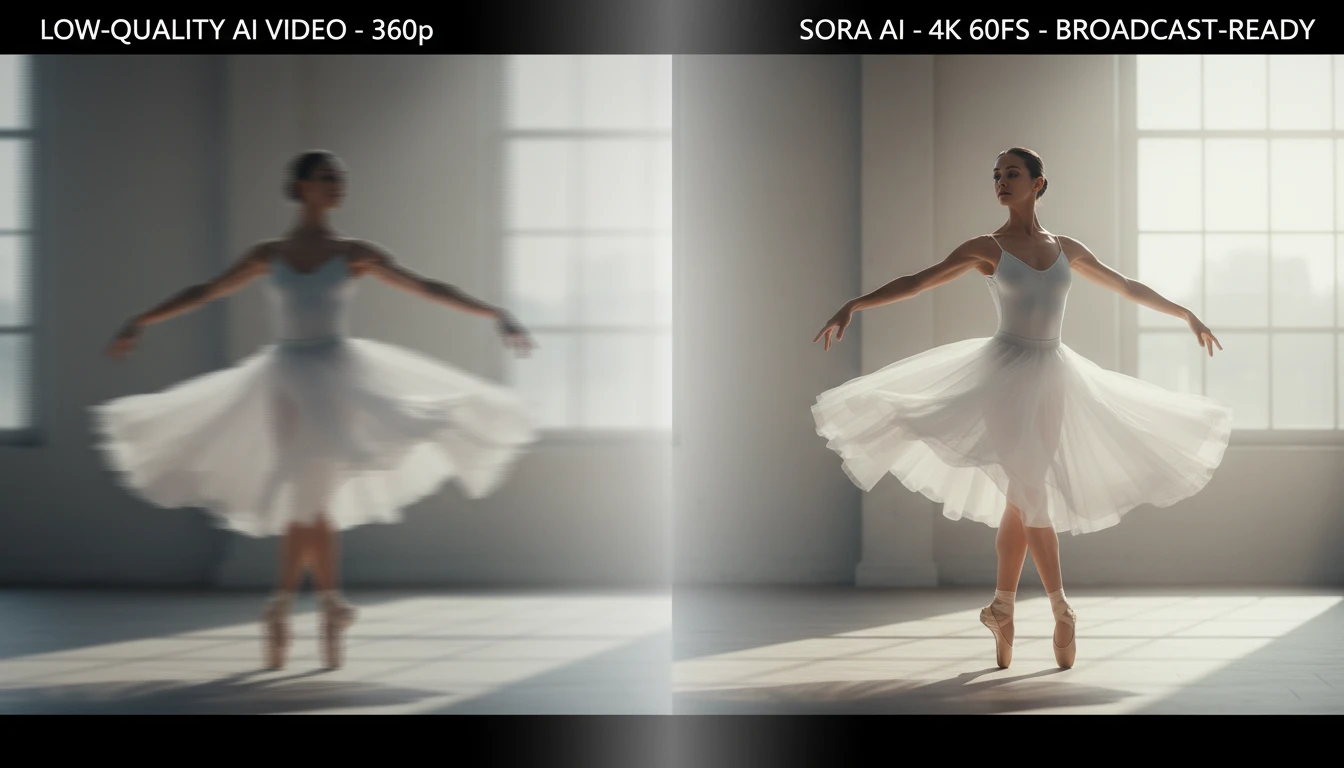
Sora generates videos in clear, high-quality resolution. The visuals are sharp and smooth, making the videos suitable for social media, presentations, ads, and creative projects. Your final video looks polished and professional, not blurry or low-quality.
Realistic Motion & Scene Flow
Creates natural movement in people, objects, and environments. Actions happen smoothly from one moment to the next, and scenes transition in a realistic way. This makes the video feel more like real footage rather than a collection of separate frames.

Fast Video Generation
Videos are created quickly using cloud-based AI processing. You don’t need powerful hardware or long rendering times. Enter your idea, click generate, and get your video in Few minutes.