AI Sprite Generator
AI Sprite Generator helps you convert your ideas into pixel-style sprite characters.
What You Can Create
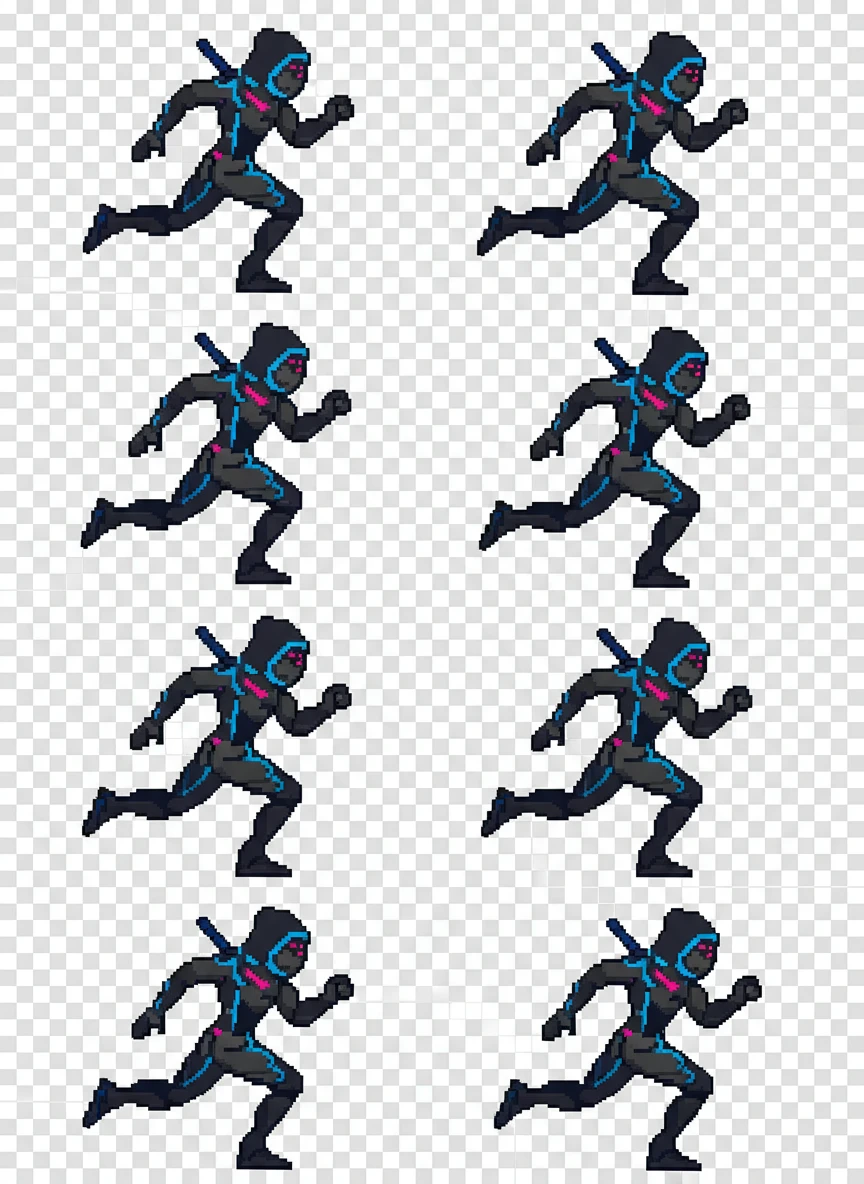
Cyber Ninja Run Cycle. Use a sprite generator to design a cyberpunk ninja running animation in classic pixel-art style. The character is shown in a side view with 6–8 consistent frames, neon accents, and sharp readable silhouettes. Background must remain fully transparent for engine-ready use. pixel art, cyberpunk, animation sprite NEG: blur, soft shading, realistic lighting, 3d render, background, logo
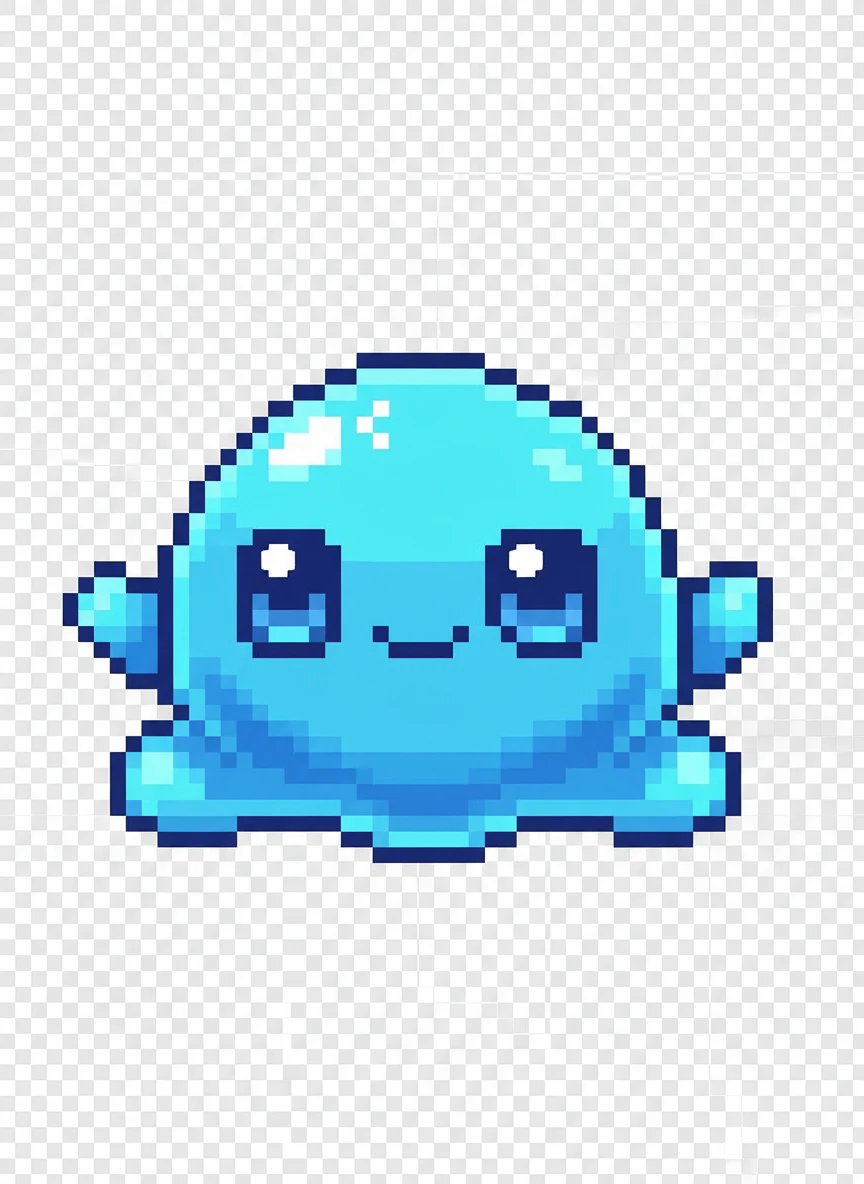
Cute Slime Monster. Generate a small enemy character with a sprite generator, depicting a cute slime monster with expressive eyes. The sprite is chibi-styled, centered, and uses smooth pixel clusters with high contrast. Keep proportions simple for top-down RPG gameplay. pixel art, chibi, enemy sprite NEG: realism, texture noise, complex background, motion blur, text
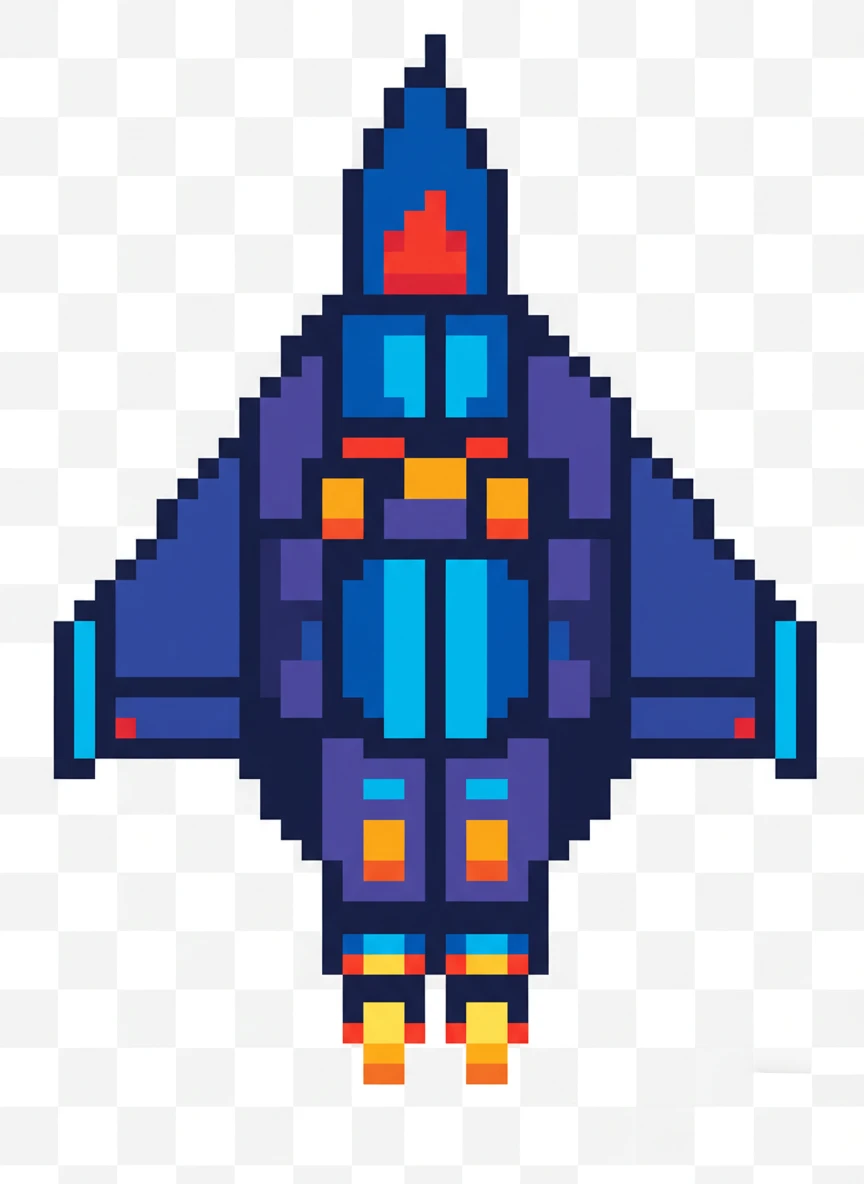
Retro Space Ship. Create a retro arcade spaceship using a sprite generator in 8-bit pixel-art style. The ship is top-down, symmetrical, and designed as a single clean sprite with bold colors. Transparent background and crisp edges are essential. 8-bit, arcade, space sprite NEG: photorealistic, shading gradients, 3d depth, blur, background stars
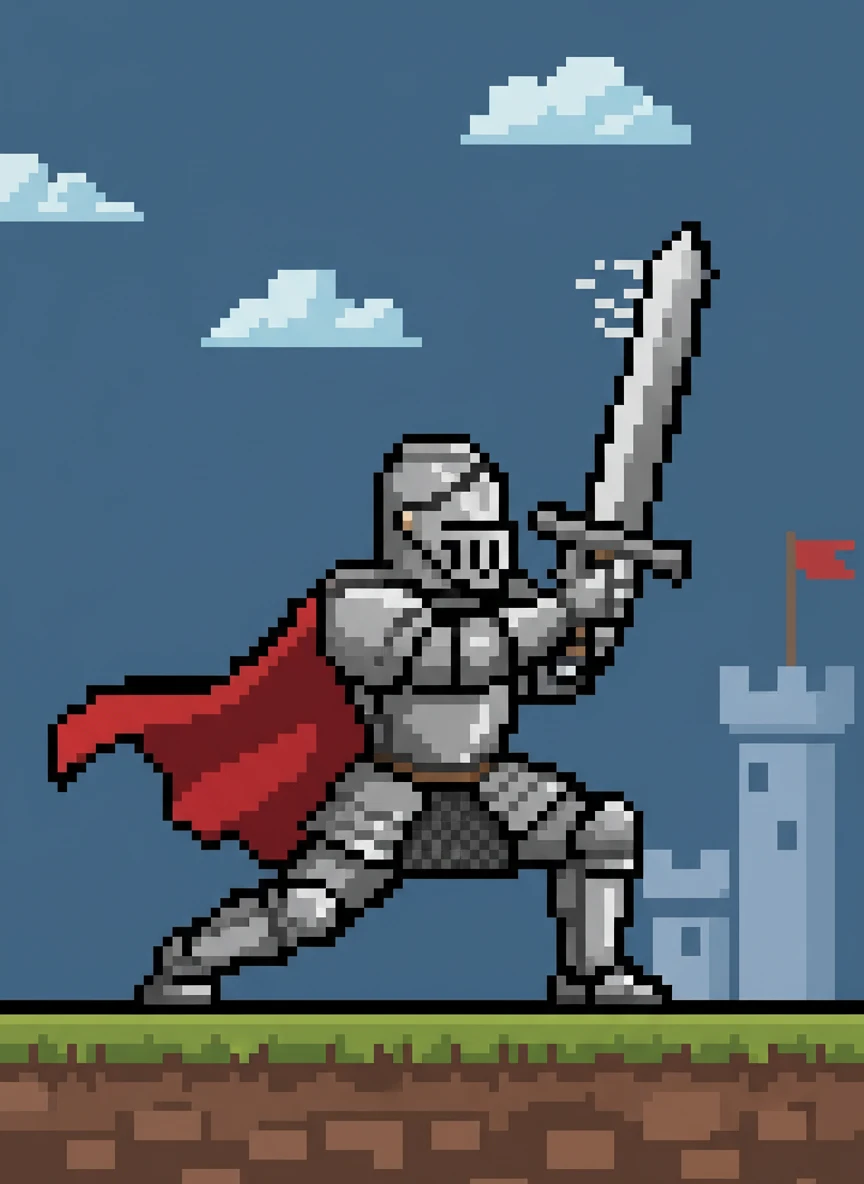
Medieval Knight Attack Frame. Use a sprite generator to illustrate a medieval knight performing an attack pose. The sprite is side-view, heavily outlined, and designed to match a platformer combat animation. Armor details must remain readable at small resolution. pixel art, medieval, action sprite NEG: soft focus, cinematic lighting, realism, 3d model, watermark
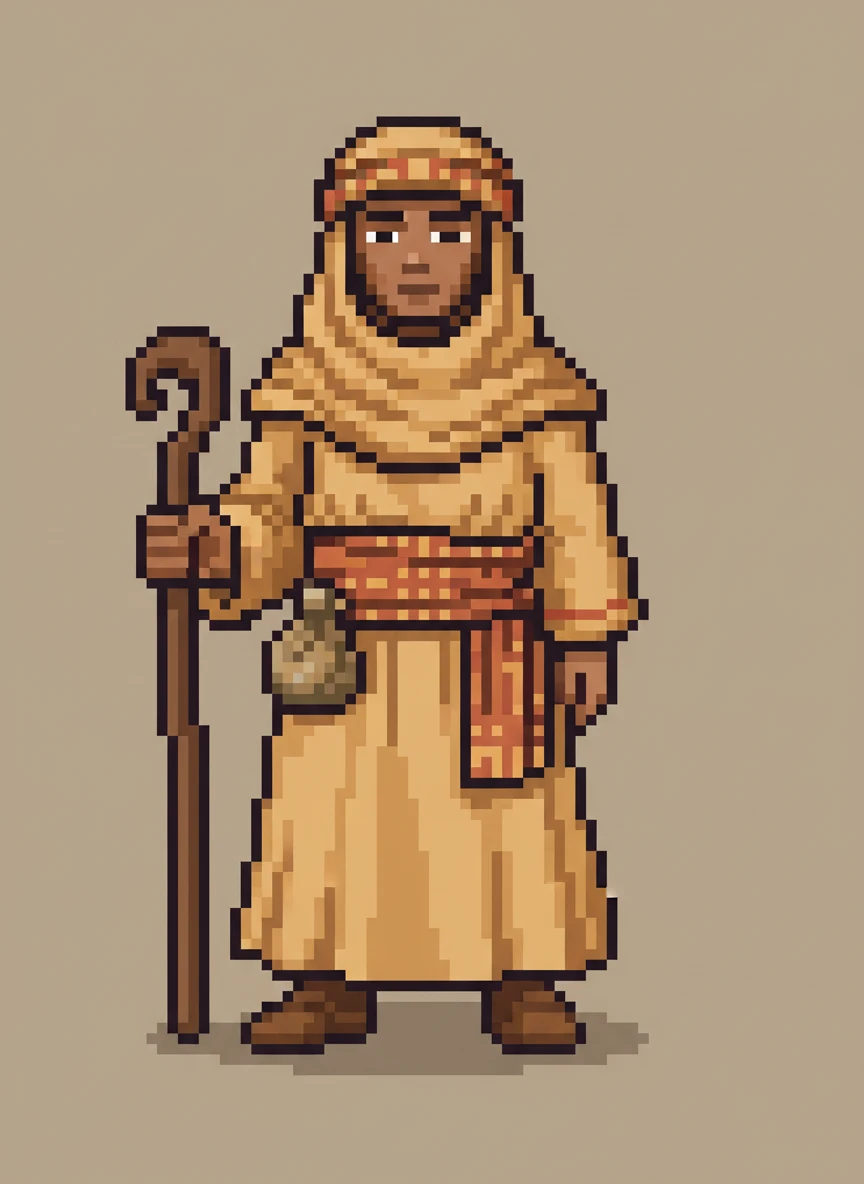
Desert Merchant NPC. Design a non-playable character with a sprite generator, showing a desert merchant standing calmly. The sprite uses warm tones, simple robes, and a neutral idle pose for RPG towns. Keep lighting flat and consistent with classic 2D games. pixel art, rpg npc, 2D sprite NEG: blur, depth of field, photorealism, shadows, background scene
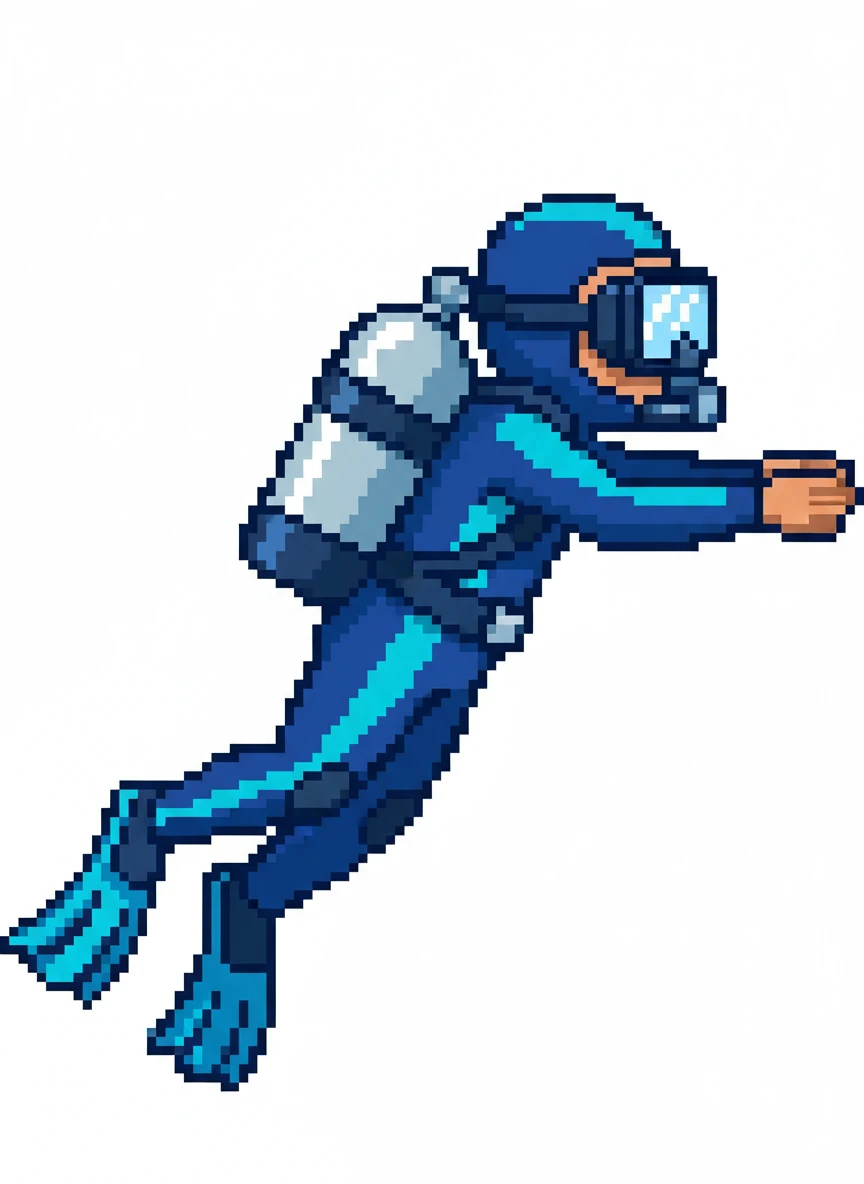
Underwater Diver Character. Generate a playable character with a sprite generator, depicting an underwater diver with oxygen tank. The sprite is side-facing, compact, and uses cool blue tones with clear outlines. Designed for smooth swimming animations in a 2D game. pixel art, character sprite, underwater NEG: realistic bubbles, gradients, reflections, 3d, background
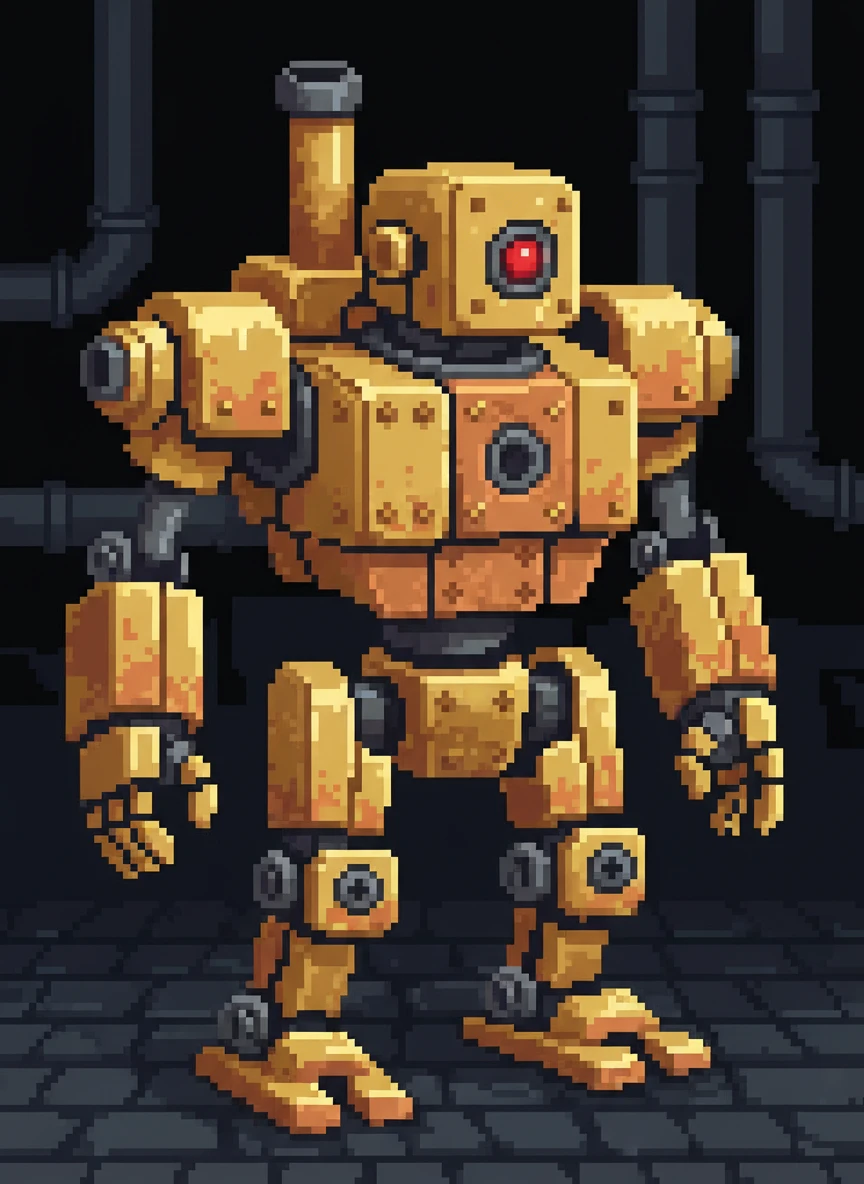
Steampunk Robot Enemy. Use a sprite generator to create a steampunk robot enemy in pixel-art form. Gears and metal plates are simplified into readable shapes with a limited color palette. The pose should feel mechanical and slightly intimidating. pixel art, steampunk, enemy NEG: photorealistic metal, complex textures, blur, lighting effects, text
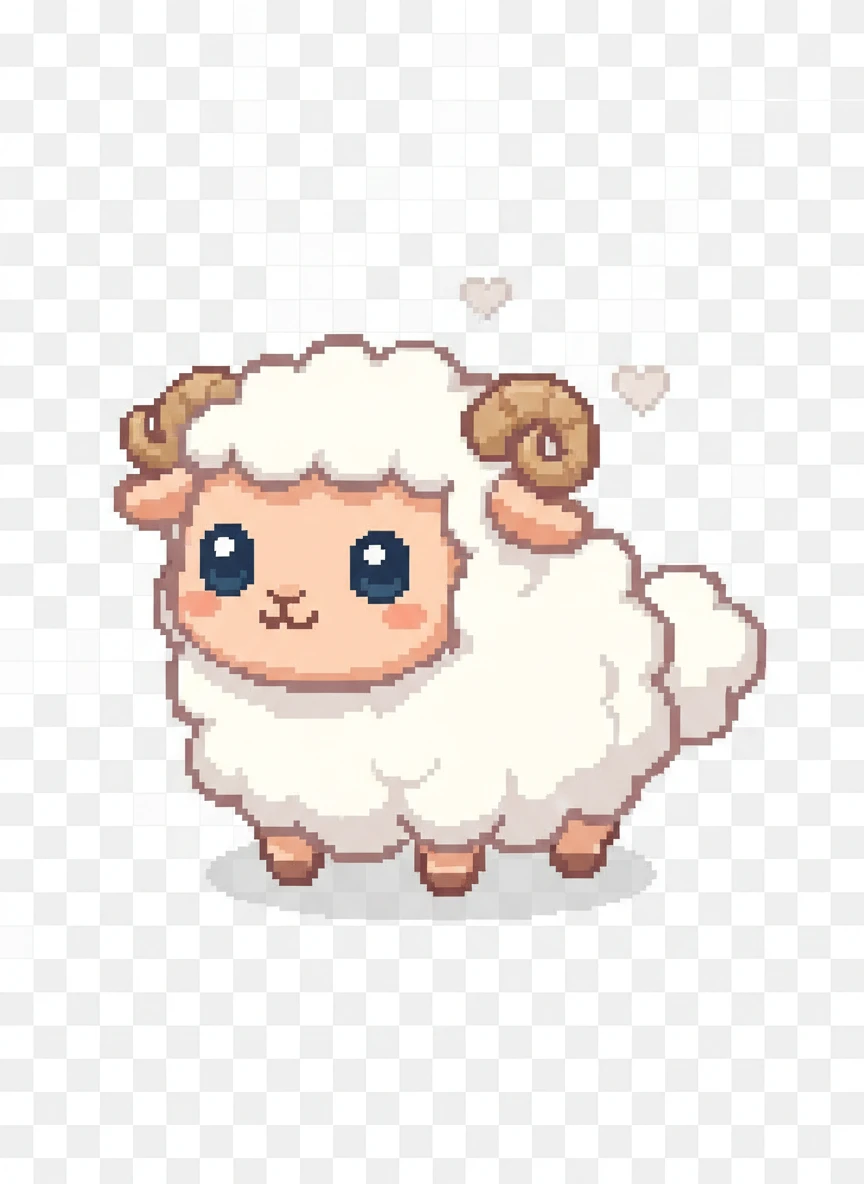
Farm Animal Idle Sprite. Create a friendly farm animal using a sprite generator, designed as a looping idle sprite. The character is small, rounded, and expressive, perfect for a casual simulation game. Keep pixels clean and animation subtle. pixel art, cute sprite, casual game NEG: realism, fur detail, blur, background, watermark
How AI Sprite Generator Works?
Describe your idea
Type what you want, like a character, object, or game asset, and choose your preferred pixel-art style.
Create the image
Click on Generate button to AI instantly turns your text into a custom pixel sprite that’s clean, clear, and game-ready.
Download and Share
Save your sprite image and use it in your game, project, or artwork.