AI Batch Face Swap
AI Batch Face Swap allows you to swap faces in multiple photos at once with natural-looking results.
Original Images
0/50Swap with
How to Use AI Batch Face Swap?
Upload Your Images
Upload multiple photos in the Original Images section (up to 50). This allows the AI to detect faces across all selected images for batch processing.
Select Face to Swap
Choose or upload the face you want to apply from the Swap with section. The AI will use this face for replacement across all uploaded photos.
Generate & Download
Click the Swap Faces button to apply the face swap to all images at once. Preview the results and download the swapped images instantly.
Examples
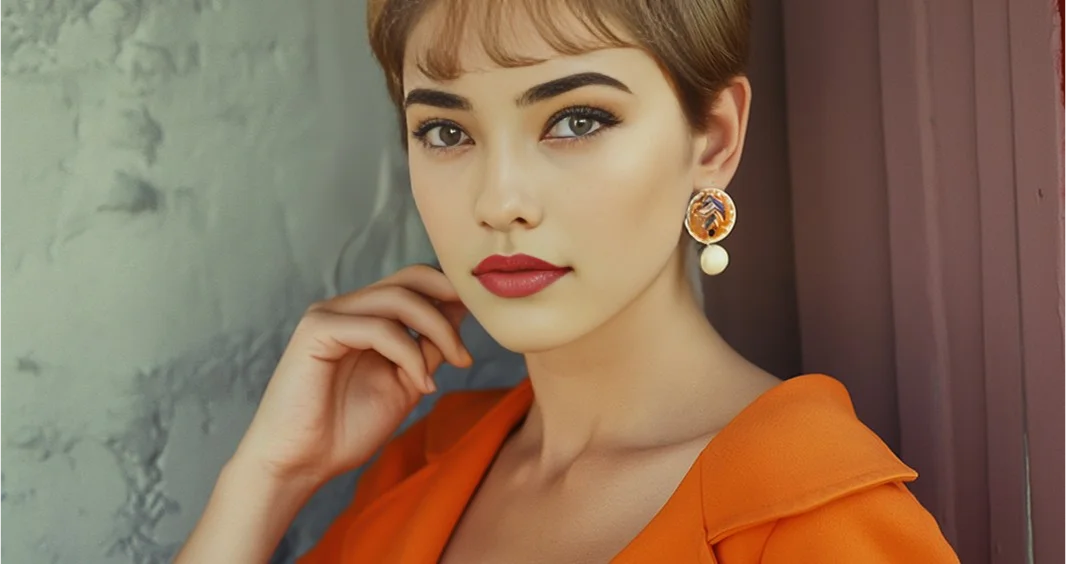
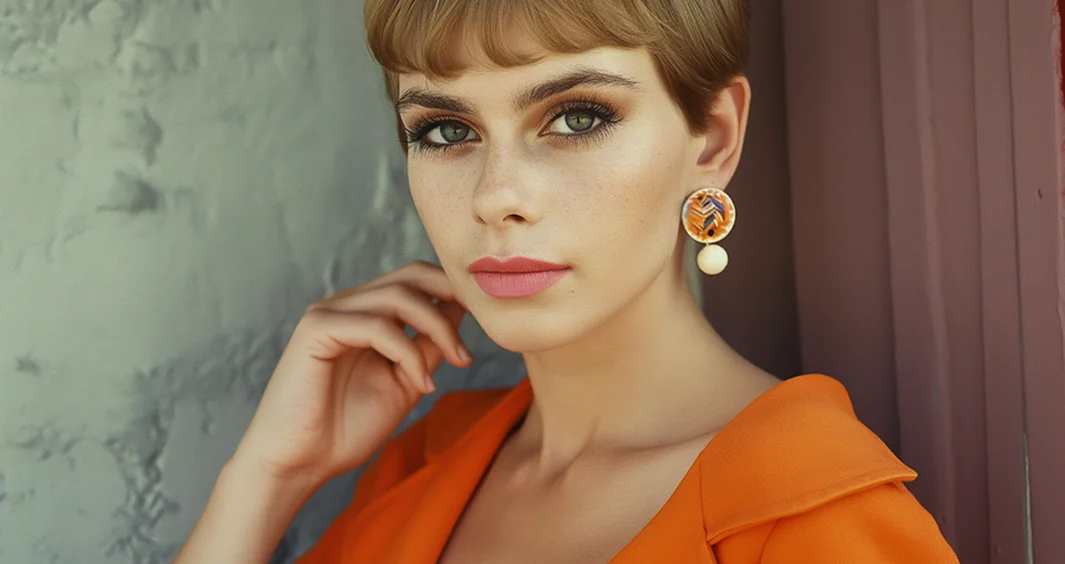
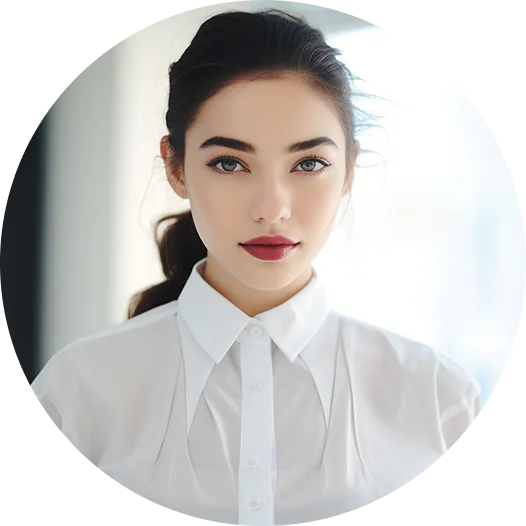
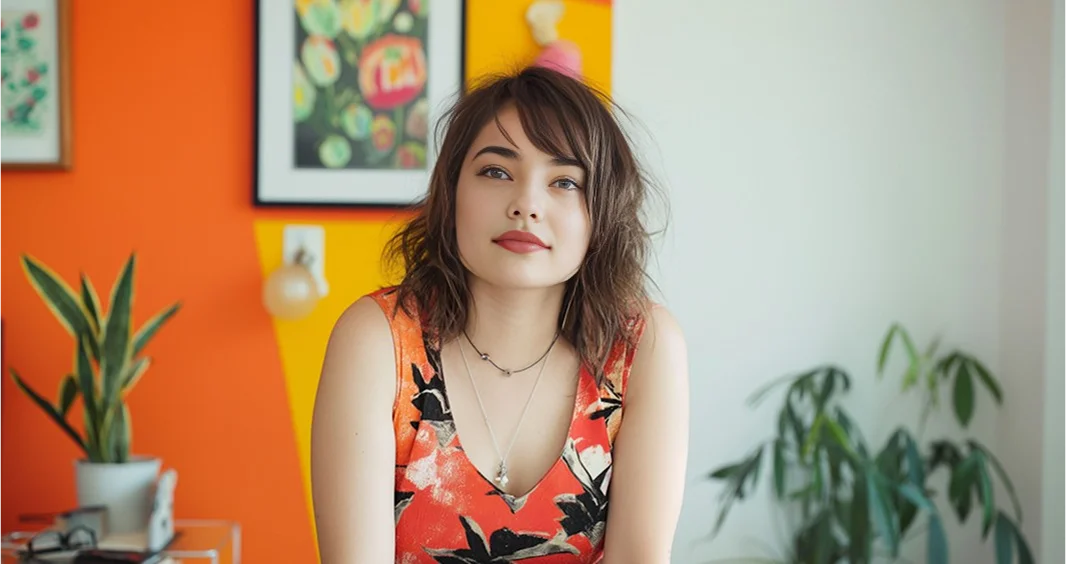
Batch Face Swap Examples
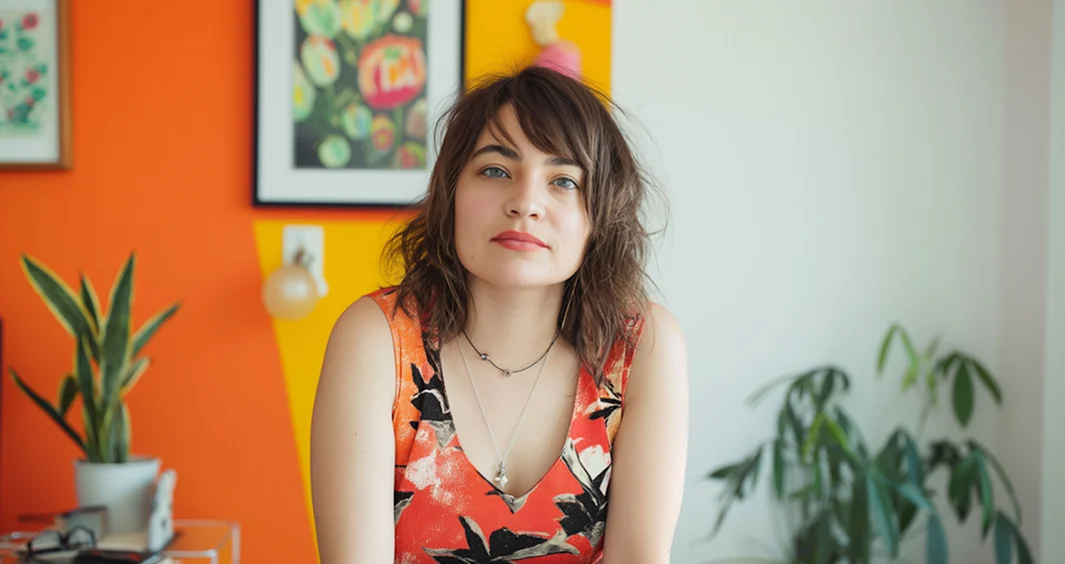


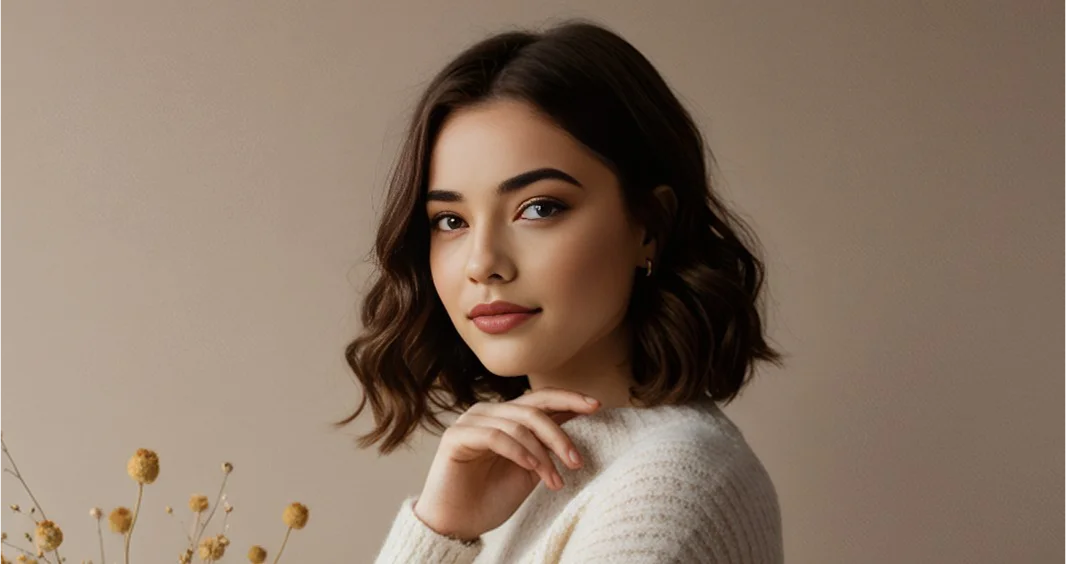
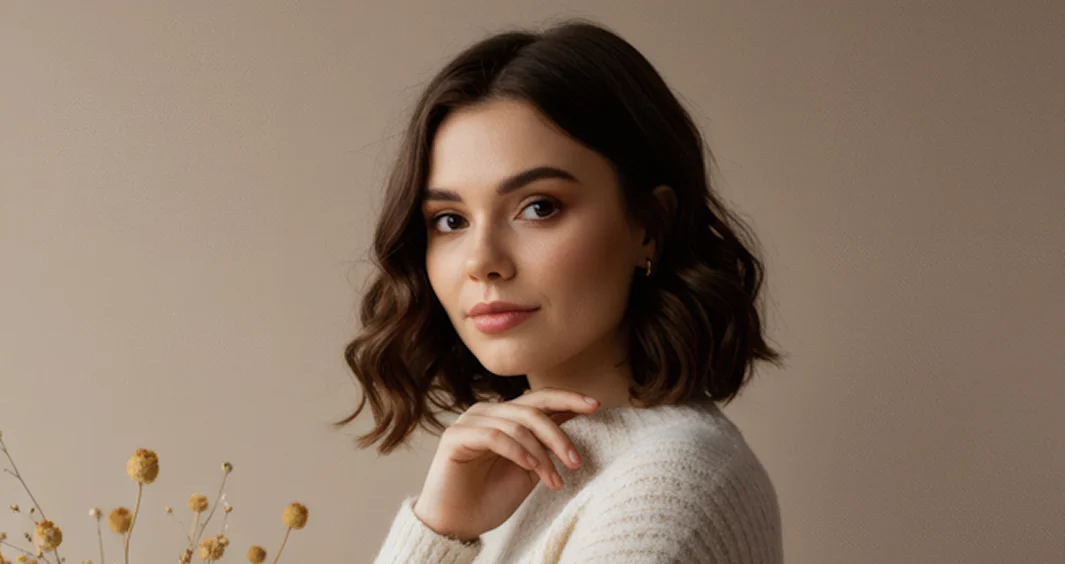
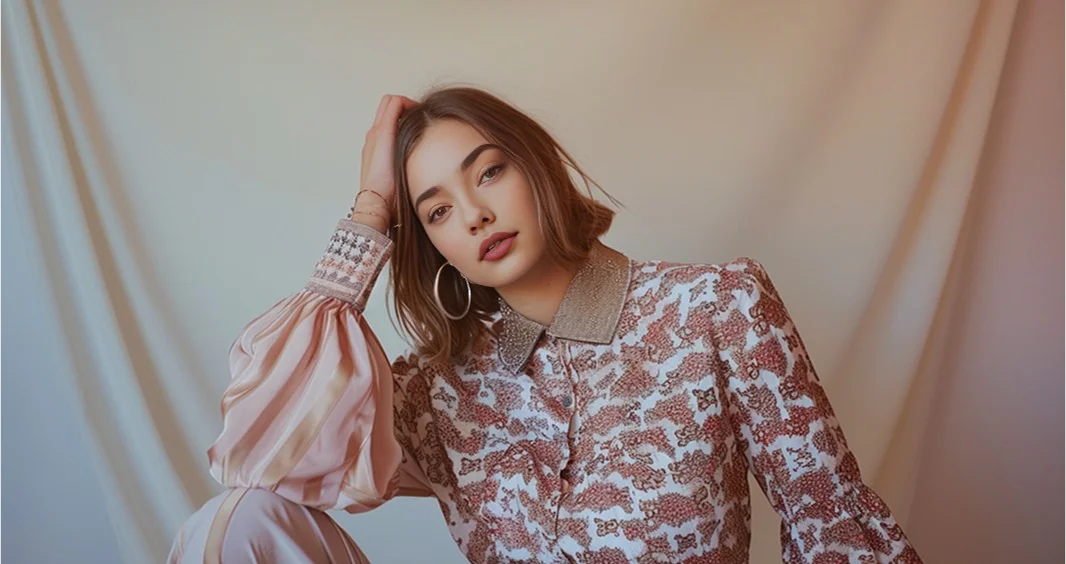
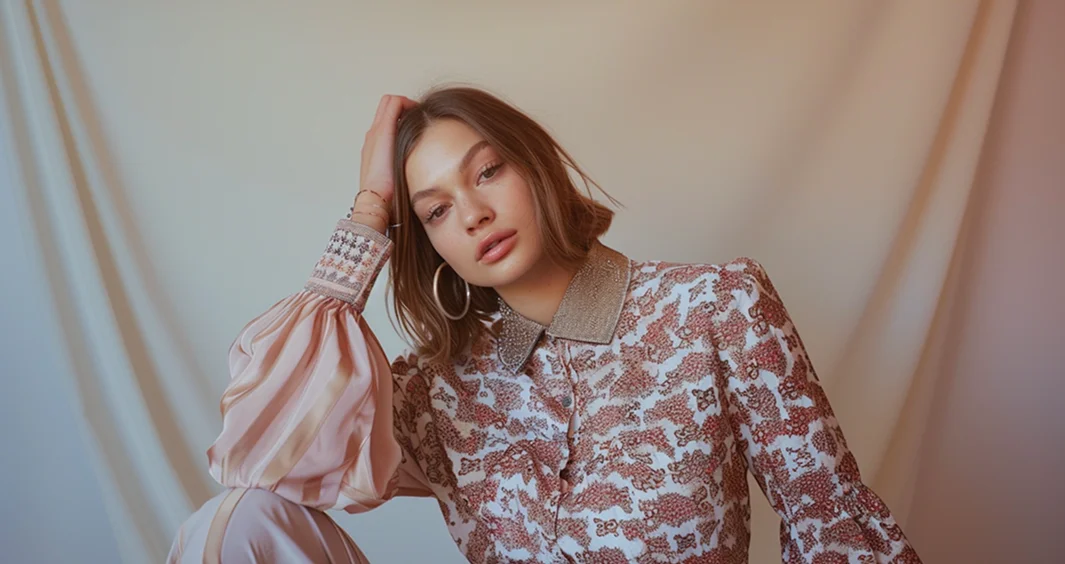
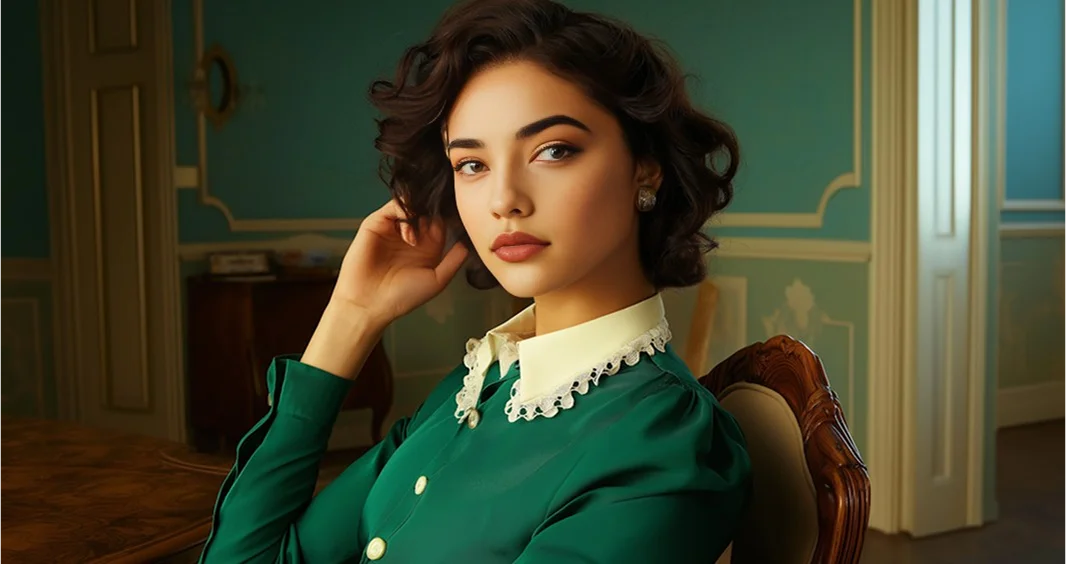
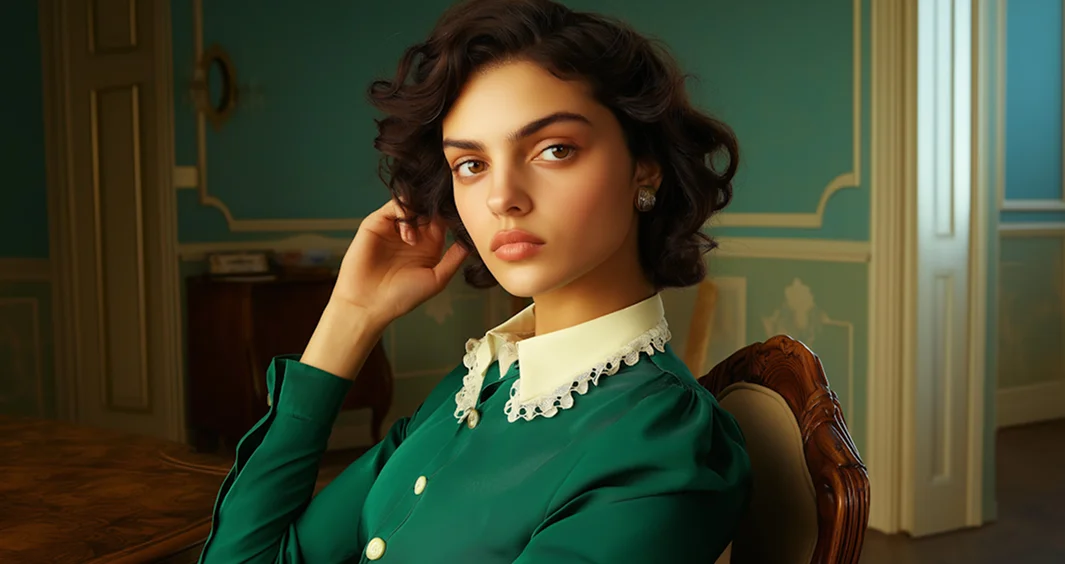
Key Features of AI Batch Face Swap
Bulk Face Swap Processing
AI batch face swap tool allows you to upload and process up to 50 images at once. With AI batch face swap, you can easily apply the same face across multiple photos without editing each one manually, making bulk face swap fast and efficient.
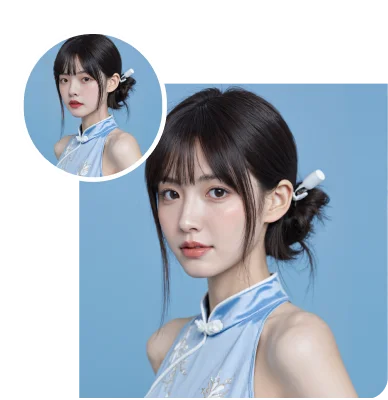
Automatic Face Detection
AI automatically detects faces in all uploaded images and applies accurate swaps. This helps batch face swap work smoothly without requiring manual adjustments.
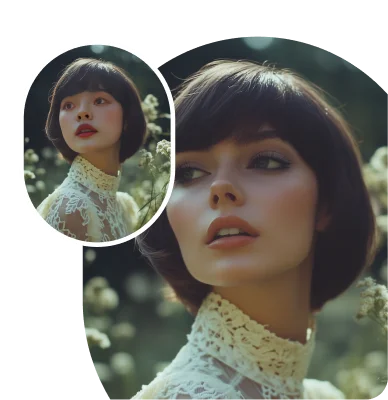
Expression & Lighting Matching
AI analyzes facial expressions, brightness, and shadows to ensure the swapped face blends naturally with each image for realistic results.
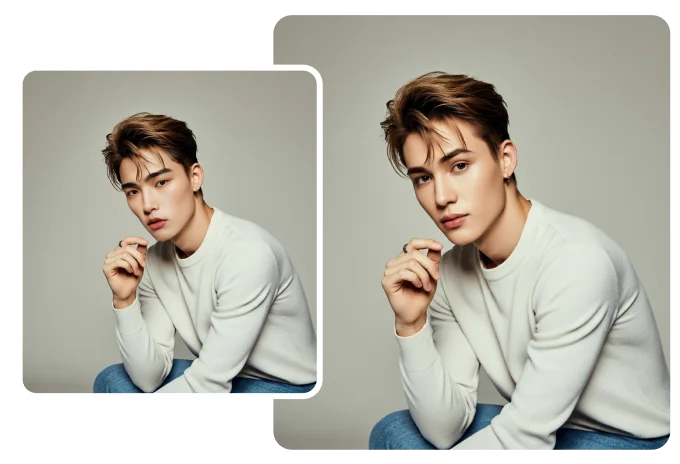
Identity Consistency
The system maintains consistent facial identity across all swapped images using advanced face swap AI, ensuring natural and uniform results in batch face swap processing.
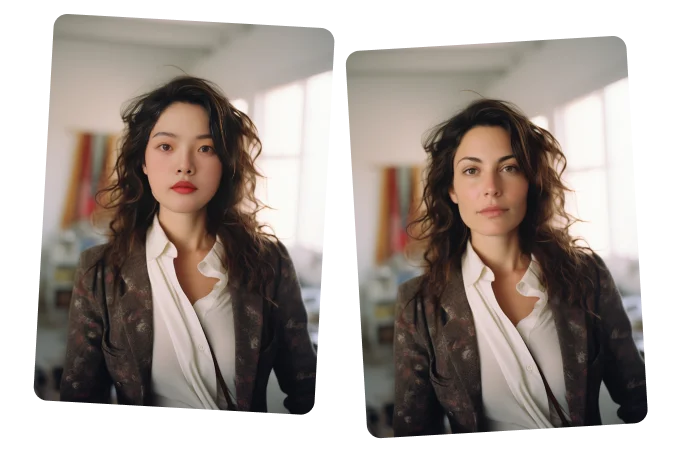
Use Cases of AI Batch Face Swap
Marketing & Advertising
- •Apply the same face across different model images
- •Create promotional visuals in bulk
- •Save time on manual editing using AI batch face swap
Entertainment & Meme Creation
- •Swap faces in multiple photos for fun edits
- •Create meme content using free batch face swap
- •Try different face combinations instantly
Creative Editing Projects
- •Use bulk face swap free for photo editing projects
- •Generate consistent swapped images
- •Apply face swap across multiple photos easily
Team or Group Photo Edits
- •Replace faces in group images
- •Maintain identity consistency across edits
- •Process multiple images in one go using batch face swap AI